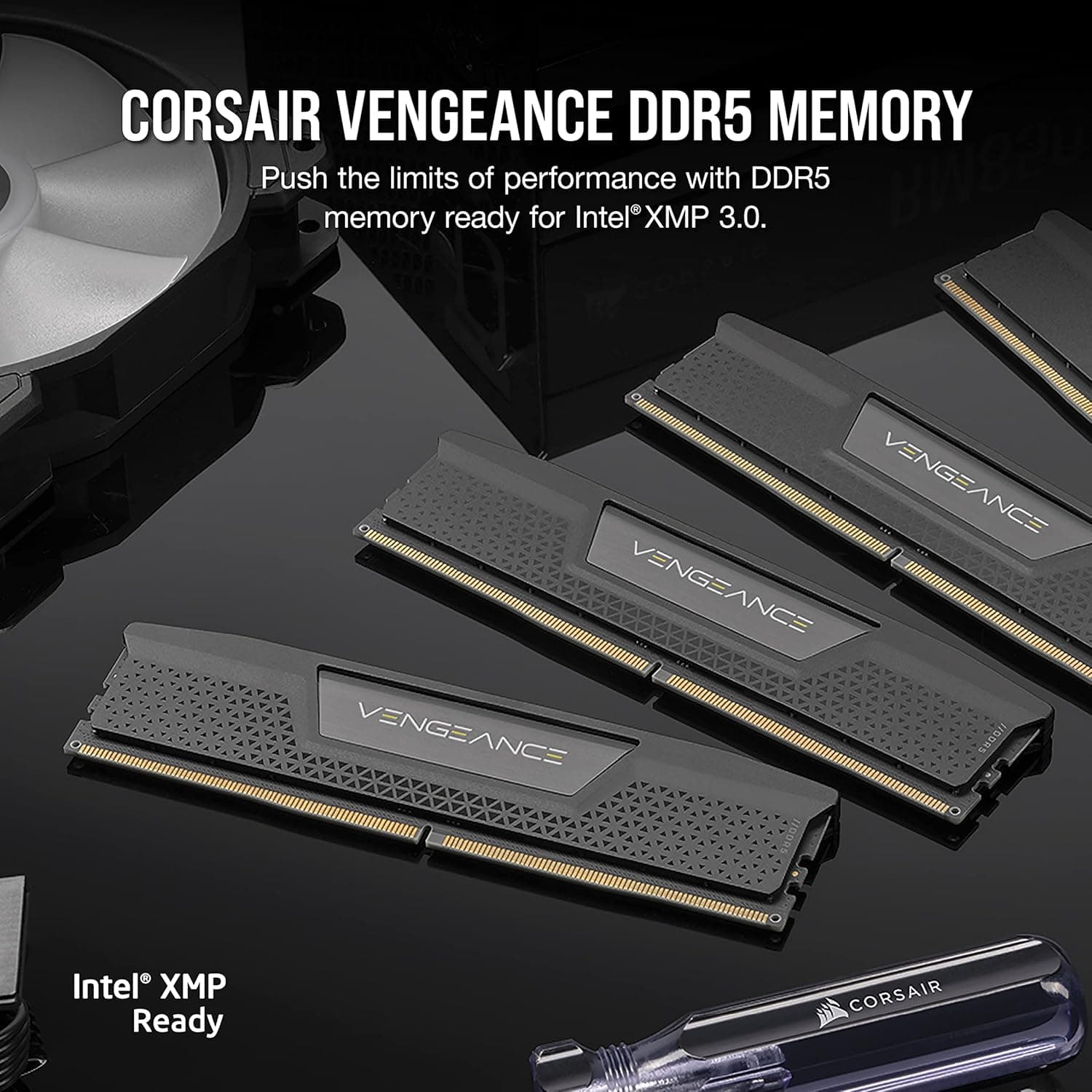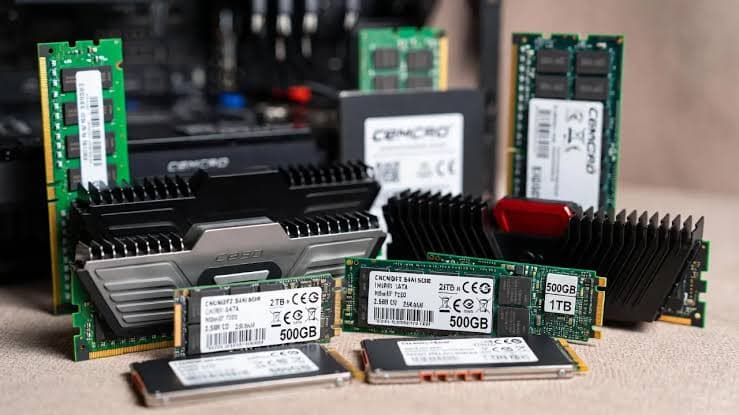

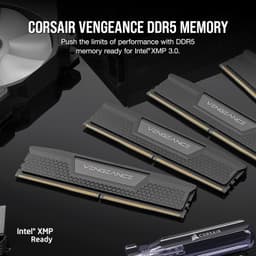
Corsair Vengeance RGB DDR5-6000 32GB (2×16GB)
Blazing‑fast DDR5 memory with stunning RGB lighting for next‑gen AMD and Intel platforms
Key Highlights
- 6000 MT/s CL30 – the ideal sweet spot for AMD and Intel
- 32 GB dual‑channel kit (2×16 GB) – perfect for gaming and multitasking
- 10 individually addressable RGB LEDs per module, iCUE compatible
- Supports both Intel XMP 3.0 and AMD EXPO one‑click overclocking
- 10‑layer PCB with aluminium heatspreader for stable high‑speed operation
- On‑die ECC and on‑DIMM PMIC for enhanced reliability and power efficiency
Overview
How It Works
DDR5 memory is built around two independent 32‑bit channels per DIMM and an on‑board Power Management IC (PMIC). Combined with on‑die ECC, advanced PCB design, and one‑click XMP/EXPO profiles, it delivers higher bandwidth and better stability than ever before. Here's how it works:
Dual 32‑Bit Channels
Each DDR5 module splits the 64‑bit data bus into two 32‑bit sub‑channels, doubling the burst length to 16. This dramatically improves memory access efficiency, especially in multi‑threaded workloads.
On‑Die ECC
Every DDR5 chip includes built‑in error correction that detects and fixes single‑bit errors on the fly. This is critical for maintaining data integrity at the ultra‑high speeds DDR5 achieves.
On‑DIMM Power Management (PMIC)
Instead of relying on the motherboard, each module carries its own PMIC that regulates voltage with high precision. This reduces noise and allows for more aggressive overclocking.
10‑Layer PCB & Signal Integrity
Corsair's custom 10‑layer PCB minimises electromagnetic interference and crosstalk. Optimised trace routing ensures clean signals even at 6000 MT/s and beyond.
XMP 3.0 & AMD EXPO
The SPD hub stores multiple overclocking profiles. Enable XMP 3.0 (Intel) or EXPO (AMD) in the BIOS, and the motherboard automatically applies the correct frequency, timings, and voltage – no manual tuning required.
Thermal Management
The aluminium heatspreader and direct‑contact thermal pads efficiently dissipate heat from the memory ICs and PMIC, keeping temperatures in check even under sustained heavy loads.
Key Features
6000 MT/s at CL30
An ideal sweet spot for both Intel 13th/14th Gen and AMD Ryzen 7000/8000 series processors. The tight CL30 latency ensures snappy responsiveness in games and applications.
Dynamic RGB Lighting
Ten individually addressable LEDs per module deliver vibrant, smooth lighting effects. Fully customisable through Corsair iCUE, with support for motherboard sync (Aura, Mystic Light, etc.).
Dual‑Channel Kit (2×16 GB)
32 GB total capacity is perfect for modern gaming, streaming, and multitasking. The dual‑rank configuration helps feed data to the CPU efficiently.
XMP 3.0 & EXPO Ready
Achieve the rated 6000 MT/s with a single BIOS click. No manual tweaking – the profile sets frequency, timings, and voltage automatically.
On‑Die ECC & PMIC
Built‑in error correction and per‑module power management improve stability and reliability, especially at high speeds.
Low‑Profile Heatspreader
The sleek aluminium design ensures compatibility with large air coolers while providing effective thermal dissipation.
DDR5 vs DDR4: What's Really Different?
Architecture, speed, and efficiency compared
Bandwidth Doubled
DDR5 starts at 4800 MT/s and easily reaches 6000+ MT/s, while DDR4 typically tops out around 3600 MT/s. This translates to much higher read/write speeds, directly benefiting gaming frame rates and content creation tasks.
Lower Voltage
DDR5 operates at 1.1V (vs 1.2V for DDR4), reducing power consumption despite the higher performance. The on‑DIMM PMIC further improves efficiency.
On‑Die ECC
DDR5 is the first consumer memory standard to feature on‑die ECC. It's not the same as server‑grade ECC (which covers data in transit), but it dramatically improves internal reliability.
Capacity Leap
DDR5 supports up to 64 GB per module (vs 32 GB for DDR4), allowing mainstream systems to reach 256 GB or more with four‑slot boards.
Choosing the Right Speed for Your CPU
Intel vs AMD: optimal frequencies for real‑world performance
AMD Ryzen 7000/8000
The sweet spot is 6000 MT/s at CL30. This keeps the memory controller in 1:1 (UCLK:MEMCLK) mode, providing the lowest latency. Higher speeds may force a 1:2 ratio, actually reducing performance.
Intel 13th/14th Gen
Intel CPUs can run much higher speeds – 7200+ MT/s is common. However, 6000–6400 MT/s offers the best price‑to‑performance ratio. For gaming, higher speeds still yield measurable gains.
XMP vs EXPO
XMP 3.0 is Intel's standard; EXPO is AMD's open alternative. This kit supports both, so you're covered regardless of platform.
✓ Pros
- ✓Excellent 6000 MT/s speed with tight CL30 timings – perfect sweet spot
- ✓Vibrant, customisable RGB with ten LEDs per module
- ✓Solid build quality with a 10‑layer PCB and aluminium heatspreader
- ✓Works flawlessly with both Intel XMP 3.0 and AMD EXPO
- ✓On‑die ECC and PMIC enhance stability and reliability
- ✓Low‑profile design fits under most large air coolers
- ✓32 GB dual‑channel kit is ideal for gaming, streaming, and creative work
- ✓Backed by Corsair's lifetime limited warranty
✗ Cons
- ✗No temperature sensor exposed to software (must rely on motherboard sensors)
- ✗RGB requires iCUE software, which can be resource‑heavy
- ✗6000 MT/s CL30 is not the absolute fastest DDR5 available (but it's the sweet spot)
- ✗Taller modules may still conflict with some oversized CPU coolers
Use Cases
Technical Specifications
Corsair Vengeance DDR5-6000 vs G.Skill Trident Z5 vs Kingston Fury Beast DDR5-6000
| Feature | corsair | gskill | kingston | |
|---|---|---|---|---|
| Speed | 6000 MT/s | 6000 MT/s | 6000 MT/s | |
| Timings | CL30-36-36-76 | CL30-38-38-96 | CL36-38-38-80 | |
| Voltage | 1.35V | 1.35V | 1.35V | |
| RGB | 10 LEDs, iCUE | RGB, Trident Z software | RGB, FURY CTRL | |
| PCB Layers | 10‑layer | 10‑layer | 8‑layer | |
| XMP / EXPO | Both | Both | Both |
Setup Tips
Enable XMP / EXPO After First Boot
Enter the UEFI BIOS (usually Del or F2 during startup), navigate to the overclocking section, and enable XMP 3.0 (Intel) or EXPO (AMD). Save and exit – your memory will now run at 6000 MT/s.
Update Your BIOS
Early DDR5 motherboards had memory compatibility issues. Updating to the latest BIOS ensures the best compatibility with high‑speed kits and may unlock additional frequency options.
Place Modules in the Correct Slots
For dual‑channel operation, install the modules in the second and fourth slots (A2 and B2) on most motherboards. Check your motherboard manual for the exact configuration – using the wrong slots can prevent XMP/EXPO from working.
Monitor Temperatures
DDR5 modules can run warm, especially when overclocked. Ensure your case has adequate airflow over the memory area. Most motherboards report DRAM temperature in the BIOS or via monitoring software.