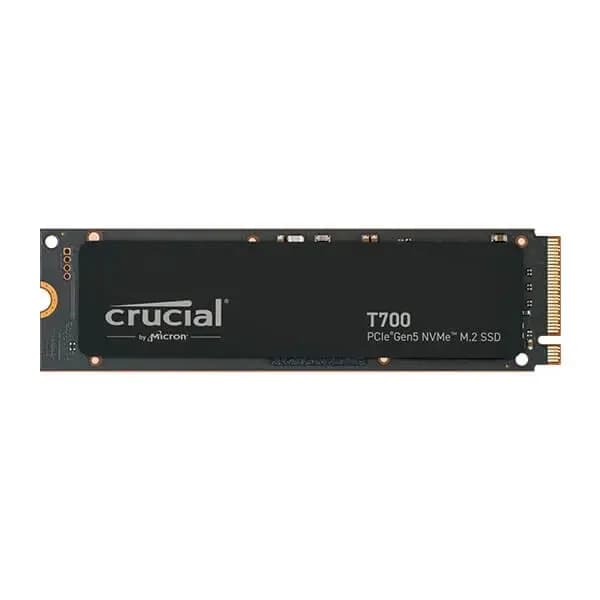

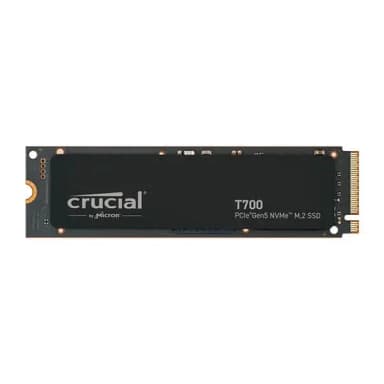
Crucial T700 2TB PCIe Gen5 NVMe M.2 SSD
Blistering 12,400 MB/s read speeds – built for next‑gen gaming, AI, and content creation
Key Highlights
- 12,400 MB/s sequential read – PCIe 5.0 speeds for next‑gen systems
- 2 TB capacity with Micron 232‑layer TLC NAND
- Integrated vapour‑chamber heatsink for sustained performance
- DirectStorage support for lightning‑fast game loads
- 1400 TBW endurance, 5‑year warranty
Overview
How It Works
The Crucial T700 leverages PCIe 5.0 x4, a native Gen5 controller, and Micron’s latest 232‑layer NAND to achieve unprecedented speed. Here’s what happens under the hood:
PCIe 5.0 x4 Interface
The drive connects via four PCIe 5.0 lanes, providing 16 GB/s of raw bandwidth. This is double the 8 GB/s of PCIe 4.0, allowing sequential reads to exceed 12,000 MB/s.
Phison E26 Controller
The first commercially available PCIe 5.0 SSD controller. Eight NAND channels, each at 2400 MT/s, feed data to the host. Advanced error correction (LDPC) and RAID‑like ECC ensure data integrity.
Micron 232‑Layer TLC NAND
The highest‑density consumer NAND available. 232 layers of charge‑trap flash provide excellent endurance (1400 TBW for 2 TB) and consistent performance under sustained loads.
SLC Caching & DRAM Buffer
A large SLC cache absorbs burst writes at full speed. Once the cache fills, writes continue at native TLC speeds (around 2,000 MB/s). The 2 GB DRAM buffer holds the mapping table, reducing latency.
DirectStorage & NVMe 2.0
With Microsoft DirectStorage, the GPU can directly access game assets on the SSD, bypassing the CPU. This slashes load times and enables seamless open‑world streaming.
Thermal Management
The optional heatsink uses a vapor chamber and micro‑fins to dissipate heat. The drive also throttles gracefully under heavy load, preventing thermal damage.
Key Features
12,400 MB/s Reads
Blazing sequential read speeds that make PCIe 4.0 drives feel slow. Boot Windows, launch apps, and load massive projects in seconds.
PCIe 5.0 x4 Interface
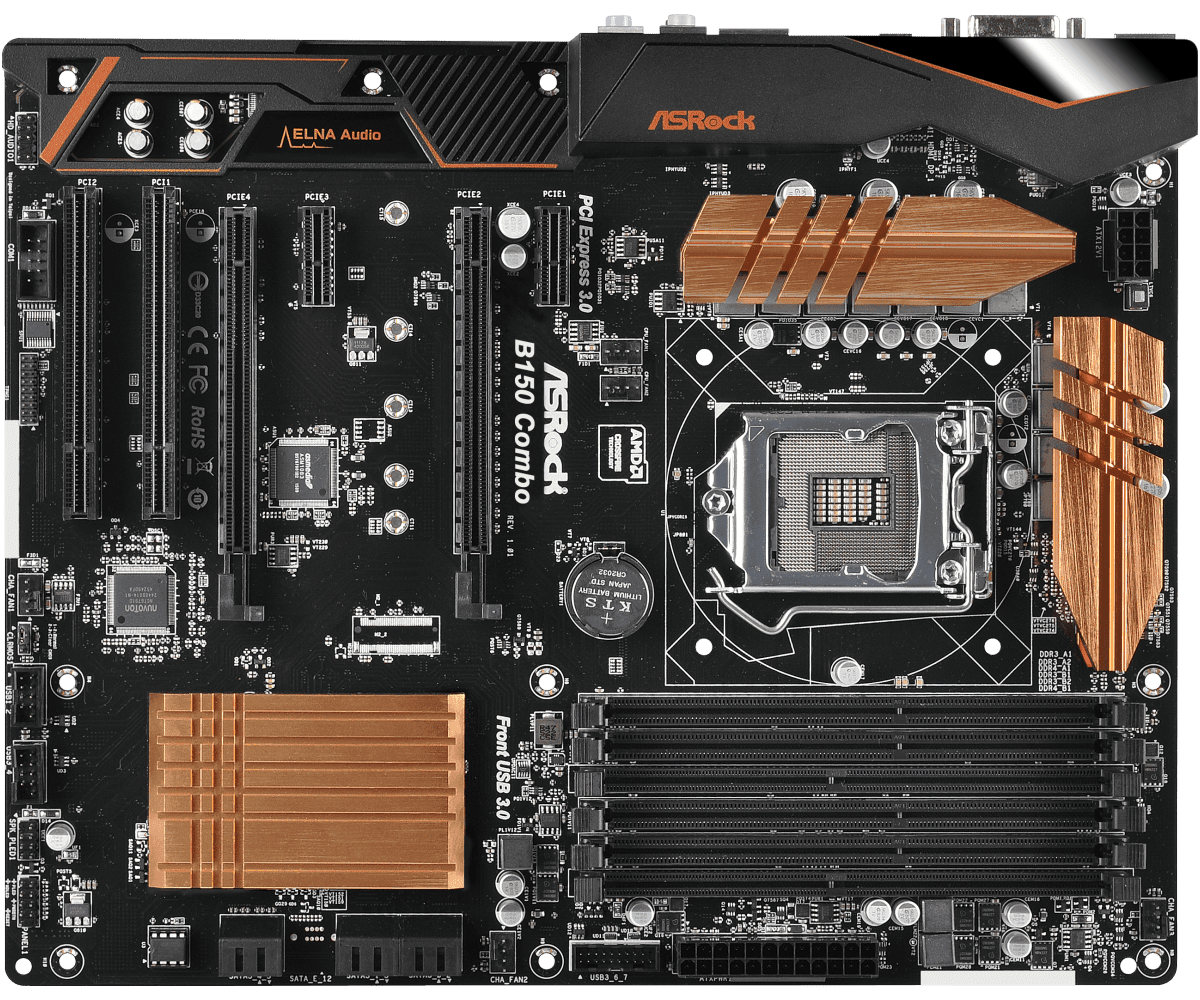
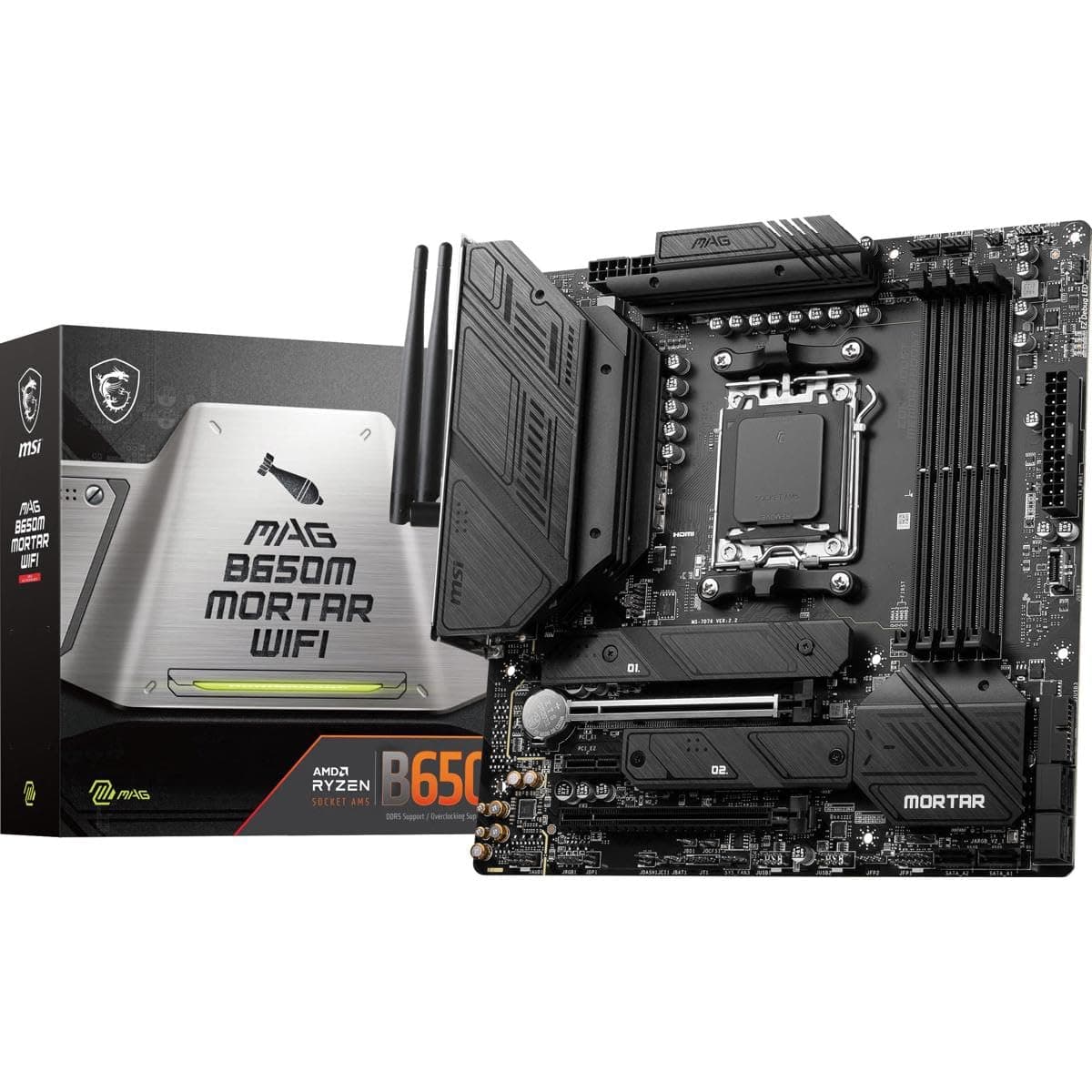
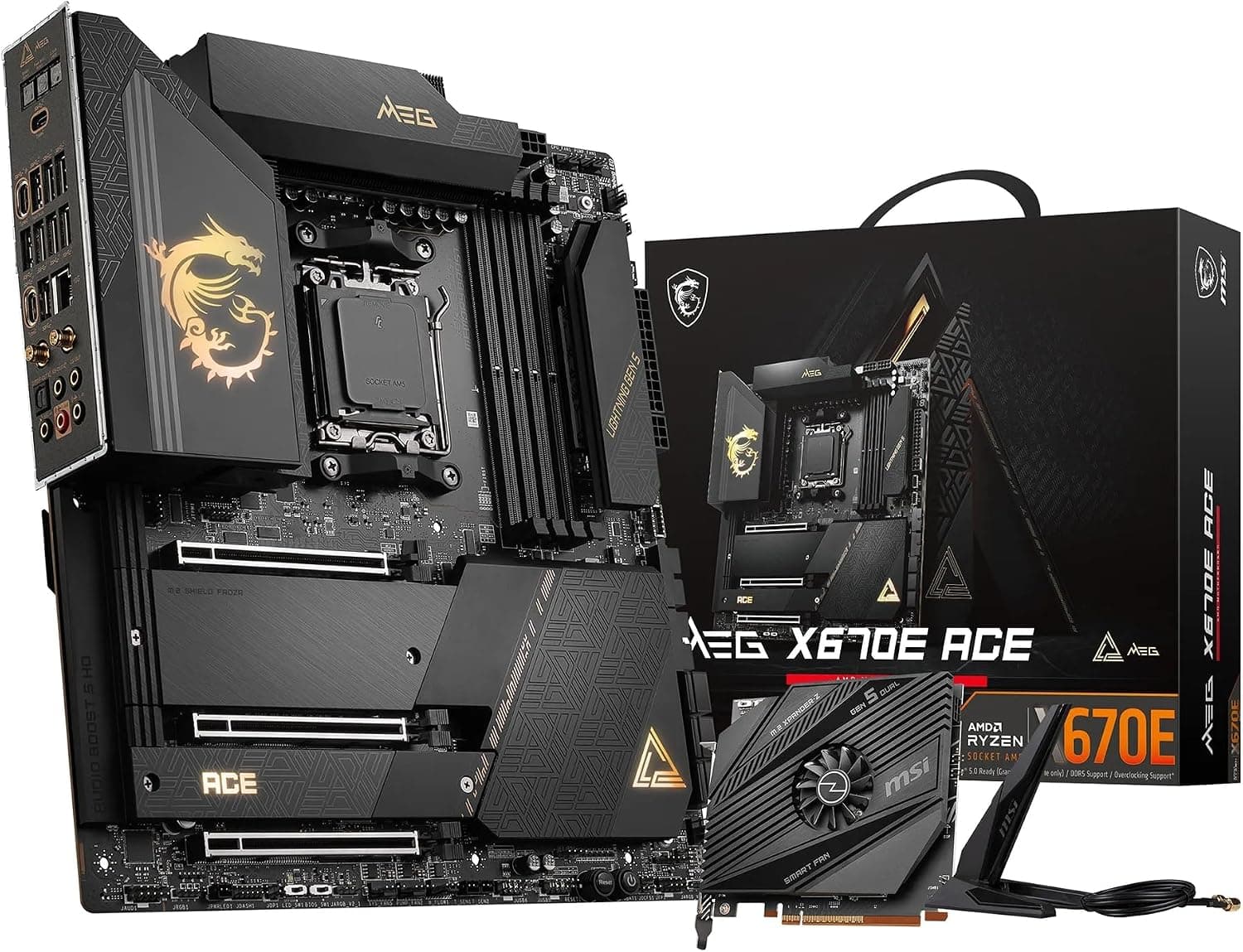
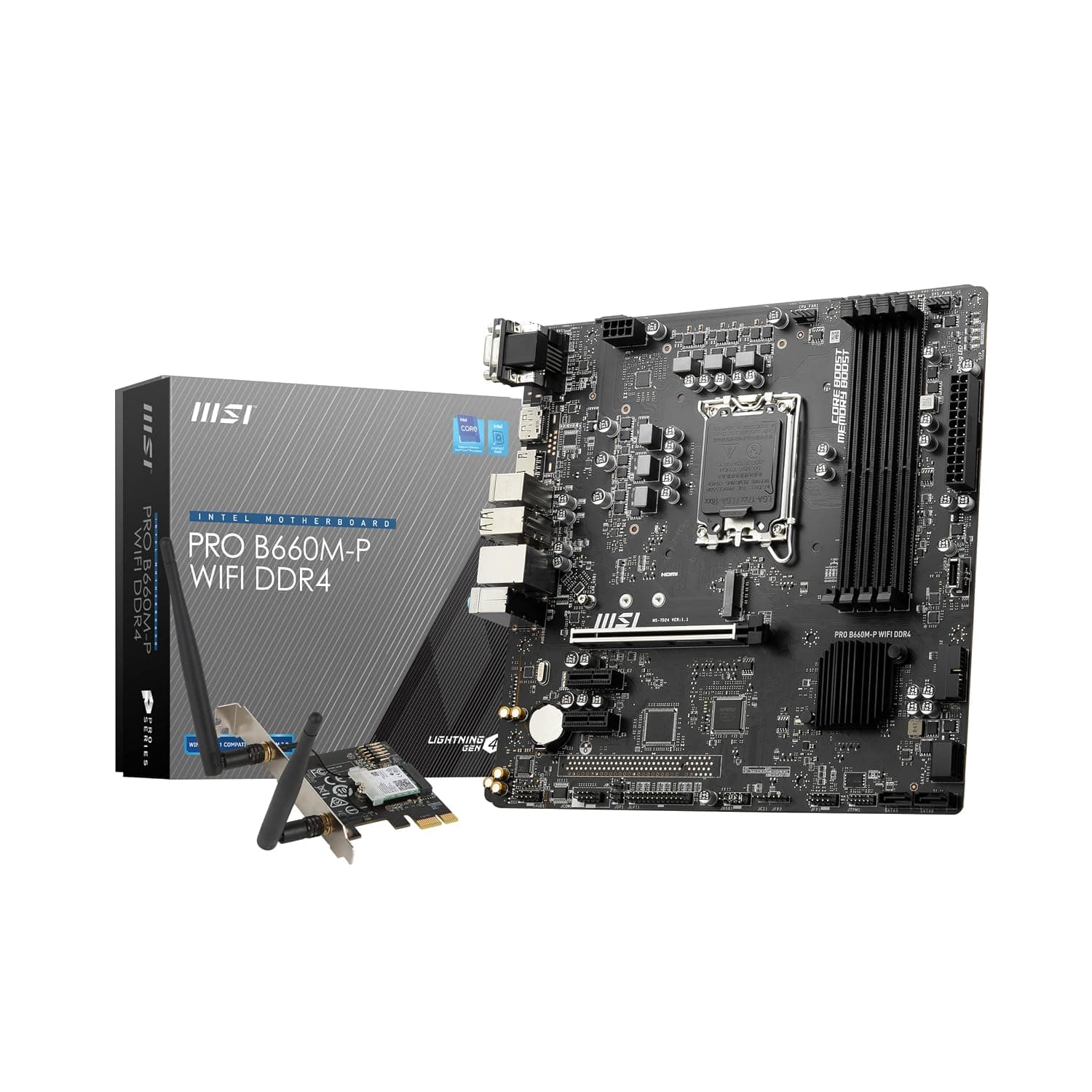
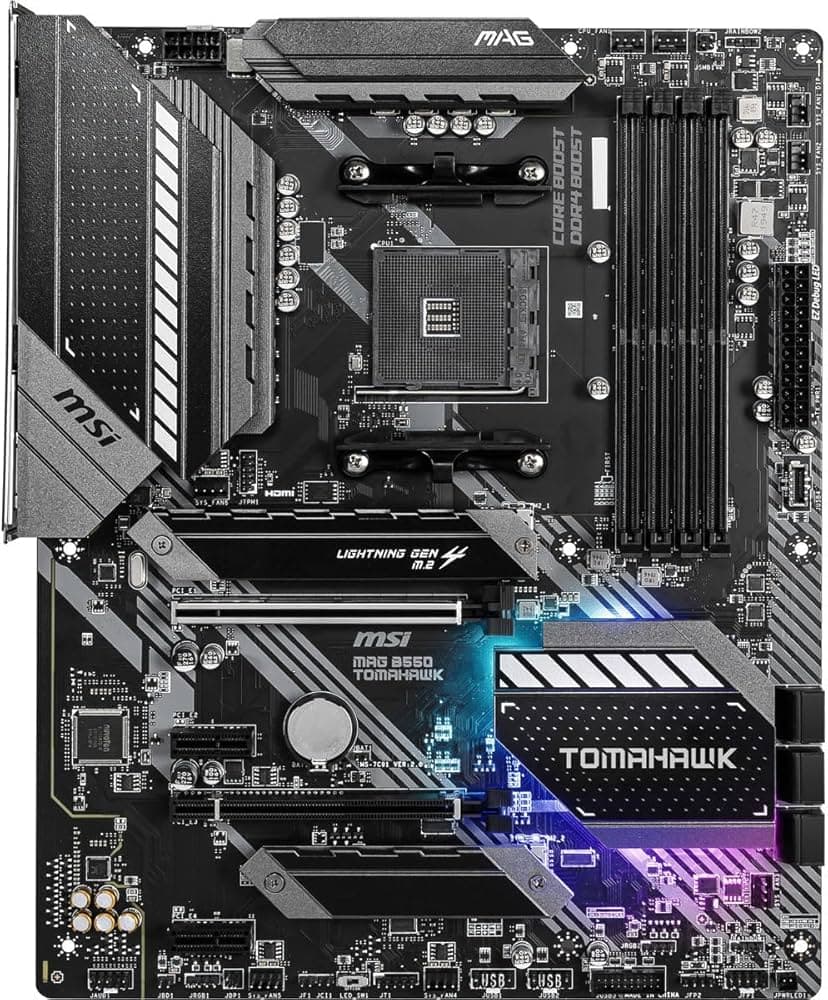
Full compatibility with AMD AM5 and Intel 12th‑14th Gen platforms. Backward‑compatible with PCIe 4.0 slots (at reduced speed).
2 TB Capacity
Enough room for your OS, a large game library, 4K/8K video projects, and AI datasets. Also available in 1 TB and 4 TB.
Integrated Heatsink Option
A sleek, low‑profile aluminium heatsink with vapor chamber technology keeps the drive cool even under sustained writes. Or choose the bare version for motherboard M.2 armour.
Microsoft DirectStorage Optimised
Future‑proofed for next‑gen gaming. Games that support DirectStorage will load assets directly from the T700 to the GPU, eliminating CPU bottlenecks.
1400 TBW Endurance
Rated for 1400 terabytes written over the drive’s lifetime—equivalent to writing 767 GB per day for five years. Backed by a 5‑year warranty.
✓ Pros
- ✓Unmatched sequential read/write speeds – perfect for high‑end workloads
- ✓PCIe 5.0 future‑proofs your system for next‑gen applications
- ✓Available with an effective vapour‑chamber heatsink
- ✓Excellent endurance rating (1400 TBW for 2 TB)
- ✓Supports Microsoft DirectStorage for faster game loading
- ✓Competitive price for a Gen5 drive ($270 for 2 TB)
- ✓5‑year warranty from a trusted brand (Micron subsidiary)
✗ Cons
- ✗Requires a motherboard with a PCIe 5.0 M.2 slot to achieve full speed
- ✗Runs hot without a heatsink—active cooling recommended for sustained writes
- ✗Slower sustained write speeds after SLC cache is exhausted (~2,000 MB/s)
- ✗No hardware encryption (AES 256‑bit) included – software solutions required
- ✗Price is higher than high‑end PCIe 4.0 drives (but justified by speed)
Use Cases
Technical Specifications
Crucial T700 vs Samsung 990 Pro vs WD Black SN850X
| Feature | crucialT700 | samsung990Pro | wdSn850x | |
|---|---|---|---|---|
| Interface | PCIe 5.0 x4 | PCIe 4.0 x4 | PCIe 4.0 x4 | |
| Sequential Read | 12,400 MB/s | 7,450 MB/s | 7,300 MB/s | |
| Sequential Write | 11,800 MB/s | 6,900 MB/s | 6,600 MB/s | |
| Random Read IOPS | 1,500K | 1,400K | 1,000K | |
| Endurance (2TB) | 1400 TBW | 1200 TBW | 1200 TBW | |
| Heatsink Option | Vapor Chamber | Metal Label | Optional Heatsink |
Setup Tips
Install in the Primary M.2 Slot
On most motherboards, the slot closest to the CPU (often labelled M.2_1 or Hyper M.2) is wired for PCIe 5.0. Consult your motherboard manual to ensure you're using the correct slot.
Enable PCIe 5.0 in BIOS
Some motherboards default the M.2 slot to PCIe 4.0. Enter the UEFI BIOS, navigate to Advanced → Onboard Devices Configuration, and set the M.2 link speed to Gen5.
Use the Heatsink
If you bought the version with the integrated heatsink, install it. If not, use your motherboard’s M.2 armour. Never run the drive bare under heavy writes.
Update Your SSD Firmware
Download Crucial Storage Executive from crucial.com. Check for firmware updates to ensure optimal performance and compatibility.