
Android 15
Smarter, safer, and more personal. The best of Google, now on your device.
Overview
How It Works
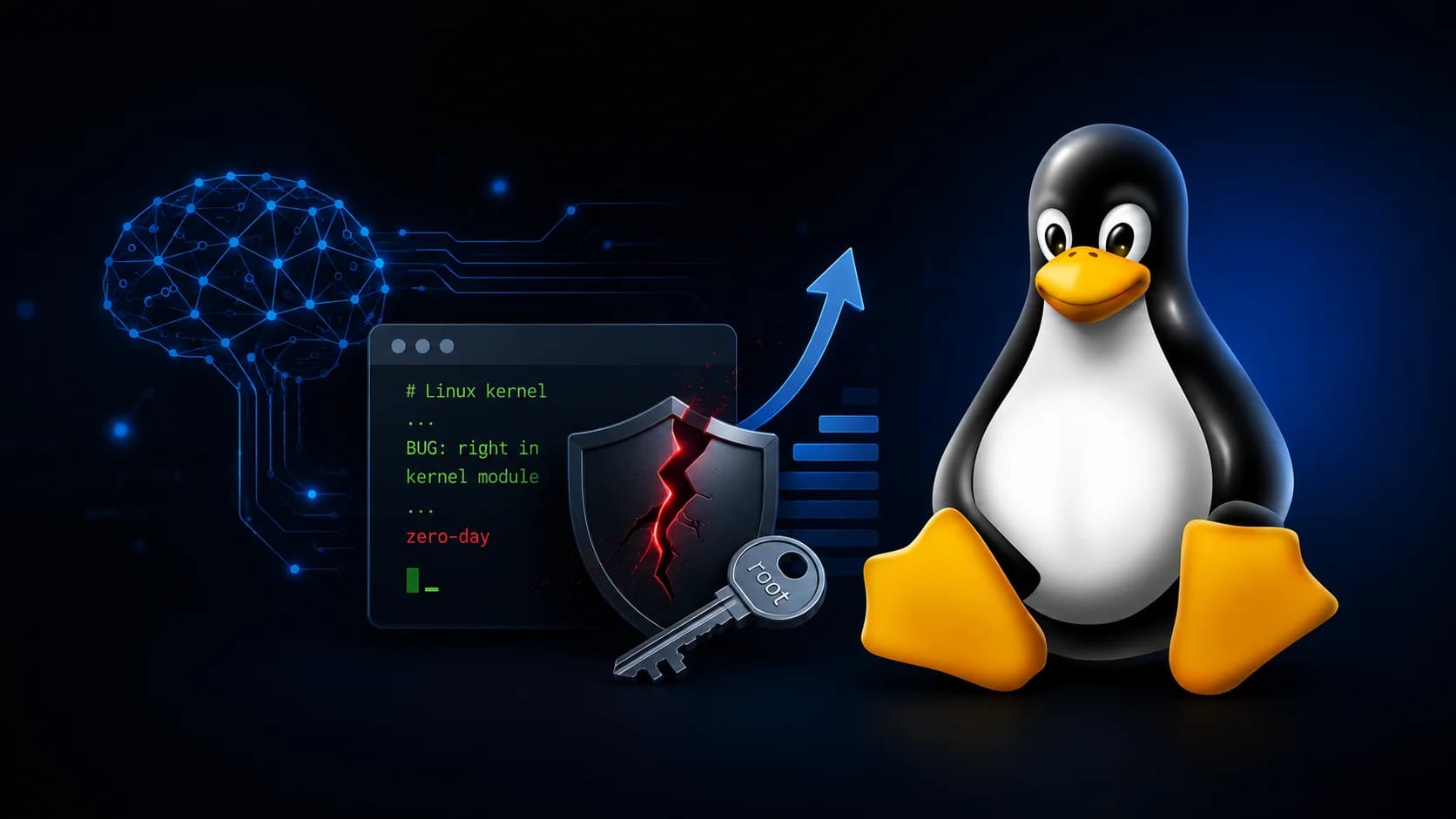
Android 15 is built on the Linux kernel with a multi‑layer architecture that separates hardware, system services, and apps. New privacy and AI features run on‑device, keeping your data safe. Here’s how the magic unfolds:
Linux Kernel & HAL
The Linux kernel manages memory, processes, and drivers. The Hardware Abstraction Layer (HAL) provides a standard interface for the camera, sensors, and audio, so the OS can work across thousands of different devices.
Android Runtime (ART) & App Sandbox
Apps are compiled to run on ART, which uses ahead‑of‑time compilation for faster startup. Each app lives in its own sandbox with a unique Linux user ID, preventing unauthorised access to other apps’ data.
Material You Theming Engine
The system extracts dominant colours from your wallpaper and generates a personalised Material You palette. This palette is applied to the entire UI – buttons, sliders, notifications, and app icons – creating a unique look for each user.
Private Space
A separate user profile that you unlock with an additional authentication method. Apps, files, and notifications inside Private Space are completely isolated, so you can keep work and personal life separate with total peace of mind.
Theft Detection Lock & AI
On‑device machine learning detects sudden snatching motions and instantly locks the screen. Combined with Find My Device and remote lock, your data stays safe even if the phone is taken.
Project Mainline & Updates
Critical system components are updated through Google Play, independently of manufacturer updates. This means security patches and new features reach your device faster, without waiting for a full system OTA.
Key Features
Private Space
Create a secure, separate profile for sensitive apps. Lock it with a different PIN or biometric, and keep work, personal, or health data completely isolated from the main profile.
Theft Detection Lock
AI detects if your phone is suddenly snatched and locks the screen immediately. Combined with remote lock via Find My Device, your data is protected even in an emergency.
Satellite Messaging
Send emergency texts via satellite when you’re outside cellular range. Android 15 is the first version to natively support satellite connectivity for two‑way messaging.
Material You 2.0
More personalised colour palettes, smoother animations, and adaptive widgets. Your phone’s design evolves with your wallpaper, creating a UI that’s uniquely yours.
Gemini AI Everywhere
Google’s generative AI is woven throughout Android 15. Summarise web pages, generate smart replies, translate conversations in real time, and ask contextual questions about what’s on your screen.
Partial Screen Sharing
Share or record only a single app window instead of your entire screen. Perfect for privacy during meetings, presentations, or helping a friend troubleshoot.
Health Connect
A central hub for all your fitness and health data. Android 15 integrates Health Connect deeper into the OS, allowing apps to share data securely with your consent.
Per‑App Language & Accessibility
Set a different language for individual apps. Improved accessibility features include a new magnifier, better braille display support, and enhanced TalkBack.
Pros
- ✓Highly customisable with Material You – every phone feels unique
- ✓Private Space offers true data isolation without third‑party apps
- ✓Theft Detection Lock adds an extra layer of physical security
- ✓Satellite messaging expands connectivity to remote areas
- ✓Gemini AI integration makes daily tasks faster and more intuitive
- ✓Project Mainline ensures timely security updates
- ✓Open‑source nature encourages a huge developer and manufacturer ecosystem
Cons
- ✗Feature roll‑out depends on manufacturer; some brands delay updates
- ✗Private Space requires learning a new authentication method
- ✗Satellite messaging requires specific hardware – not available on all phones
- ✗AI features are cloud‑powered and require an internet connection for full functionality
- ✗Material You theming can be inconsistent across third‑party apps
Use Cases
Technical Specifications
Android 15 vs iOS 18 vs HarmonyOS NEXT
| Feature | android15 | ios18 | harmonyos | |
|---|---|---|---|---|
| Customisation | Material You (per‑device) | Limited (themes, widgets) | Custom themes | |
| Private Space | Yes (separate profile) | No (App Lock only) | Private Space (similar) | |
| Theft Detection | On‑device AI | Stolen Device Protection | Not available | |
| Satellite Messaging | Yes (emergency texts) | Emergency SOS only | Yes (select devices) | |
| AI Assistant | Gemini (on‑device + cloud) | Apple Intelligence (on‑device) | Pangu AI | |
| App Store | Google Play + third‑party | App Store only | AppGallery | |
| Update Model | Project Mainline + OEM | Apple direct | Huawei direct |