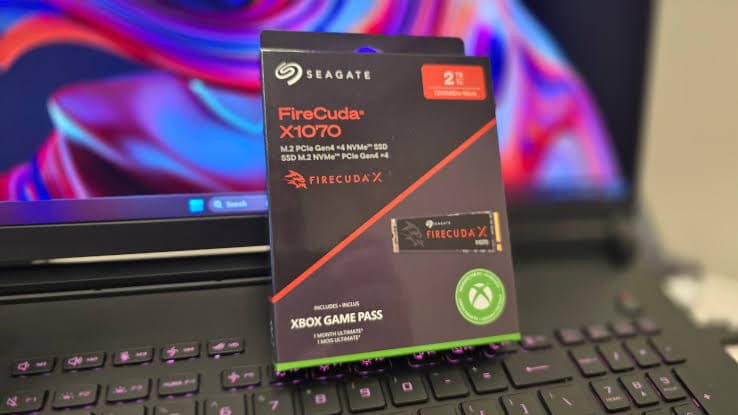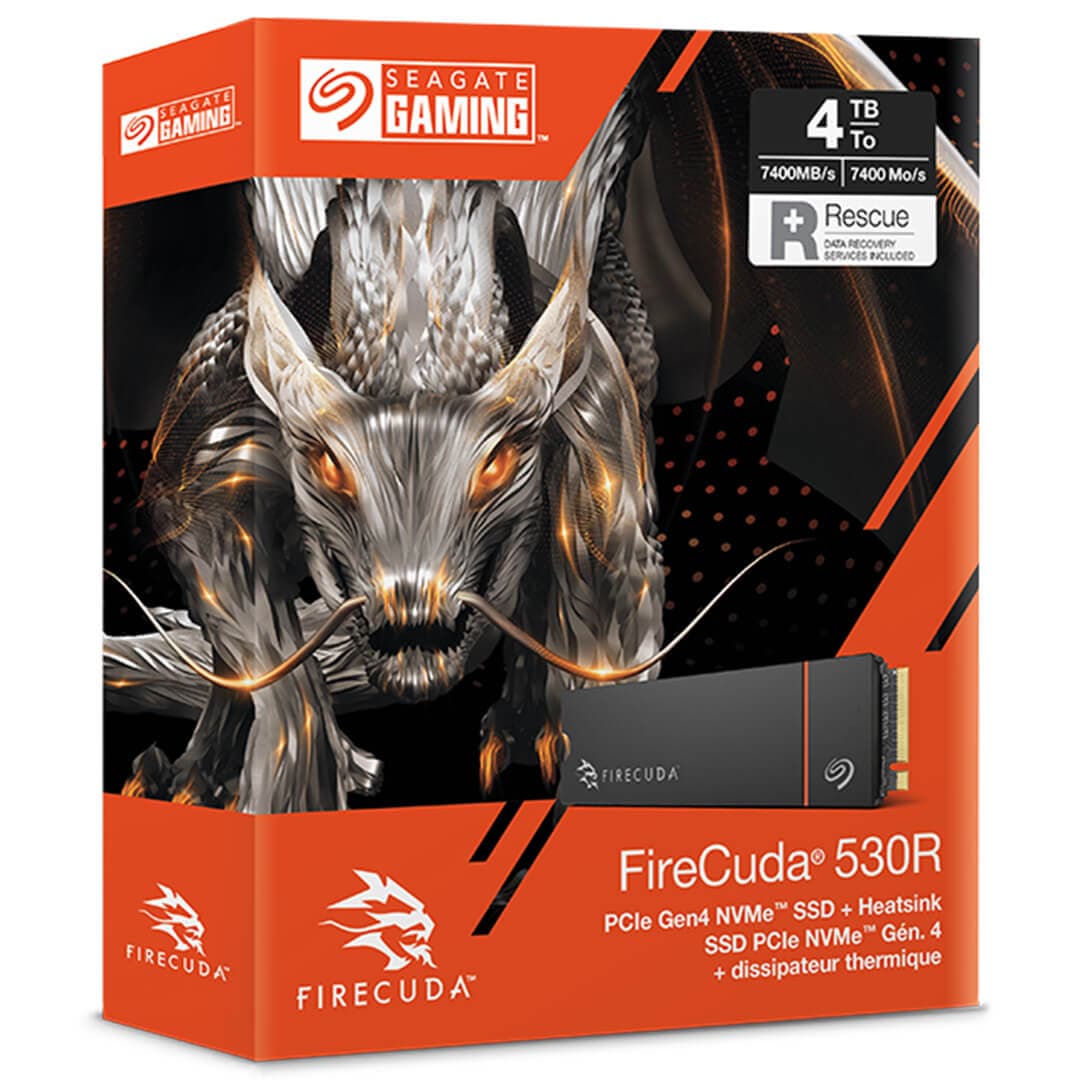
Seagate FireCuda 540 2TB PCIe Gen5 NVMe M.2 SSD
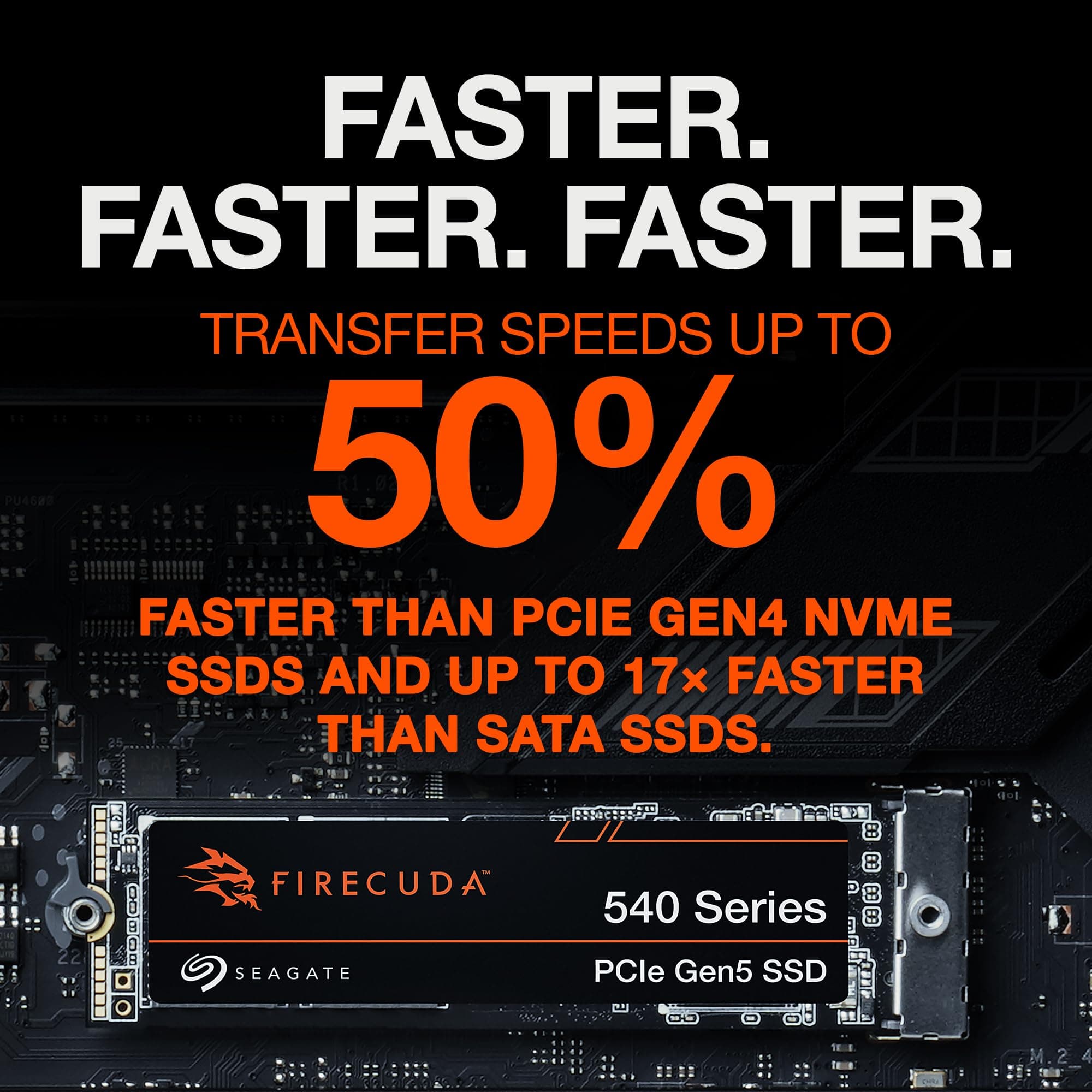
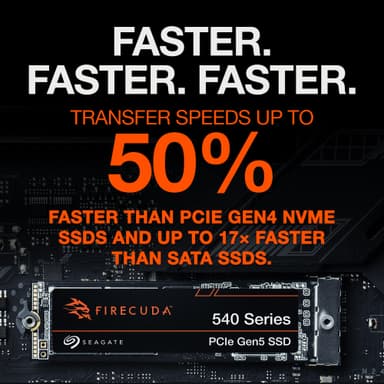
Blazing 10,000 MB/s read/write speeds – PCIe Gen5 performance with industry-leading endurance and data recovery
Key Highlights
- 10,000 MB/s sequential read/write – symmetrical PCIe Gen5 performance
- 2 TB capacity with Micron 232‑layer TLC NAND and Phison E26 controller
- Industry‑leading 2,000 TBW endurance – highest among PCIe 5.0 drives
- DirectStorage support for lightning‑fast game loads
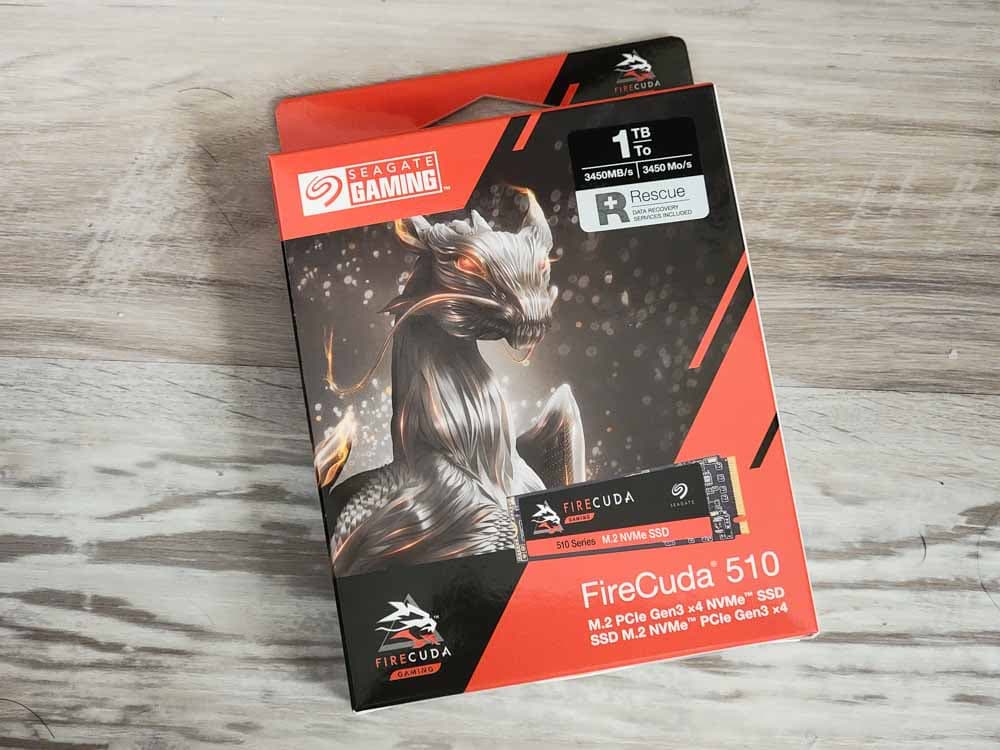
- 5‑year warranty + 3‑year Rescue Data Recovery Services included
Overview
How It Works
The Seagate FireCuda 540 leverages PCIe 5.0 x4, a native Gen5 Phison E26 controller, and Micron's 232‑layer TLC NAND to deliver elite Gen5 performance. Here's what happens under the hood:
PCIe 5.0 x4 Interface
The drive connects via four PCIe 5.0 lanes, providing 16 GB/s of raw bandwidth—double that of PCIe 4.0. This enables sequential read and write speeds to reach 10,000 MB/s.[reference:34][reference:35]
Phison PS5026‑E26 Controller
A native PCIe 5.0 controller with eight NAND channels running at 2,400 MT/s. Features advanced error correction (LDPC) and a 5‑core ARM/RISC‑V architecture for low latency and high throughput.[reference:36][reference:37]
Micron 232‑Layer TLC NAND
The highest‑density consumer NAND available. 232 layers of replacement‑gate, charge‑trap flash provide excellent endurance and consistent performance under sustained loads.[reference:38][reference:39]
pSLC Caching & DRAM Buffer
A large pseudo‑SLC cache (∼110 GB for 1 TB) absorbs burst writes at full speed. Once the cache fills, writes continue at native TLC speeds. The DRAM buffer holds the mapping table, reducing access latency.[reference:40][reference:41]
DirectStorage & NVMe 2.0
With Microsoft DirectStorage, the GPU can directly access game assets on the SSD, bypassing the CPU. This slashes load times and enables seamless open‑world streaming.[reference:42][reference:43]
Thermal Management
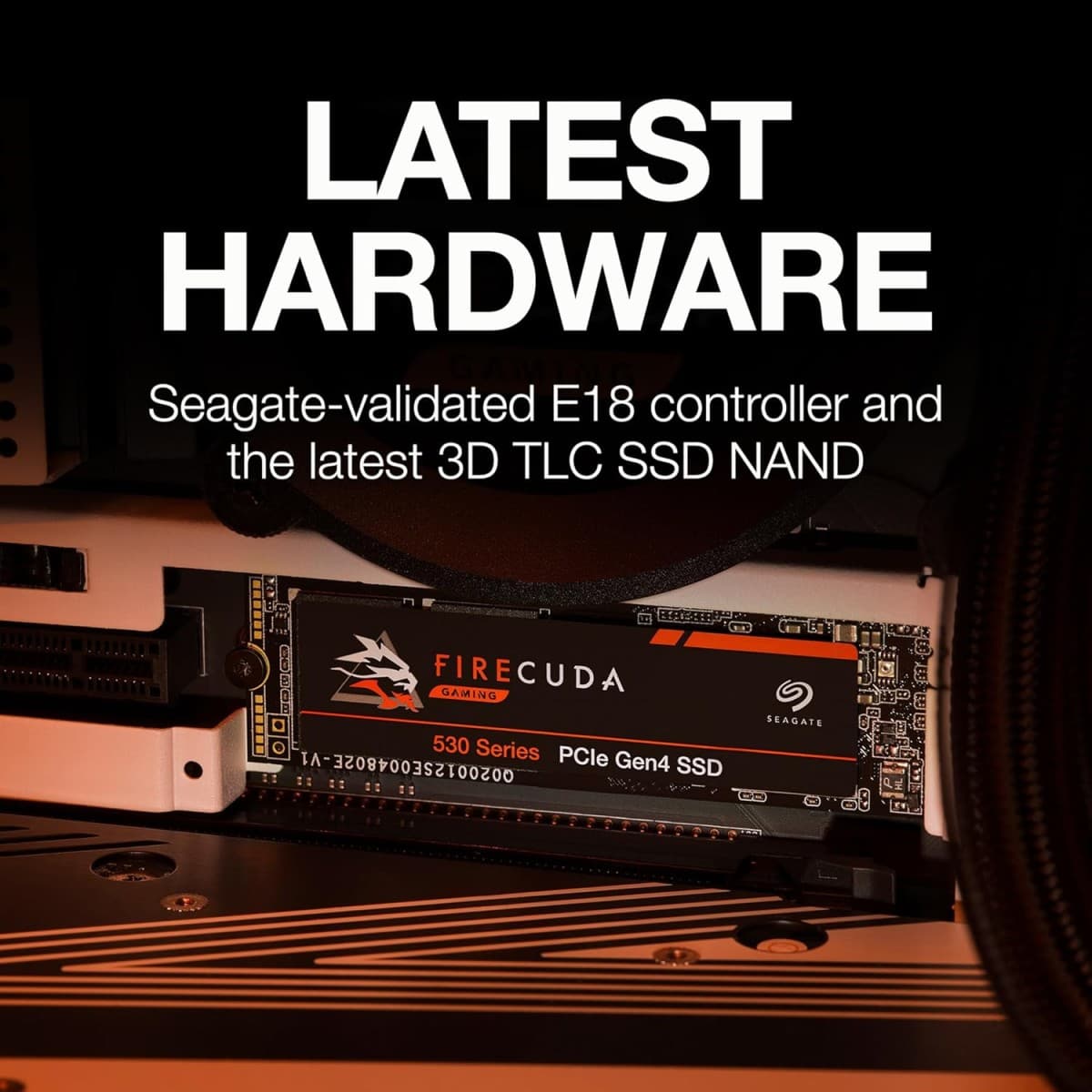
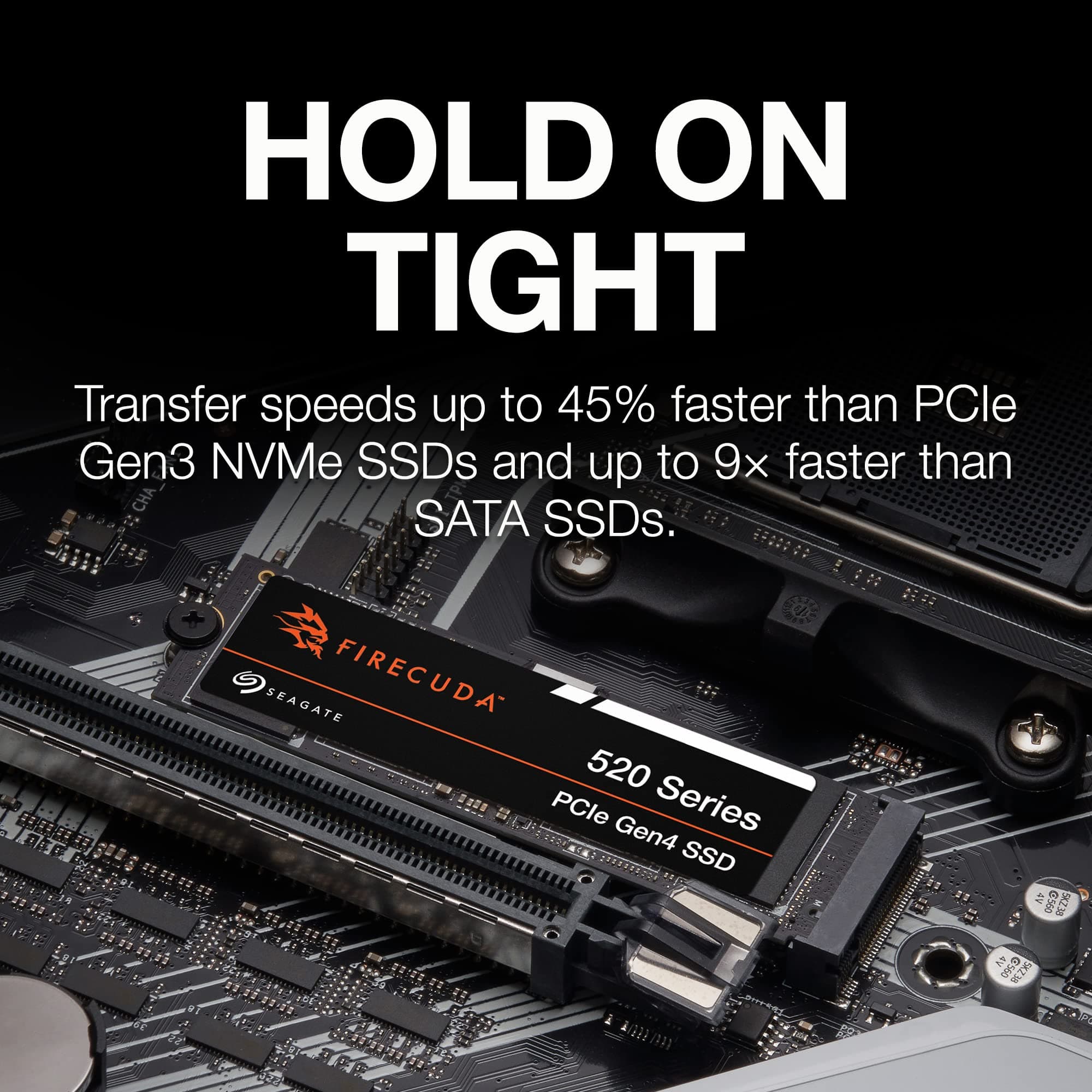
The drive ships without an integrated heatsink[reference:44][reference:45] and relies on motherboard M.2 cooling or aftermarket solutions. Advanced thermal throttling protects the drive during sustained heavy writes.[reference:46]
Key Features
10,000 MB/s Read & Write
Blazing symmetrical sequential read and write speeds that fully harness PCIe Gen5 bandwidth. Boot Windows, launch apps, and load massive projects in seconds.[reference:47]
PCIe 5.0 x4 Interface
Full compatibility with AMD and Intel PCIe 5.0 platforms. Backward‑compatible with PCIe 4.0 slots (at reduced speed).[reference:48][reference:49]
2 TB Capacity
Ample room for your OS, a massive game library, 4K/8K video projects, and creative workloads. Also available in 1 TB and 4 TB.[reference:50]
Industry‑Leading Endurance
Rated for 2,000 TBW (terabytes written)—the highest endurance rating among PCIe 5.0 consumer SSDs[reference:51]. Equivalent to writing 1 TB of data every day for five years.[reference:52]
Microsoft DirectStorage Optimised
Future‑proofed for next‑gen gaming. Games that support DirectStorage will load assets directly from the FireCuda 540 to the GPU, eliminating CPU bottlenecks.[reference:53][reference:54]
5‑Year Warranty + 3‑Year Data Recovery
Backed by a 5‑year limited warranty and 3 years of Seagate Rescue Data Recovery Services[reference:55]—providing peace of mind and professional data recovery in case of failure.[reference:56]
✓ Pros
- ✓Exceptional sequential read/write speeds – 10,000 MB/s symmetrical performance
- ✓Industry‑leading endurance rating – 2,000 TBW (highest among PCIe 5.0 drives)
- ✓Includes 3‑year Rescue Data Recovery Services for peace of mind
- ✓5‑year warranty from a trusted storage leader
- ✓Excellent sustained performance and strong all‑around throughput
- ✓Supports Microsoft DirectStorage for faster game loading
- ✓Hardware encryption support[reference:57]
✗ Cons
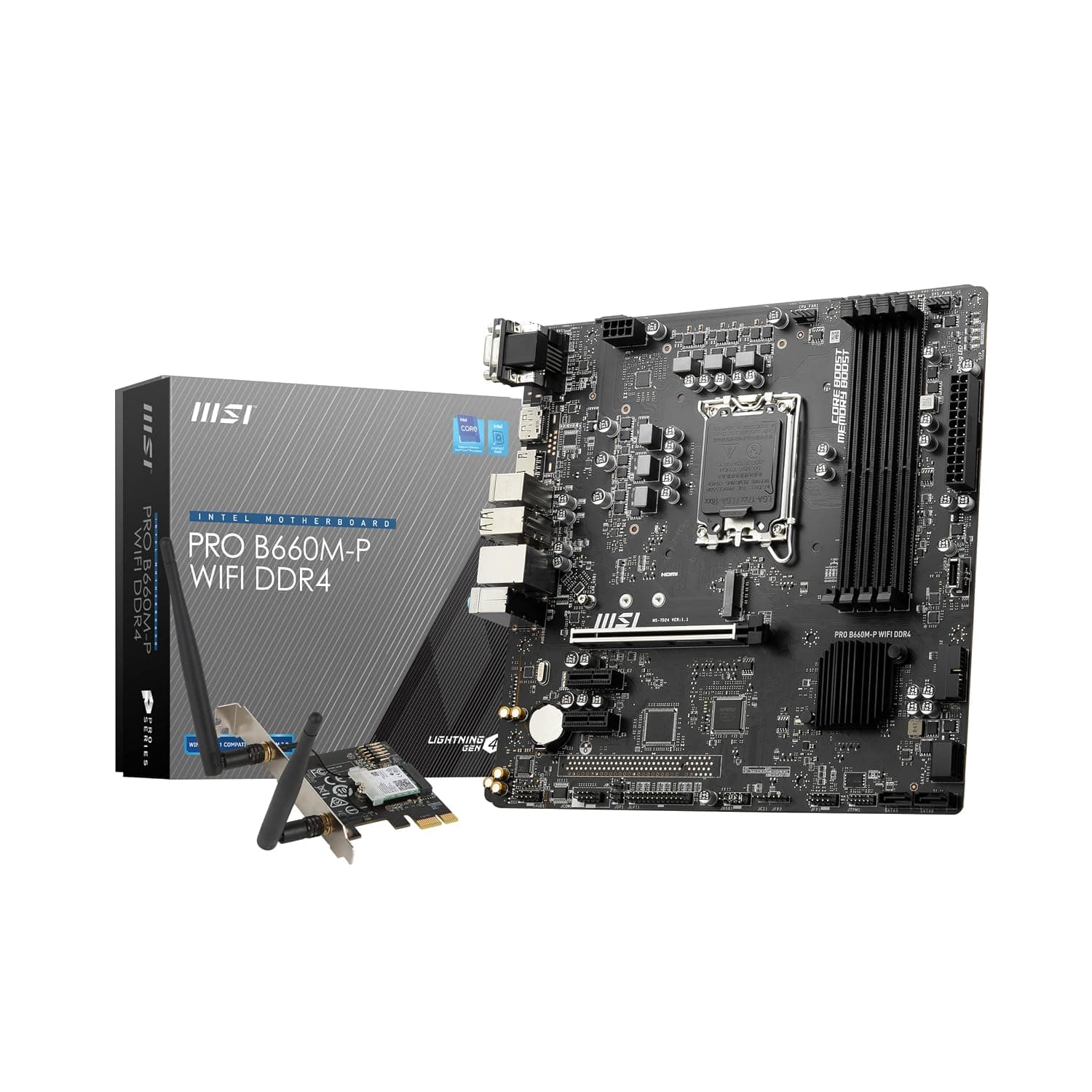
- ✗Requires a motherboard with a PCIe 5.0 M.2 slot to achieve full speed
- ✗Runs hot without active cooling – no integrated heatsink included
- ✗Pricing is high compared to PCIe 4.0 drives[reference:58]
- ✗Poor power efficiency relative to competitors[reference:59][reference:60]
- ✗Minimal real‑world performance advantage over Gen4 drives for everyday use[reference:61]
Use Cases
Technical Specifications
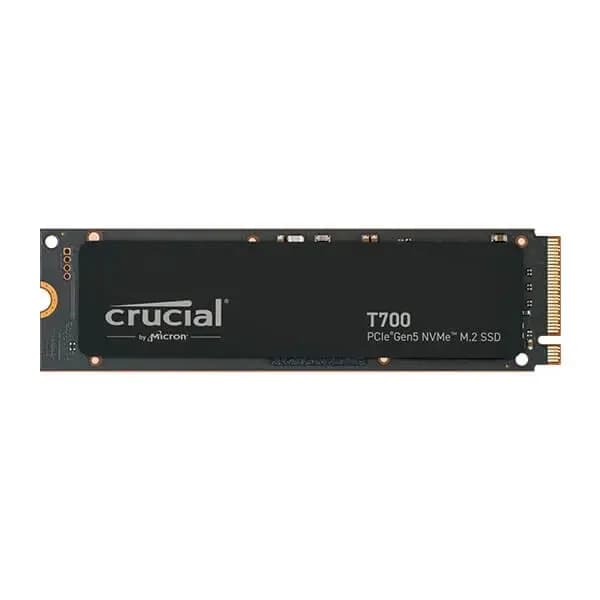
Seagate FireCuda 540 vs Crucial T700 vs Samsung 990 Pro
| Feature | fireCuda540 | crucialT700 | samsung990Pro | |
|---|---|---|---|---|
| Interface | PCIe 5.0 x4 | PCIe 5.0 x4 | PCIe 4.0 x4 | |
| Sequential Read | 10,000 MB/s | 12,400 MB/s | 7,450 MB/s | |
| Sequential Write | 10,000 MB/s | 11,800 MB/s | 6,900 MB/s | |
| Random Read IOPS | 1,500K | 1,500K | 1,400K | |
| Endurance (2TB) | 2,000 TBW | 1,400 TBW | 1,200 TBW | |
| Heatsink Option | Bare Drive (no heatsink) | Optional Vapor Chamber | Metal Label | |
| Data Recovery | 3‑Year Rescue Service | Not Included | Not Included |
Setup Tips
Install in the Primary M.2 Slot
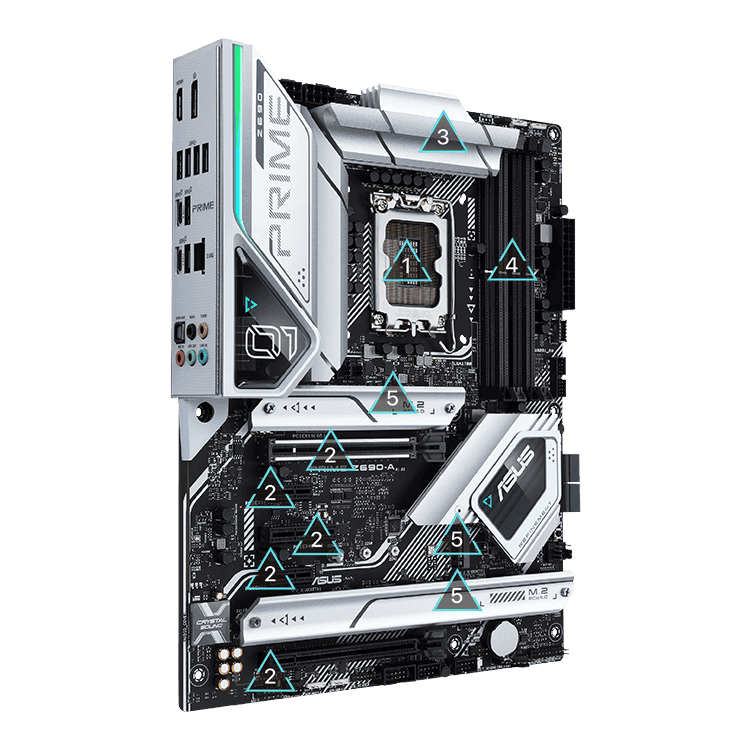
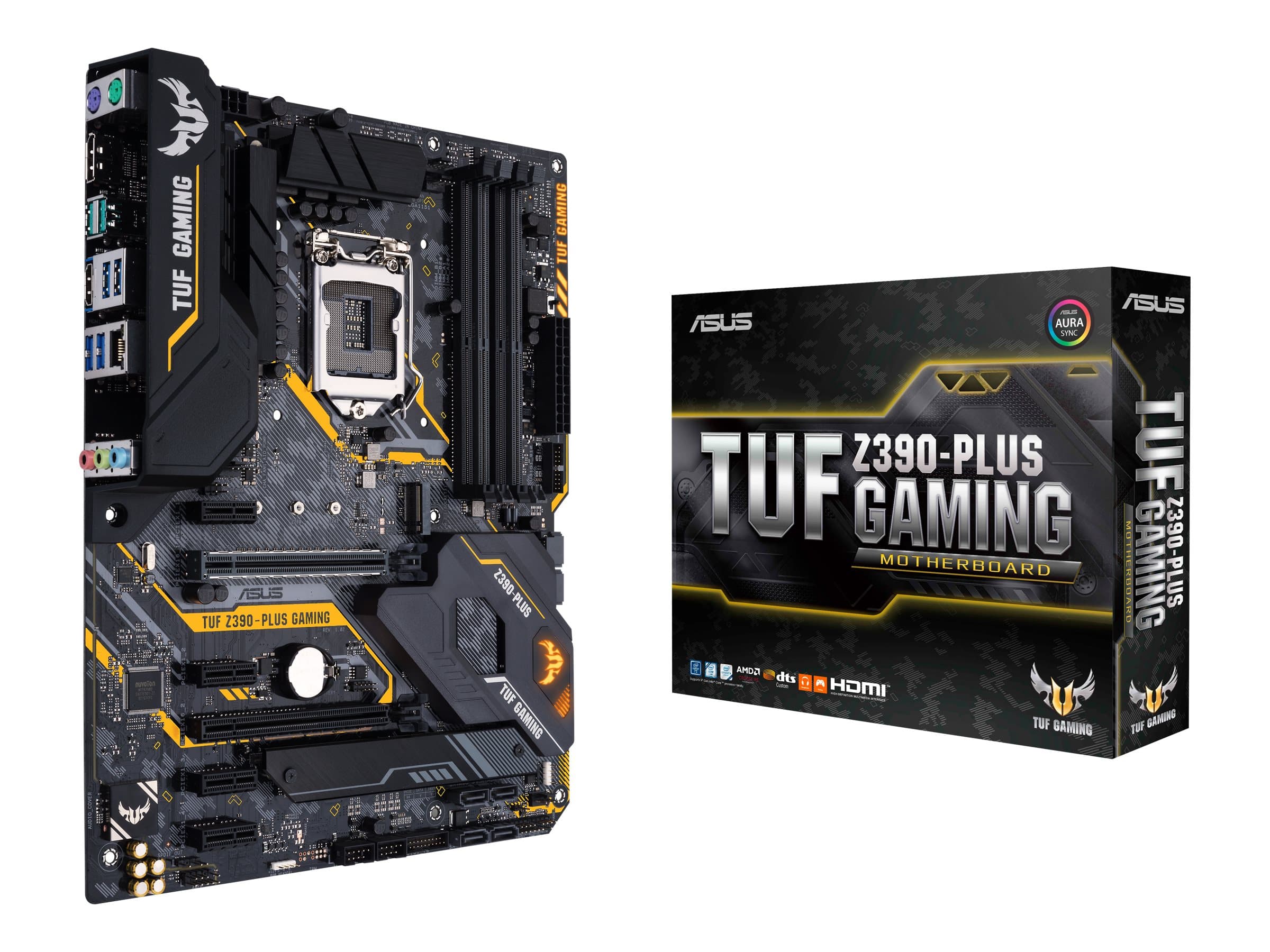
On most motherboards, the slot closest to the CPU (often labelled M.2_1 or Hyper M.2) is wired for PCIe 5.0. Consult your motherboard manual to ensure you're using the correct slot.
Enable PCIe 5.0 in BIOS
Some motherboards default the M.2 slot to PCIe 4.0. Enter the UEFI BIOS, navigate to Advanced → Onboard Devices Configuration, and set the M.2 link speed to Gen5.
Provide Adequate Cooling
The FireCuda 540 ships without a heatsink[reference:97]. Use your motherboard's M.2 armour or an aftermarket heatsink. For sustained heavy writes, active airflow is strongly recommended.[reference:98]
Update Your SSD Firmware
Download Seagate SeaTools from seagate.com to monitor drive health, manage storage, and check for firmware updates.