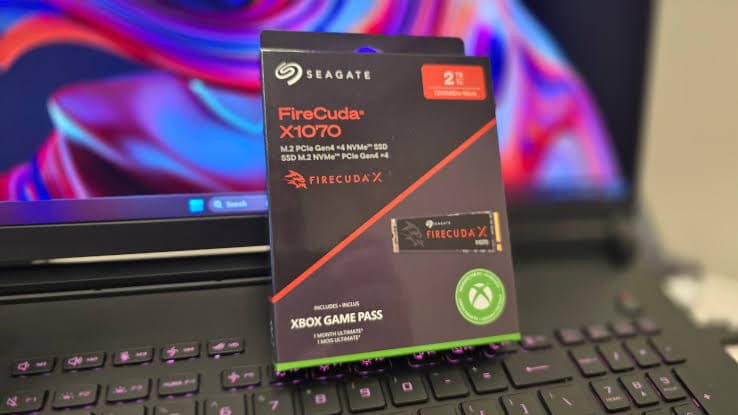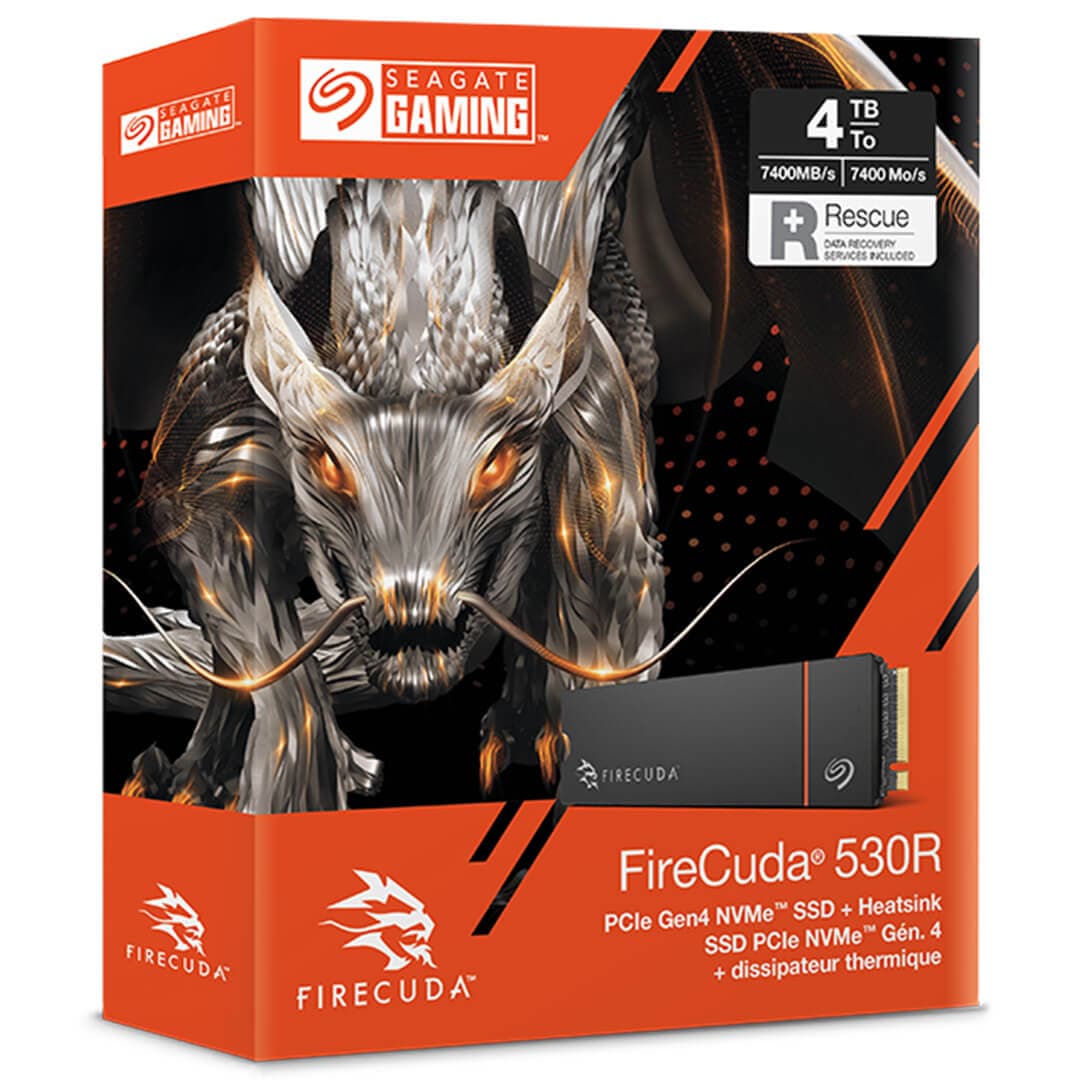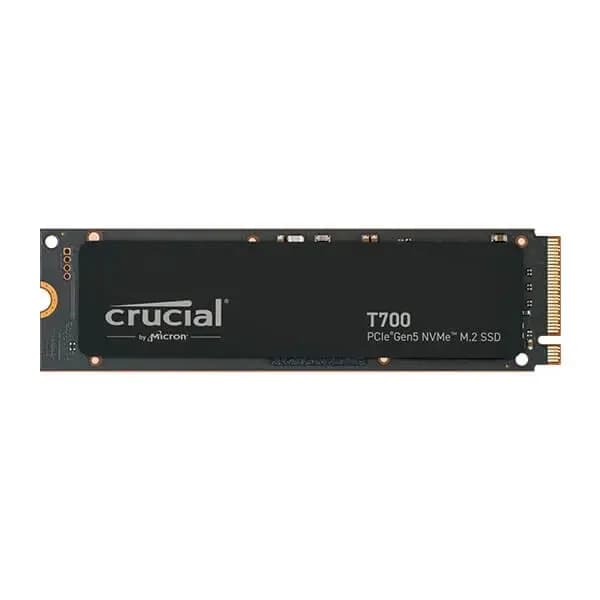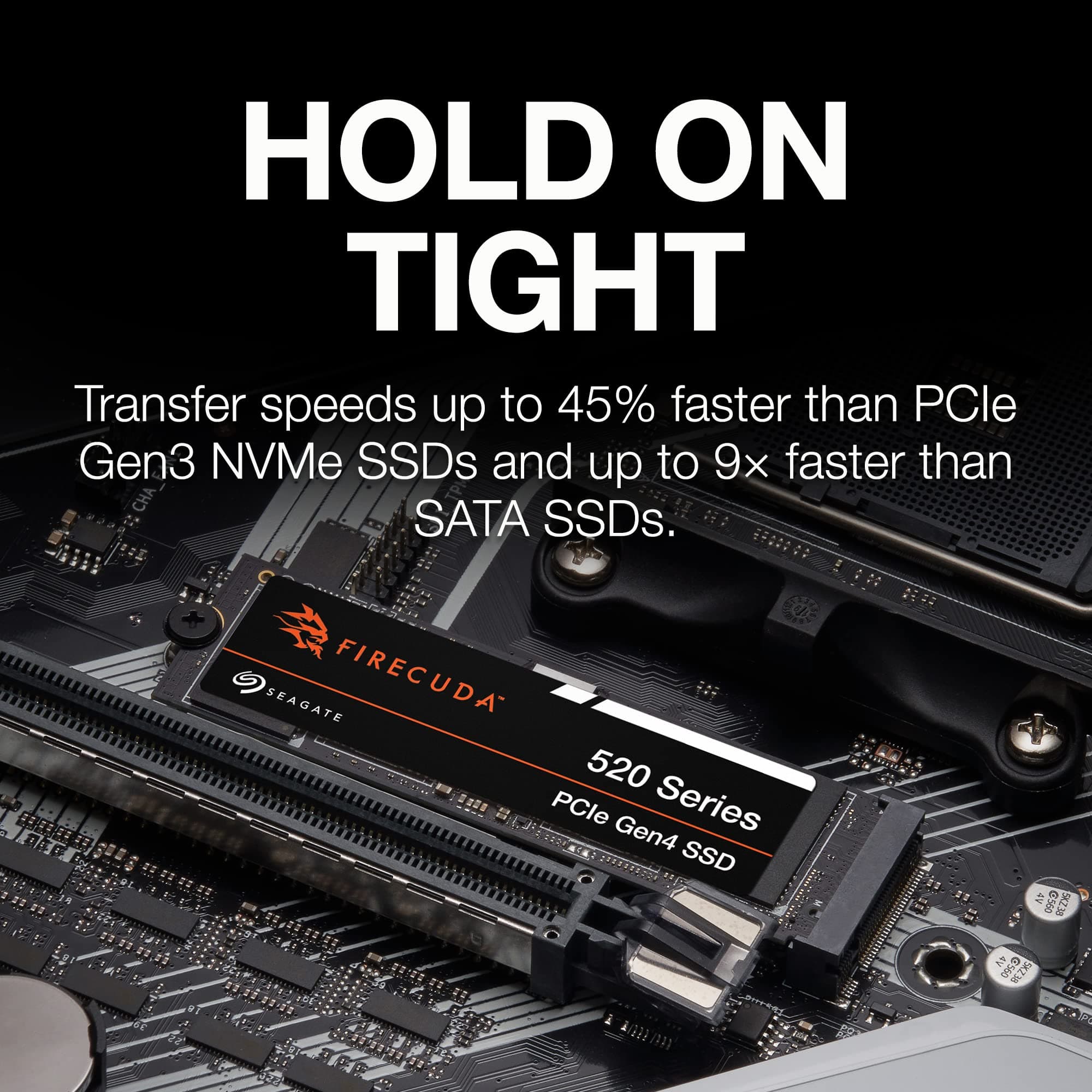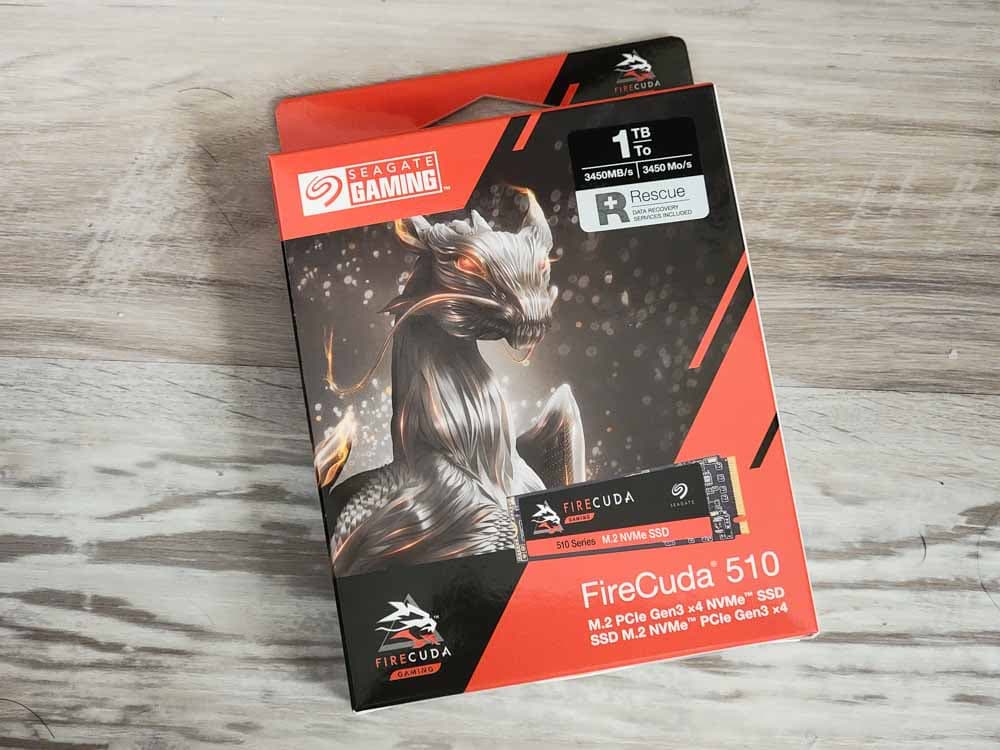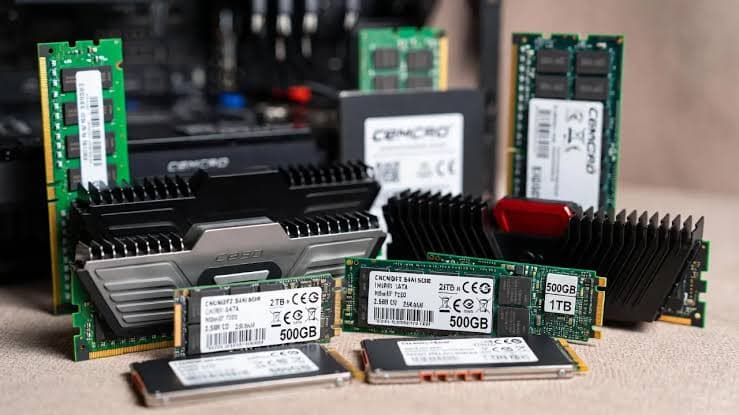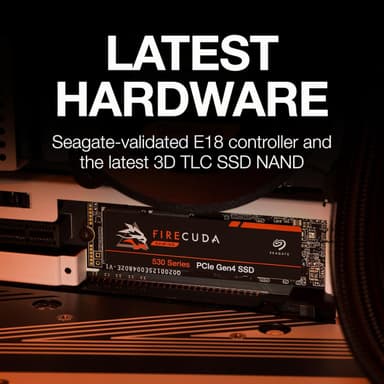
Seagate FireCuda 530 2TB PCIe Gen4 NVMe M.2 SSD
Blazing 7,300 MB/s read speeds – engineered for pro-level gaming, content creation, and PS5 expansion
Key Highlights
- 7,300 MB/s sequential read – full PCIe Gen4 performance
- 2 TB capacity with 3D TLC NAND and Phison E18 controller
- Optional EKWB custom heatsink for sustained performance
- Officially certified for PlayStation 5 expansion
- 2,550 TBW endurance, 5-year warranty, 3-year Rescue Services
Overview
How It Works
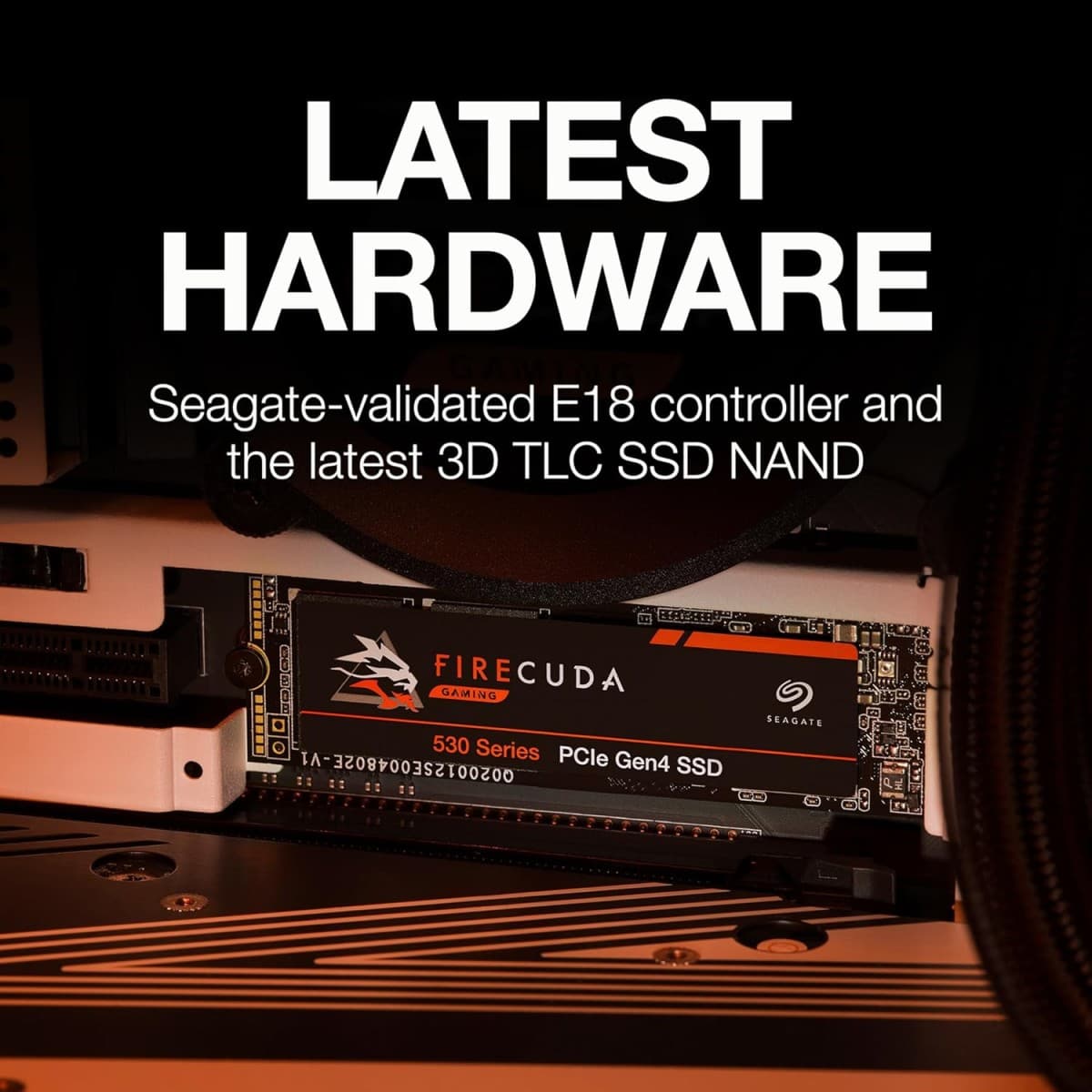
The Seagate FireCuda 530 harnesses PCIe 4.0 x4, a validated E18 controller, and 3D TLC NAND to deliver elite Gen4 performance. Here's what happens under the hood:
PCIe 4.0 x4 Interface
The drive connects via four PCIe 4.0 lanes, providing 8 GB/s of raw bandwidth—double that of PCIe 3.0. This allows sequential reads to reach 7,300 MB/s and writes to hit 6,900 MB/s[reference:20].
Phison E18 Controller
A Seagate-validated, eight-channel Gen4 controller that delivers high throughput and low latency[reference:21]. Advanced error correction (LDPC) and end-to-end data protection ensure integrity.
3D TLC NAND
High-density 3D TLC NAND provides a strong balance of performance, endurance, and cost. The FireCuda 530 is built to withstand heavy use with up to 5,100 TBW[reference:22][reference:23].
SLC Caching & DRAM Buffer
A dynamic SLC cache absorbs burst writes at full speed. Once the cache fills, writes continue at native TLC speeds. The DRAM buffer holds the mapping table, reducing latency.
Thermal Management
The optional EKWB custom heatsink uses high-grade aluminium with a textured anodized finish to maximise cooling efficiency and minimise thermal throttling[reference:24]. The drive also throttles gracefully under heavy load.
NVMe 1.4 & PS5 Compatibility
The NVMe 1.4 protocol optimises command queuing and I/O parallelism[reference:25]. The drive is fully compatible with PlayStation 5 expansion, meeting Sony's performance and dimensional requirements[reference:26].
Key Features
7,300 MB/s Reads
Blazing sequential read speeds that fully harness PCIe Gen4 bandwidth. Boot Windows, launch games, and load massive projects in seconds[reference:27][reference:28].
PCIe 4.0 x4 Interface
Full compatibility with AMD and Intel PCIe 4.0 platforms. Backward-compatible with PCIe 3.0 slots (at reduced speed)[reference:29].
2 TB Capacity
Ample room for your OS, a massive game library, 4K/8K video projects, and creative workloads. Also available in 500 GB, 1 TB, and 4 TB[reference:30][reference:31].
EKWB Heatsink Option
A premium custom heatsink from EKWB—leaders in thermal management—crafted from high-grade aluminium with a textured anodized finish to maximise cooling efficiency and sustain peak performance[reference:32][reference:33].
PlayStation 5 Certified
Officially compatible with PS5 expansion. Meets Sony's performance and dimensional requirements for a drop-in M.2 SSD upgrade[reference:34].
5,100 TBW Endurance
Rated for up to 5,100 TBW—equivalent to writing 70% of the drive capacity every day for five years[reference:35][reference:36][reference:37]. Backed by a 5-year warranty[reference:38].
✓ Pros
- ✓Exceptional sequential read/write speeds – among the fastest PCIe Gen4 drives
- ✓Seagate-validated Phison E18 controller for proven reliability and performance
- ✓Available with a premium EKWB custom heatsink for superior thermal management
- ✓Outstanding endurance – up to 5,100 TBW (2 TB variant rated at 2,550 TBW)[reference:39][reference:40][reference:41]
- ✓Officially compatible with PlayStation 5 expansion
- ✓Includes 3-year Rescue Data Recovery Services for peace of mind[reference:42][reference:43]
- ✓5-year warranty from a trusted storage leader
✗ Cons
- ✗Requires a PCIe 4.0 M.2 slot to achieve full 7,300 MB/s speed
- ✗Runs hot under sustained writes – the heatsink version is strongly recommended for intensive workloads
- ✗Slower sustained write speeds after SLC cache is exhausted
- ✗Price is higher than mainstream PCIe Gen3 drives (though justified by Gen4 performance)
- ✗Some capacities have varying TBW ratings – check specifications carefully
Use Cases
Technical Specifications
Seagate FireCuda 530 vs Samsung 990 Pro vs WD Black SN850X
| Feature | fireCuda530 | samsung990Pro | wdSn850x | |
|---|---|---|---|---|
| Interface | PCIe 4.0 x4 | PCIe 4.0 x4 | PCIe 4.0 x4 | |
| Sequential Read | 7,300 MB/s | 7,450 MB/s | 7,300 MB/s | |
| Sequential Write | 6,900 MB/s | 6,900 MB/s | 6,600 MB/s | |
| Random Read IOPS | 1,000K | 1,400K | 1,000K | |
| Endurance (2TB) | 2,550 TBW | 1,200 TBW | 1,200 TBW | |
| Heatsink Option | EKWB Custom | Metal Label | Optional Heatsink | |
| PS5 Compatible | ✓ Certified | ✓ | ✓ |
Setup Tips
Install in the Primary M.2 Slot
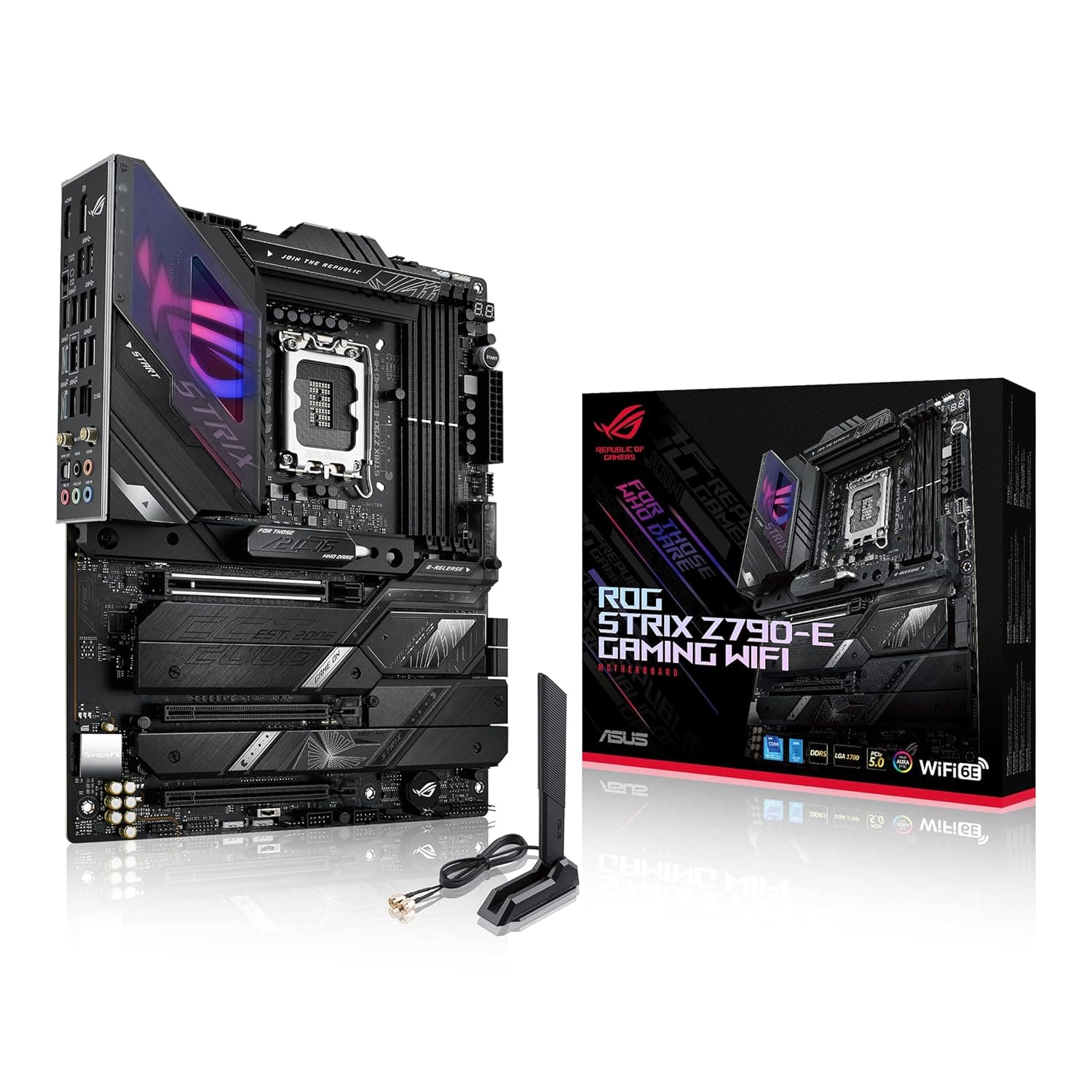
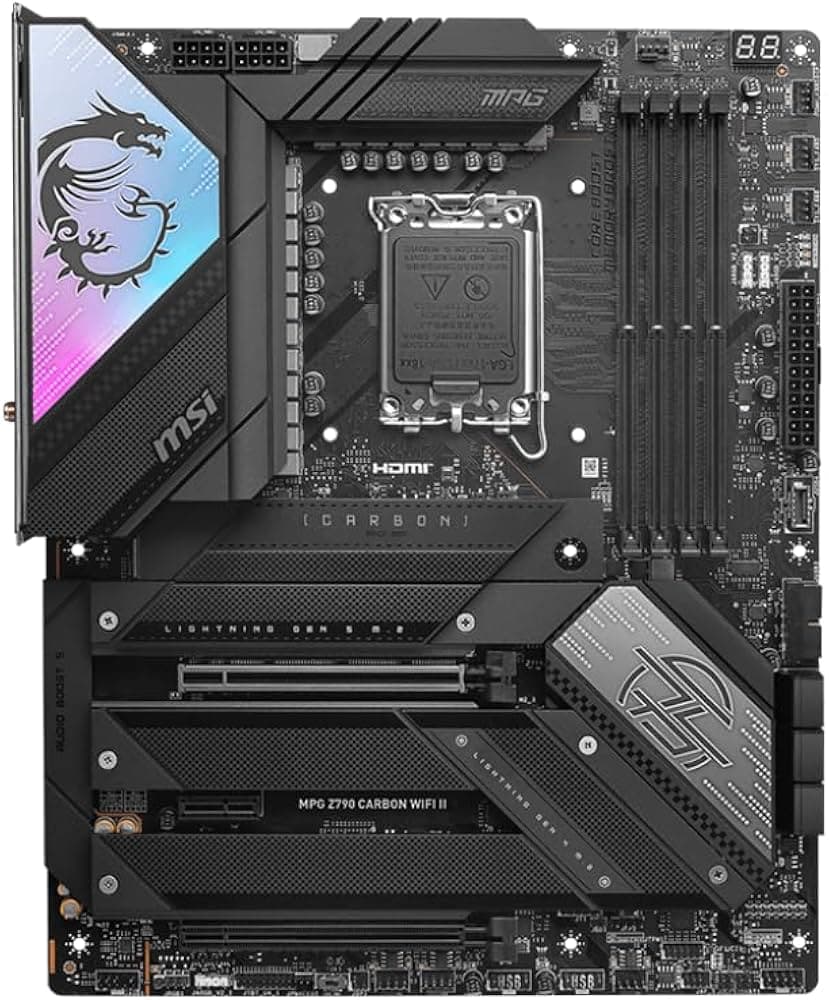
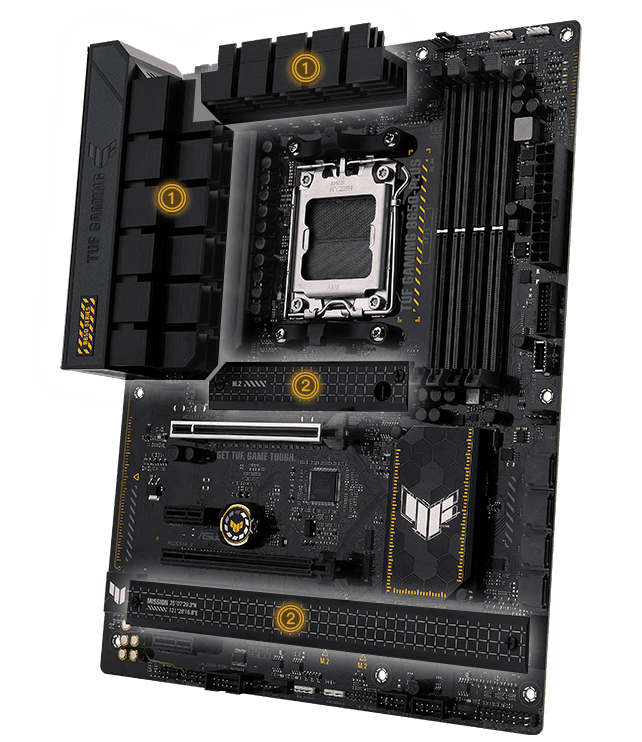
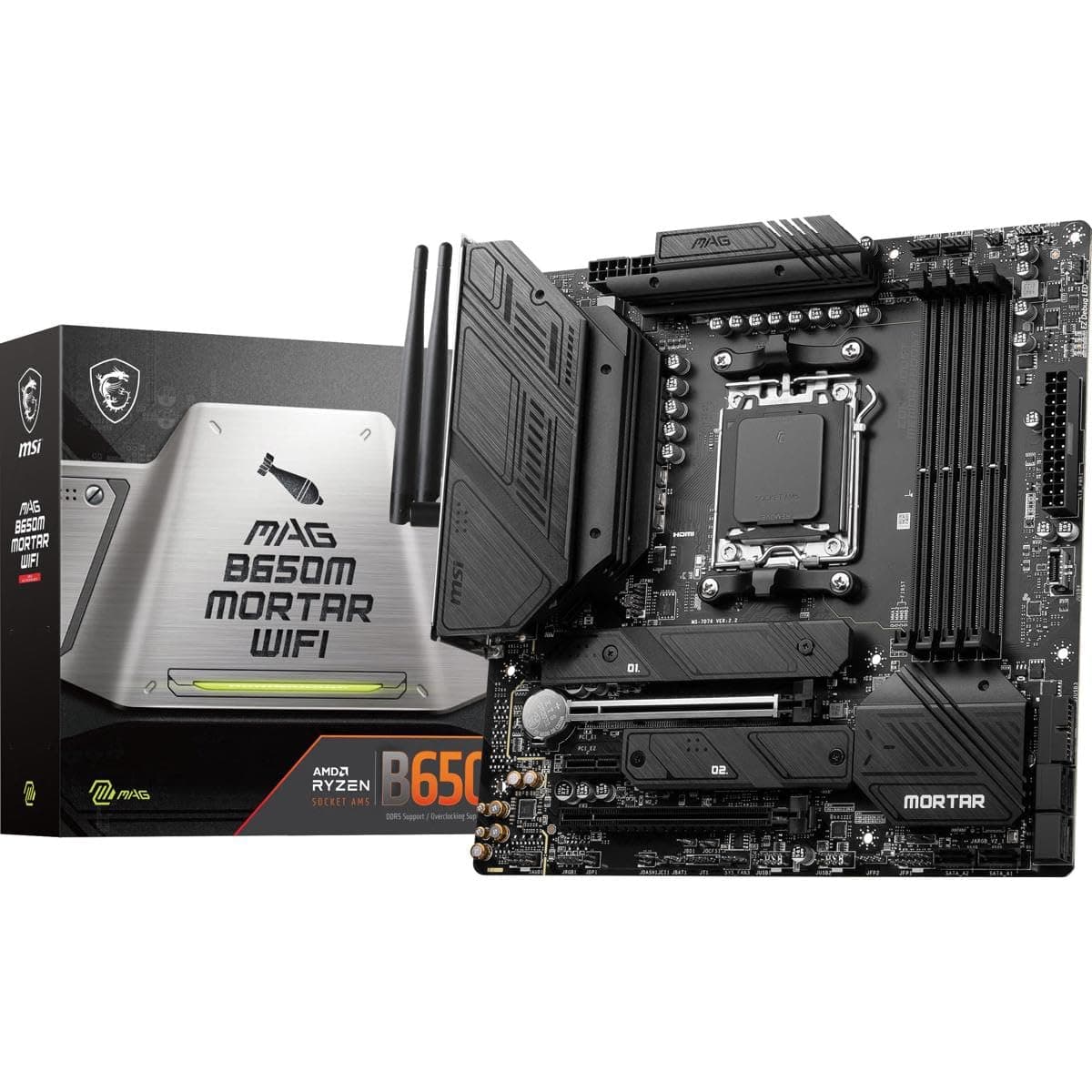
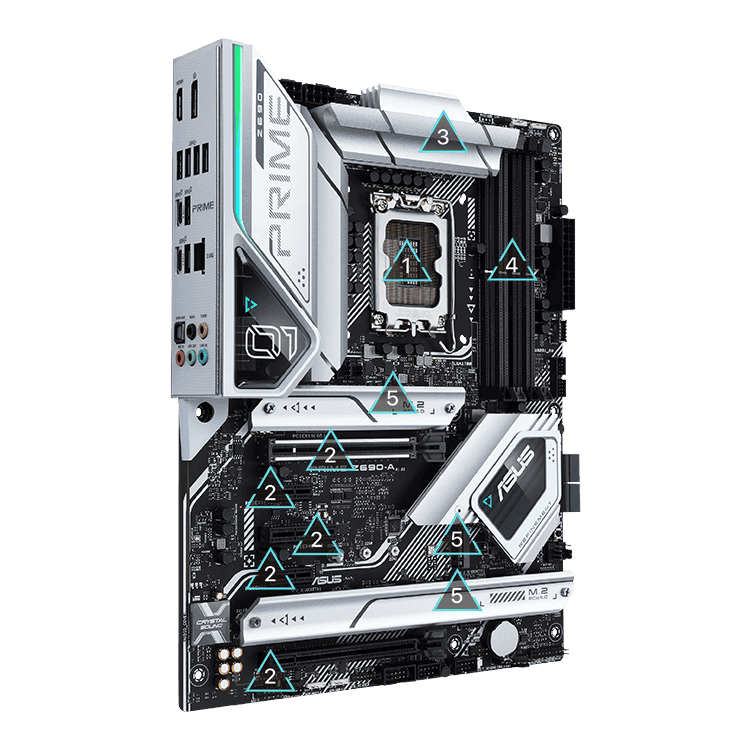
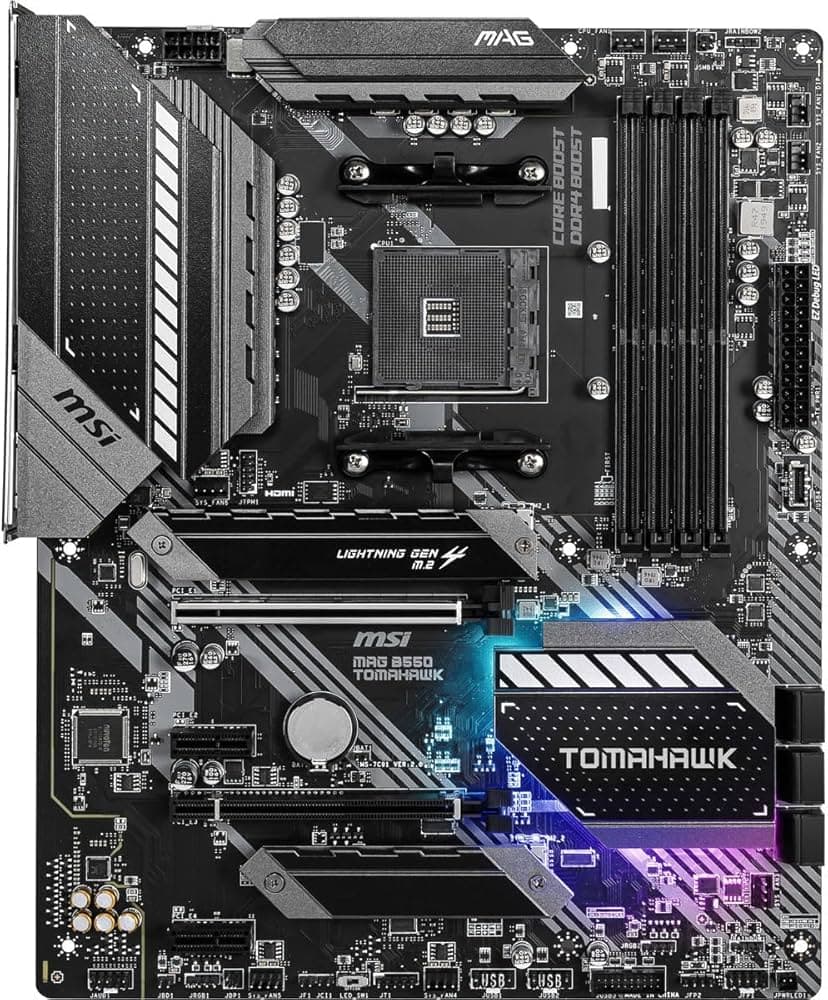
On most motherboards, the slot closest to the CPU (often labelled M.2_1) offers the best PCIe lane allocation. Consult your motherboard manual to ensure you're using a PCIe 4.0-capable slot.
Enable PCIe 4.0 in BIOS
Some motherboards default M.2 slots to PCIe 3.0. Enter the UEFI BIOS, navigate to Advanced → Onboard Devices Configuration, and set the M.2 link speed to Gen4.
Use the Heatsink
If you purchased the version with the EKWB heatsink, install it. If not, use your motherboard's M.2 armour. For sustained heavy writes, active airflow is recommended.
Update Your SSD Firmware & Software
Download SeaTools and DiscWizard from seagate.com to monitor drive health, manage storage, and check for firmware updates[reference:87].