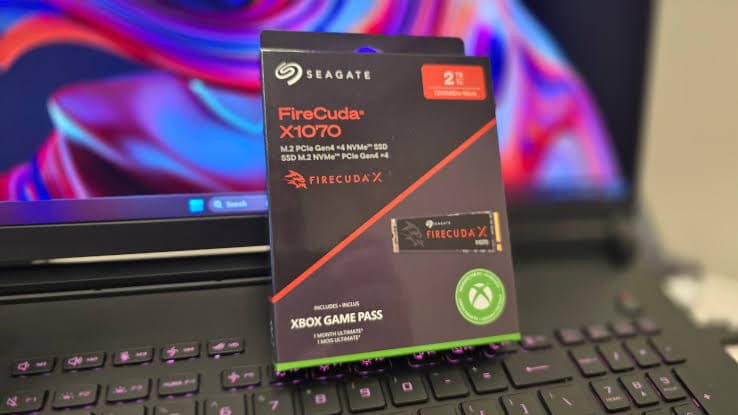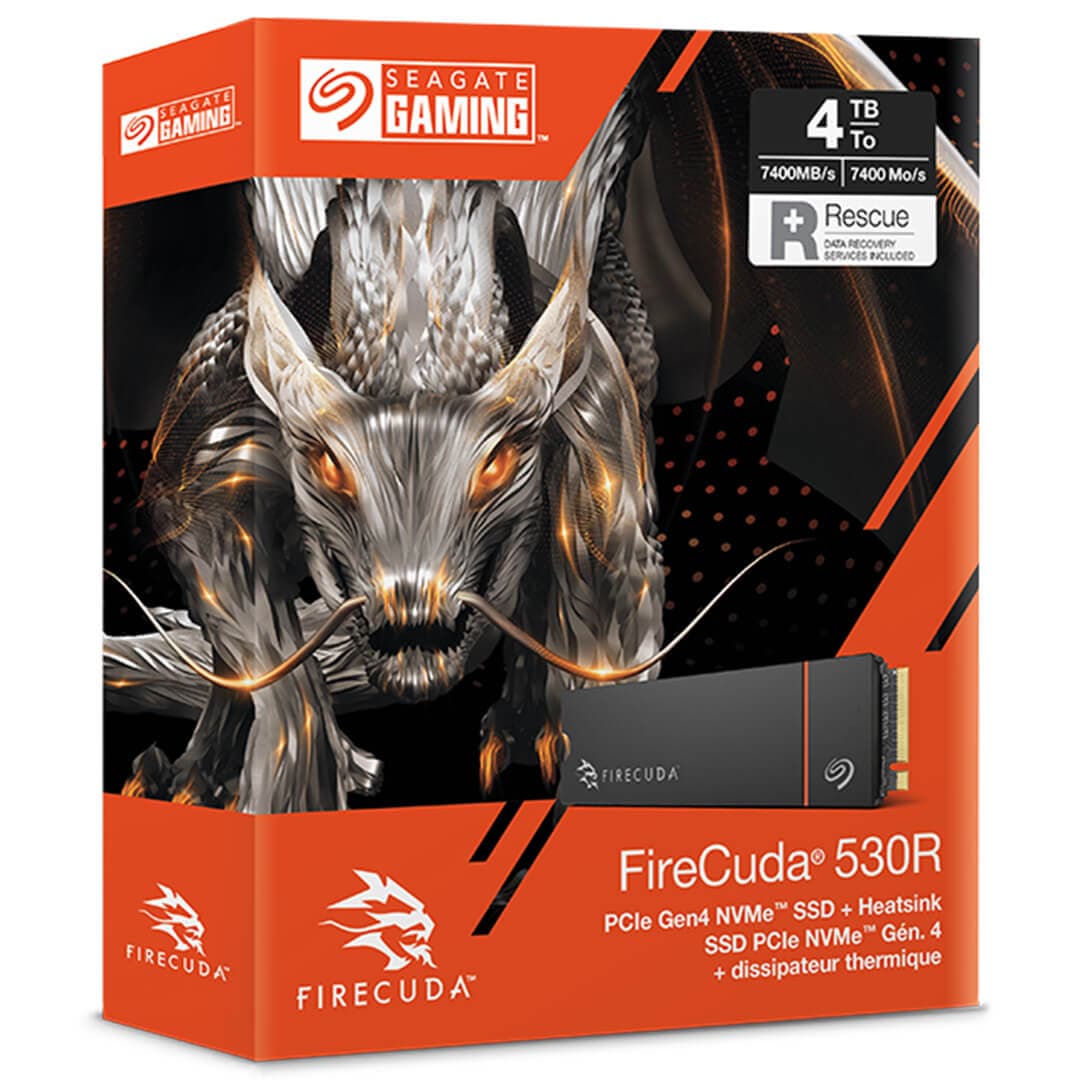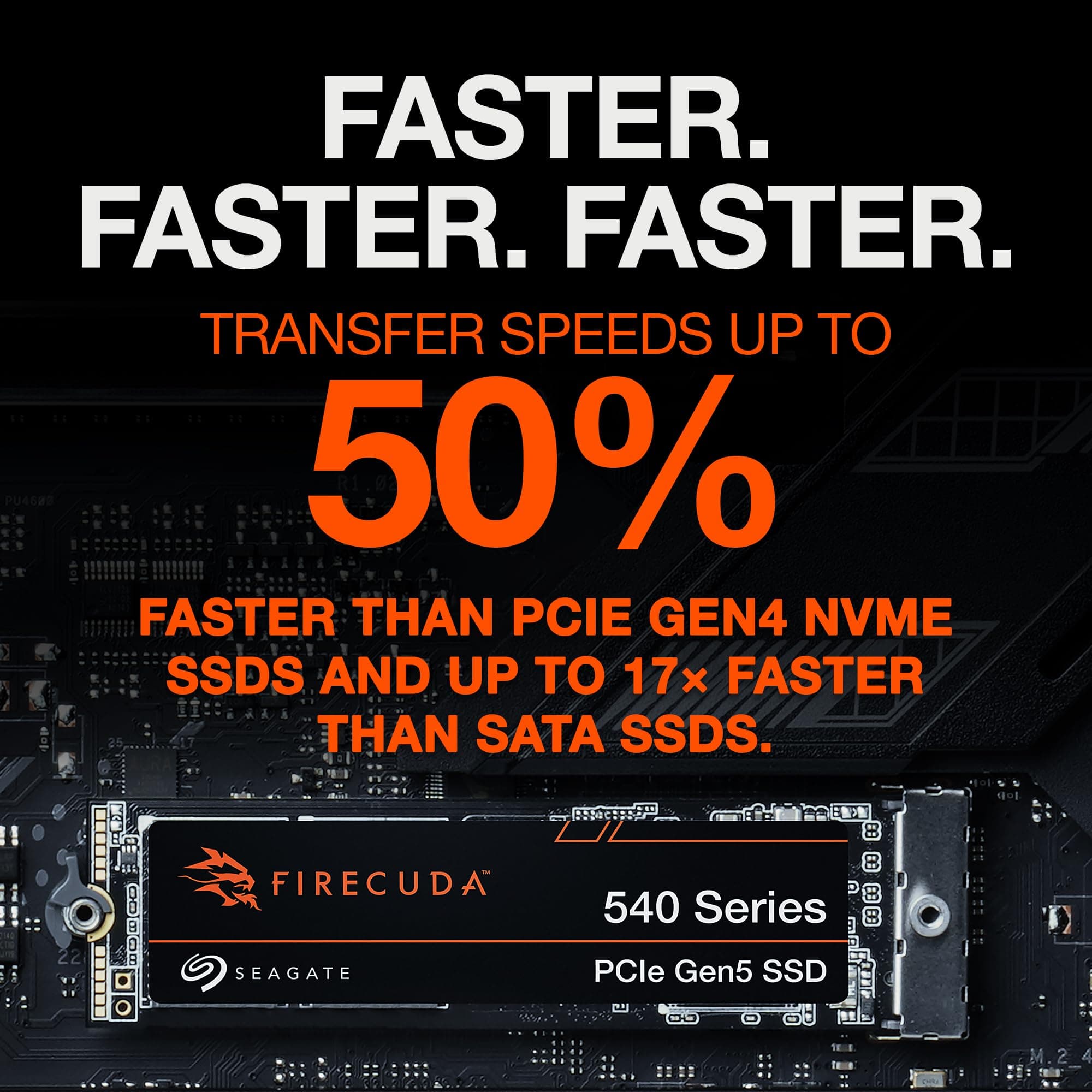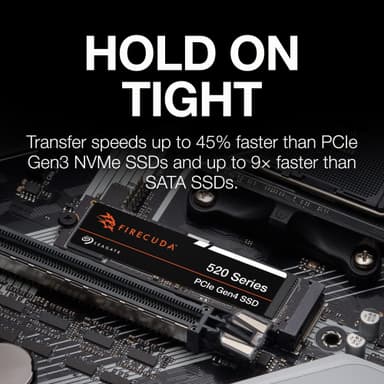
Seagate FireCuda 520 1TB PCIe Gen4 NVMe M.2 SSD
PCIe Gen4 speeds up to 5,000 MB/s – a high-endurance gaming SSD with DRAM cache and 3-year data recovery
Key Highlights
- 5,000 MB/s sequential read – pioneering PCIe Gen4 performance
- 1 TB capacity with Kioxia 96-layer 3D TLC NAND and Phison E16 controller
- Dedicated DRAM cache (1 GB) for low-latency access
- 1,800 TBW endurance, 5-year warranty + 3-year Rescue Data Recovery Services
- Bare drive design – fits easily under motherboard M.2 armour
Overview
How It Works
The Seagate FireCuda 520 harnesses PCIe 4.0 x4, a Phison E16 controller, and 96-layer 3D TLC NAND to deliver pioneering Gen4 performance. Here's what happens under the hood:
PCIe 4.0 x4 Interface
The drive connects via four PCIe 4.0 lanes, providing 8 GB/s of raw bandwidth—double that of PCIe 3.0. This enables sequential reads of up to 5,000 MB/s and writes of up to 4,400 MB/s.
Phison PS5016-E16 Controller
An 8-channel, PCIe 4.0-native controller with Dual R5 + CoX architecture. Advanced error correction (LDPC) and end-to-end data protection ensure data integrity.[reference:15]
Kioxia BiCS4 96-Layer 3D TLC NAND
High-density 96-layer 3D TLC NAND provides a strong balance of performance, endurance, and cost. The 1 TB variant is rated for 1,800 TBW.[reference:16][reference:17]
DRAM Cache & SLC Caching
A dedicated DRAM cache (1 GB per TB) holds the mapping table, reducing access latency. A dynamic SLC cache absorbs burst writes at full speed.[reference:18][reference:19]
NVMe 1.3 & DirectStorage
The NVMe 1.3 protocol optimises command queuing and I/O parallelism. With Microsoft DirectStorage, games can load assets directly from the SSD to the GPU.
Thermal Management
The drive ships without an integrated heatsink and relies on motherboard M.2 cooling. Advanced thermal throttling protects the drive during sustained heavy writes.[reference:20]
Key Features
5,000 MB/s Reads
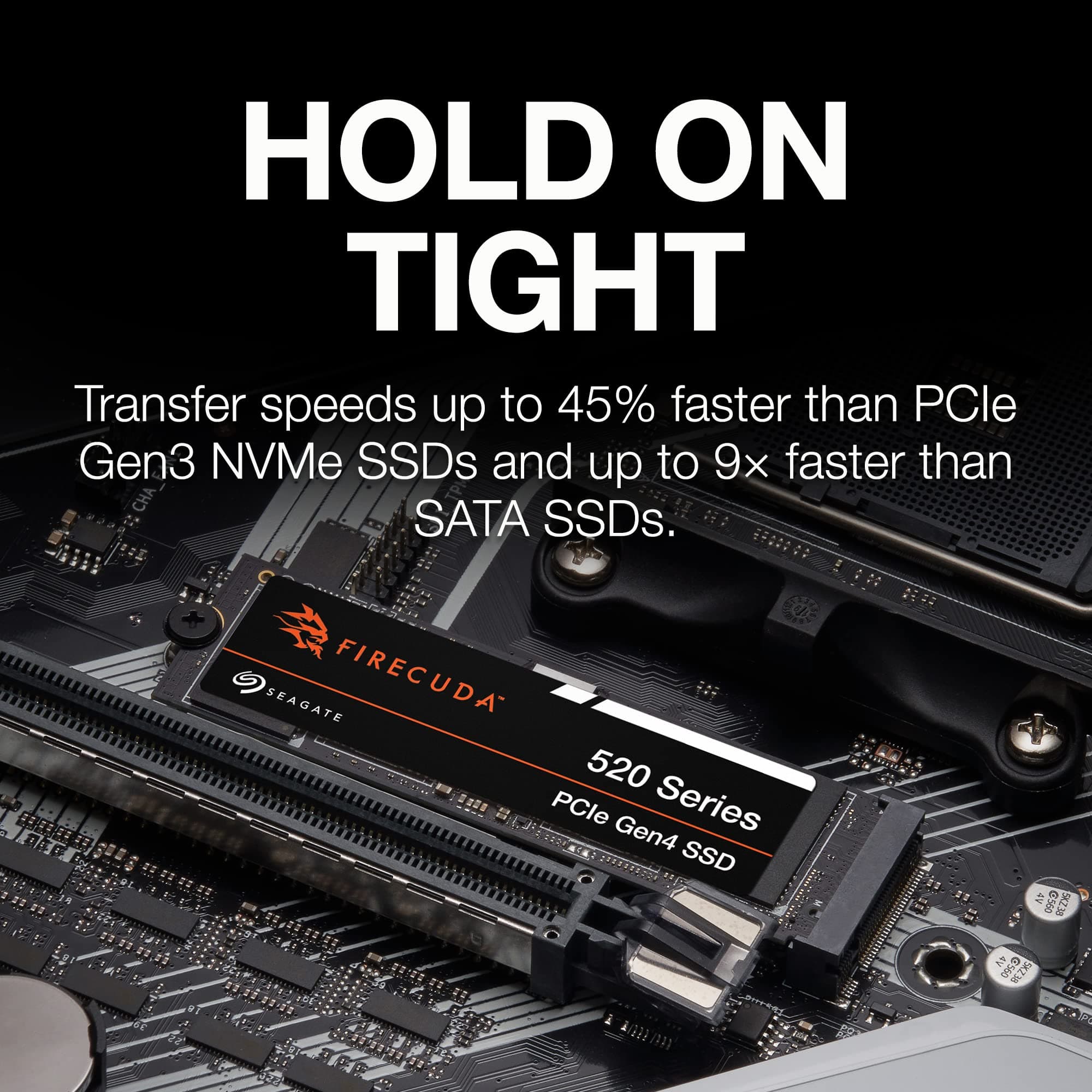
Blazing PCIe Gen4 sequential read speeds that deliver nearly 45% more performance than Gen3 drives. Boot Windows, launch games, and load massive projects in seconds.[reference:21]
PCIe 4.0 x4 Interface
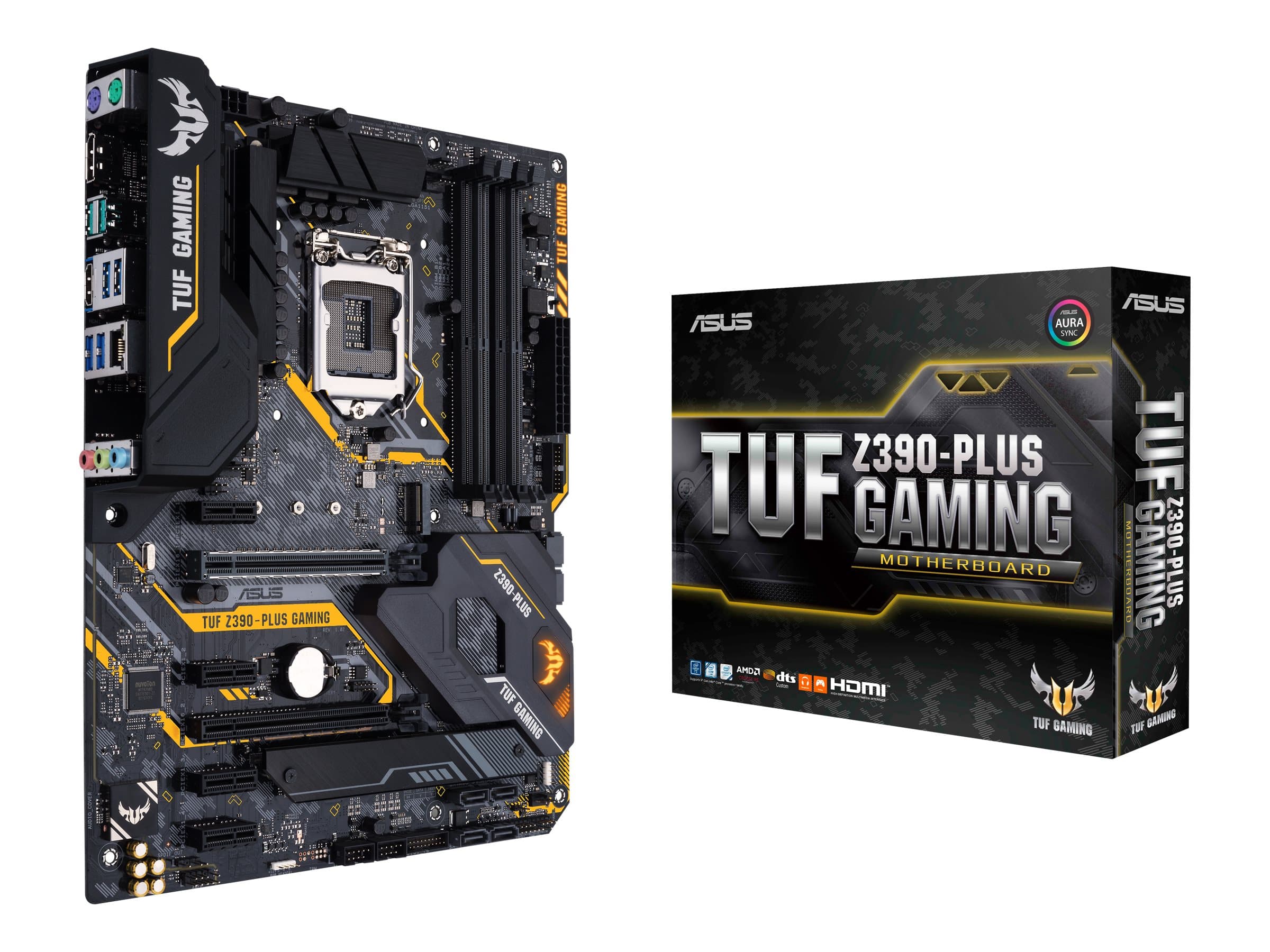
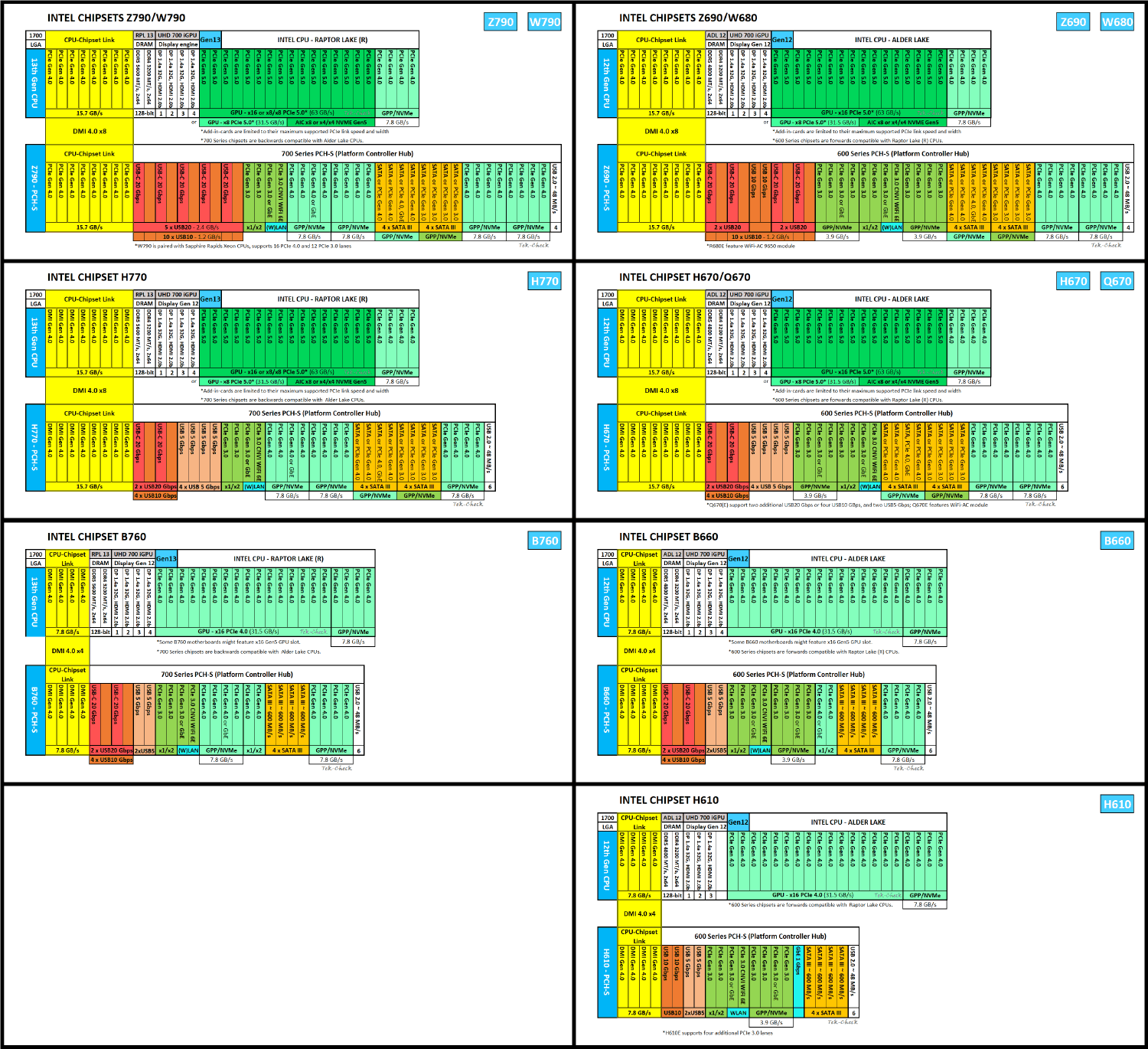
Full compatibility with AMD and Intel PCIe 4.0 platforms (AMD X570/B550, Intel Z590/Z690/Z790 with Gen4 support). Backward-compatible with PCIe 3.0 slots (at reduced speed).[reference:22]
1 TB Capacity
Ample room for your OS, a large game library, 4K video projects, and creative workloads. Also available in 500 GB and 2 TB.[reference:23]
Dedicated DRAM Cache
1 GB of DDR4 DRAM per TB stores the logical-to-physical address mapping table, reducing access latency and improving random performance compared to DRAM-less designs.[reference:24][reference:25]
High Endurance – 1,800 TBW
Rated for 1,800 TBW (terabytes written)—equivalent to writing nearly 1 TB of data every day for five years. Backed by a 5-year warranty.[reference:26][reference:27]
3-Year Rescue Data Recovery Services
Includes 3 years of Seagate Rescue Data Recovery Services—providing professional data recovery in case of unexpected data loss, with an industry-leading 95% success rate.[reference:28]
✓ Pros
- ✓Excellent sequential read/write speeds – one of the first PCIe Gen4 drives to market
- ✓Dedicated DRAM cache for low-latency access and strong random performance
- ✓High endurance rating – 1,800 TBW for the 1 TB variant
- ✓Includes 3-year Rescue Data Recovery Services for peace of mind
- ✓5-year warranty from a trusted storage leader
- ✓No bulky heatsink – fits easily under motherboard M.2 armour
- ✓Comprehensive SeaTools SSD management software with gaming themes
✗ Cons
- ✗Requires a PCIe 4.0 M.2 slot to achieve full 5,000 MB/s speed
- ✗No integrated heatsink – adequate cooling required for sustained workloads
- ✗Slower 4K random performance compared to newer Gen4 drives
- ✗Price premium over PCIe 3.0 drives that offer similar real-world performance
- ✗500 GB variant has significantly lower write speeds (2,500 MB/s) and endurance
Use Cases
Technical Specifications
Seagate FireCuda 520 vs Seagate FireCuda 530 vs Samsung 970 EVO Plus
| Feature | fireCuda520 | fireCuda530 | samsung970EvoPlus | |
|---|---|---|---|---|
| Interface | PCIe 4.0 x4 | PCIe 4.0 x4 | PCIe 3.0 x4 | |
| Sequential Read | 5,000 MB/s | 7,300 MB/s | 3,500 MB/s | |
| Sequential Write | 4,400 MB/s | 6,900 MB/s | 3,300 MB/s | |
| NAND Type | 96-Layer TLC | 3D TLC | 3D TLC | |
| DRAM | 1 GB DDR4 | Yes | Yes | |
| Endurance (1TB) | 1,800 TBW | 1,275 TBW | 600 TBW | |
| Data Recovery | 3-Year Rescue Service | 3-Year Rescue Service | Not Included | |
| Release Year | 2019 | 2021 | 2019 |
Setup Tips
Install in the Primary M.2 Slot
On most motherboards, the slot closest to the CPU offers the best PCIe lane allocation. Consult your motherboard manual to ensure you're using a PCIe 4.0-capable slot.
Enable PCIe 4.0 in BIOS
Some motherboards default M.2 slots to PCIe 3.0. Enter the UEFI BIOS, navigate to Advanced → Onboard Devices Configuration, and set the M.2 link speed to Gen4.
Provide Adequate Cooling
The FireCuda 520 ships without a heatsink. Use your motherboard's M.2 armour or an aftermarket heatsink. For sustained heavy writes, active airflow is recommended.
Update Your SSD Firmware
Download Seagate SeaTools SSD from seagate.com to monitor drive health, manage storage, and check for firmware updates.[reference:35]