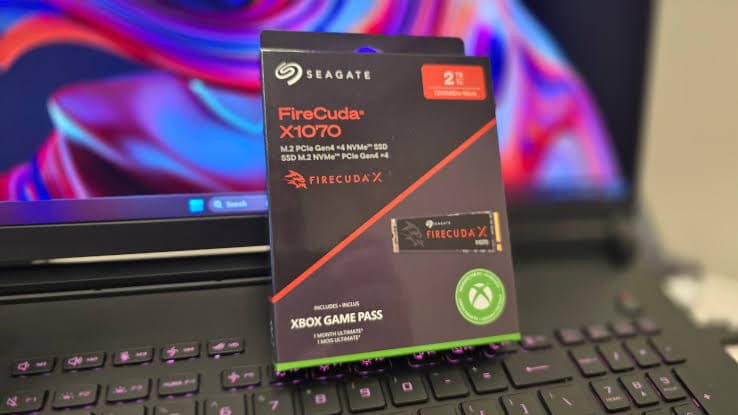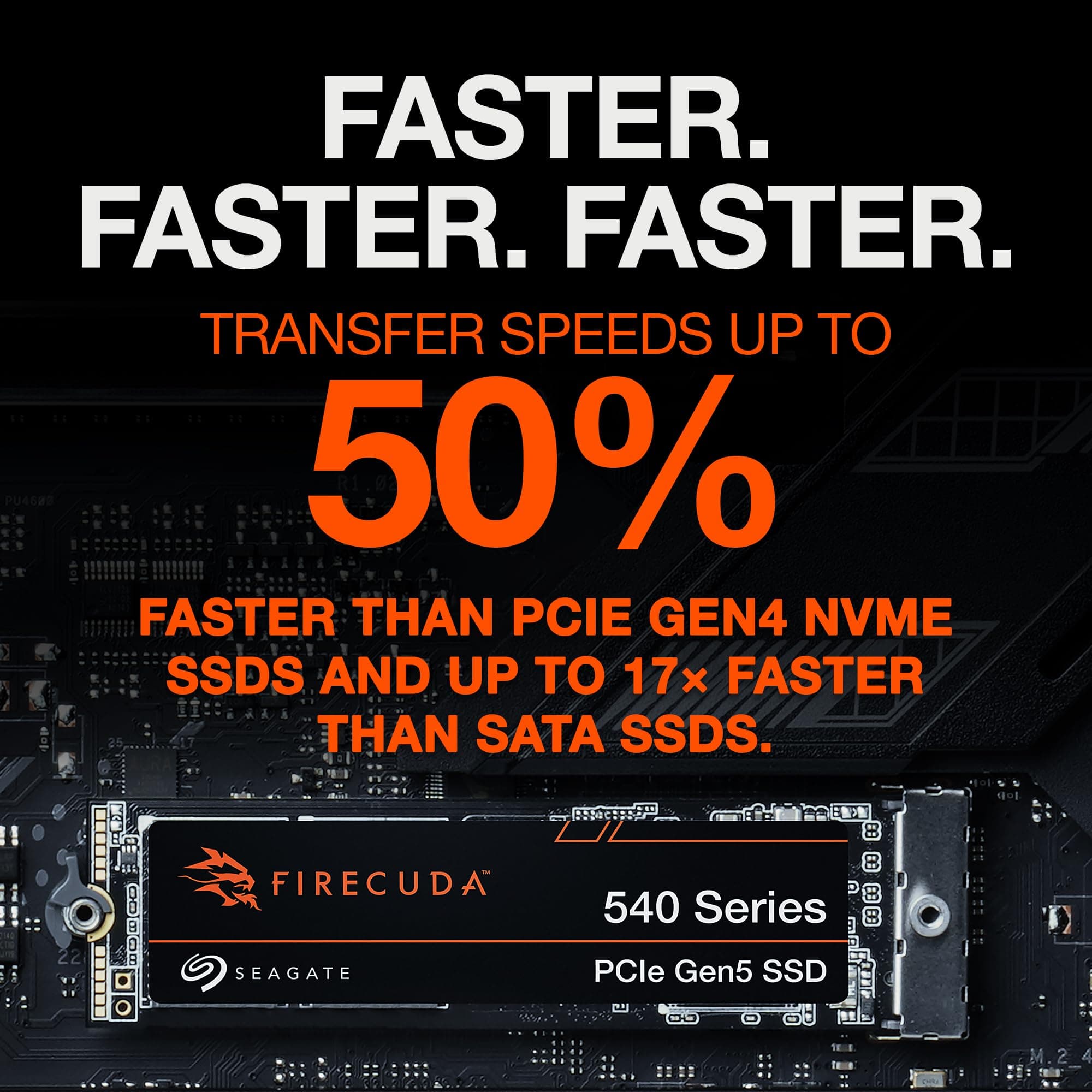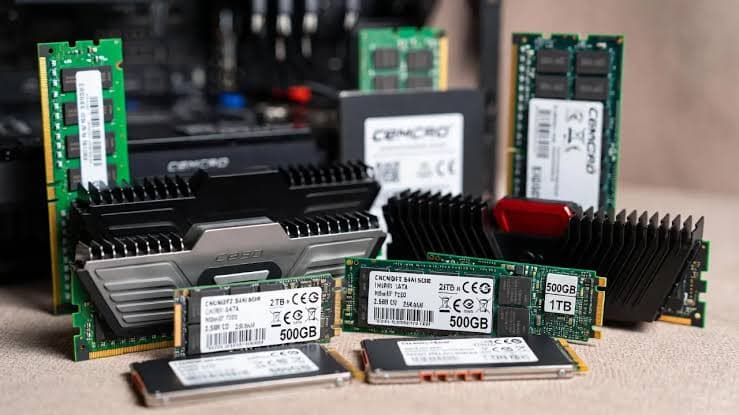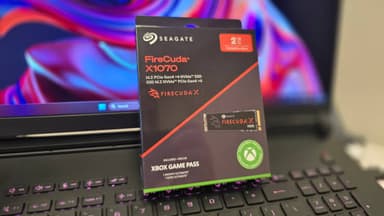
Seagate FireCuda X1070 2TB PCIe Gen4 NVMe M.2 SSD
Optimized for handhelds and PCs – PCIe Gen4 speeds with single-sided design, power efficiency, and premium support
Key Highlights
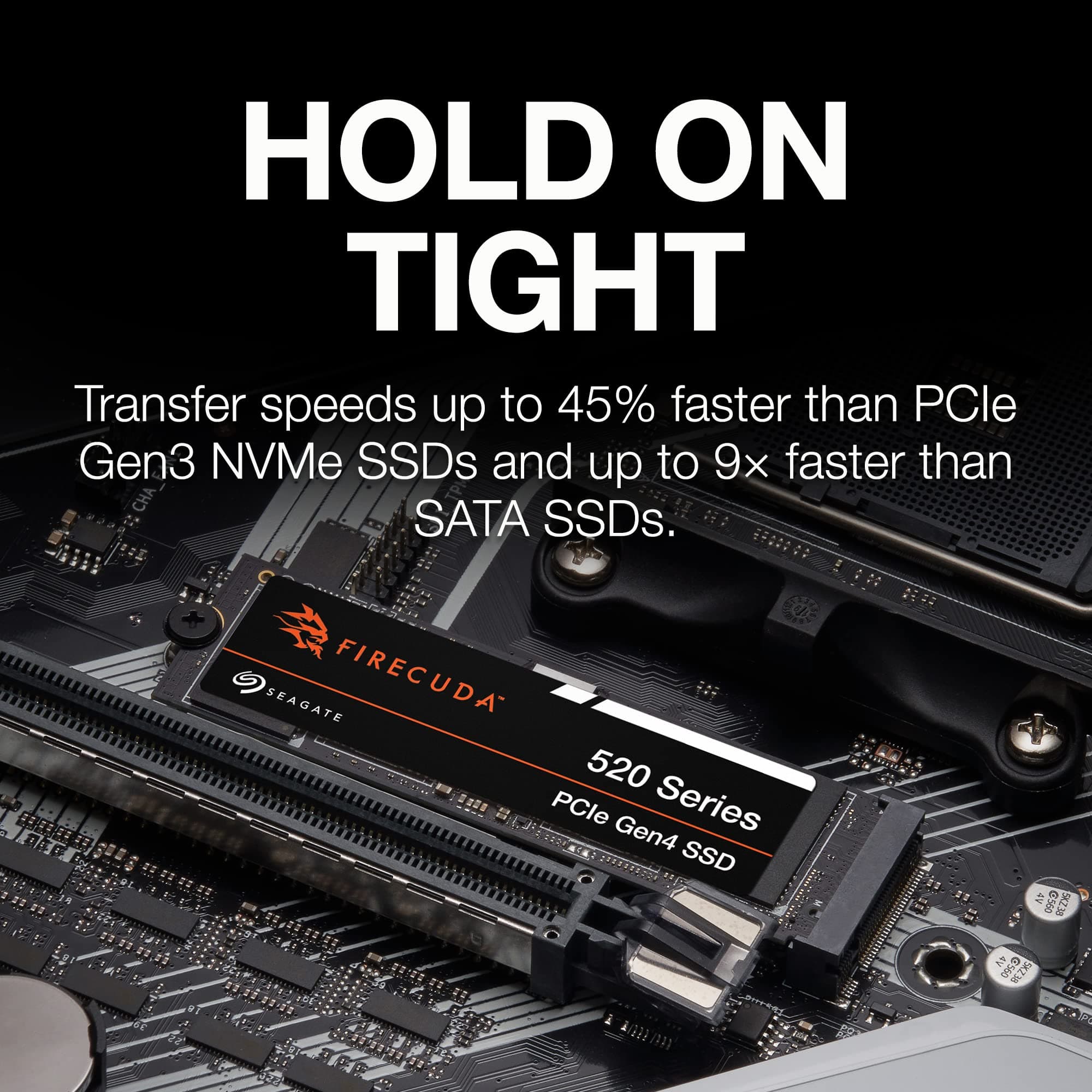
- 7,200 MB/s sequential read – PCIe Gen4 performance for gaming and everyday use
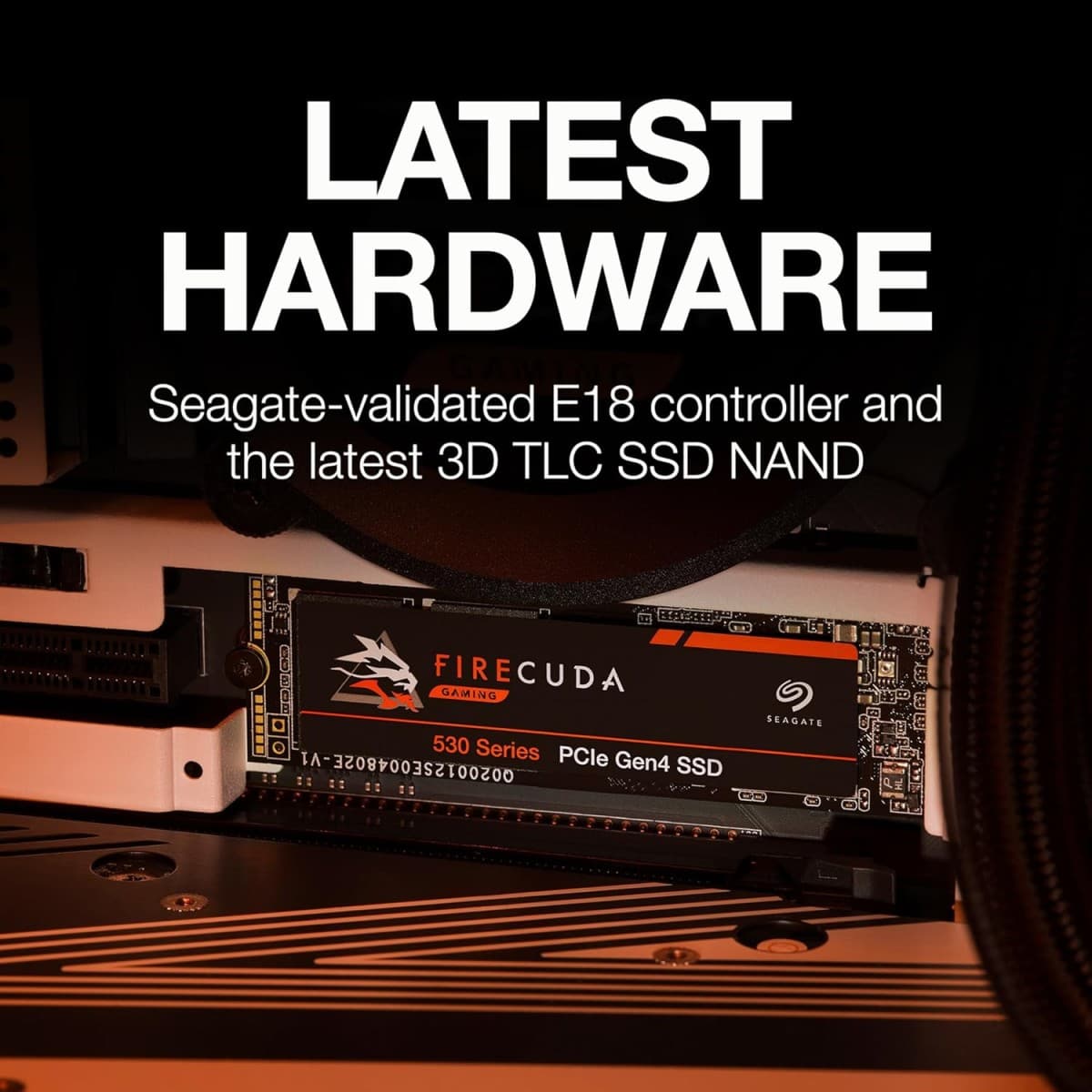
- 2 TB capacity with Micron 232-layer 3D QLC NAND and TenaFe TC2201 controller
- Single-sided design at 4TB – ideal for handhelds, laptops, and compact builds
- Certified for ROG Ally handhelds and optimized for Xbox on PC
- 1,200 TBW endurance, 5-year warranty + 3-year Rescue Data Recovery Services
Overview
How It Works
The Seagate FireCuda X1070 harnesses PCIe 4.0 x4, a TenaFe TC2201 controller, and Micron 232-layer QLC NAND to deliver mainstream Gen4 performance. Here's what happens under the hood:
PCIe 4.0 x4 Interface
The drive connects via four PCIe 4.0 lanes, providing 8 GB/s of raw bandwidth, enabling sequential reads of up to 7,200 MB/s[reference:17][reference:18].
TenaFe TC2201 Controller
A 4-channel, DRAMless controller that leverages Host Memory Buffer (HMB) technology. While not a performance leader, it balances cost, power efficiency, and sufficient speed for gaming and everyday use[reference:19][reference:20].
Micron 232-Layer 3D QLC NAND
High-density 232-layer QLC flash (N58R) stores 4 bits per cell, offering large capacities at affordable prices. Rated for up to 2,400 TBW for the 4 TB variant[reference:21][reference:22].
pSLC Caching & HMB
A dynamic pseudo-SLC cache absorbs burst writes at full speed. Once the cache fills, writes continue at native QLC speeds. The HMB uses system RAM for the mapping table, reducing latency without the cost of a DRAM chip[reference:23].
DirectStorage & NVMe 1.4
With Microsoft DirectStorage, games can load assets directly from the SSD to the GPU, reducing CPU overhead and improving load times in supported titles.
Thermal Management & Single-Sided Design
Custom-engineered for sustained throughput and thermal balance, ensuring smooth gameplay even during extended sessions[reference:24]. The single-sided 4TB design is ideal for ultrathin laptops and handhelds[reference:25].
Key Features
7,200 MB/s Reads
Blazing PCIe Gen4 sequential read speeds that accelerate boot times, game loads, and multitasking[reference:26][reference:27].
PCIe 4.0 x4 Interface
Full compatibility with PCIe Gen4 motherboards. Backward-compatible with PCIe 3.0 slots (at reduced speed)[reference:28].
2 TB Capacity
Generous storage for your entire game library, content creation files, and more. Also available in 1 TB and 4 TB[reference:29].
Single-Sided Design
The 4TB variant features a single-sided PCB, making it ideal for ultrathin laptops, handheld gaming devices, and consoles with NVMe storage expansion[reference:30].
Optimized for Handhelds & PCs
Certified for ROG Ally and ROG Ally X handhelds[reference:31], and designed for Xbox on PC, offering powerful performance in a compact, power-efficient package[reference:32].
5-Year Warranty + 3-Year Data Recovery
Backed by a 5-year limited warranty and 3 years of Seagate Rescue Data Recovery Services—providing professional data recovery in case of failure[reference:33][reference:34].
✓ Pros
- ✓Good warranty and excellent support – 5-year warranty with 3-year Rescue Data Recovery Services[reference:35]
- ✓High TBW for QLC flash – 1,200 TBW for 2 TB variant[reference:36]
- ✓Single-sided PCB design at 4TB – perfect for handhelds and laptops[reference:37]
- ✓Very power-efficient – ideal for portable gaming devices[reference:38]
- ✓No major performance shortfalls for mainstream gaming[reference:39]
- ✓Certified for ROG Ally handhelds[reference:40]
- ✓Includes 1-month Xbox Game Pass Ultimate trial and 2-month Adobe Creative Cloud Pro trial[reference:41]
✗ Cons
- ✗Weak heavy and sustained performance – QLC and DRAMless design impact sustained writes[reference:42][reference:43]
- ✗High MSRP – pricing is elevated compared to competitors with similar performance[reference:44][reference:45]
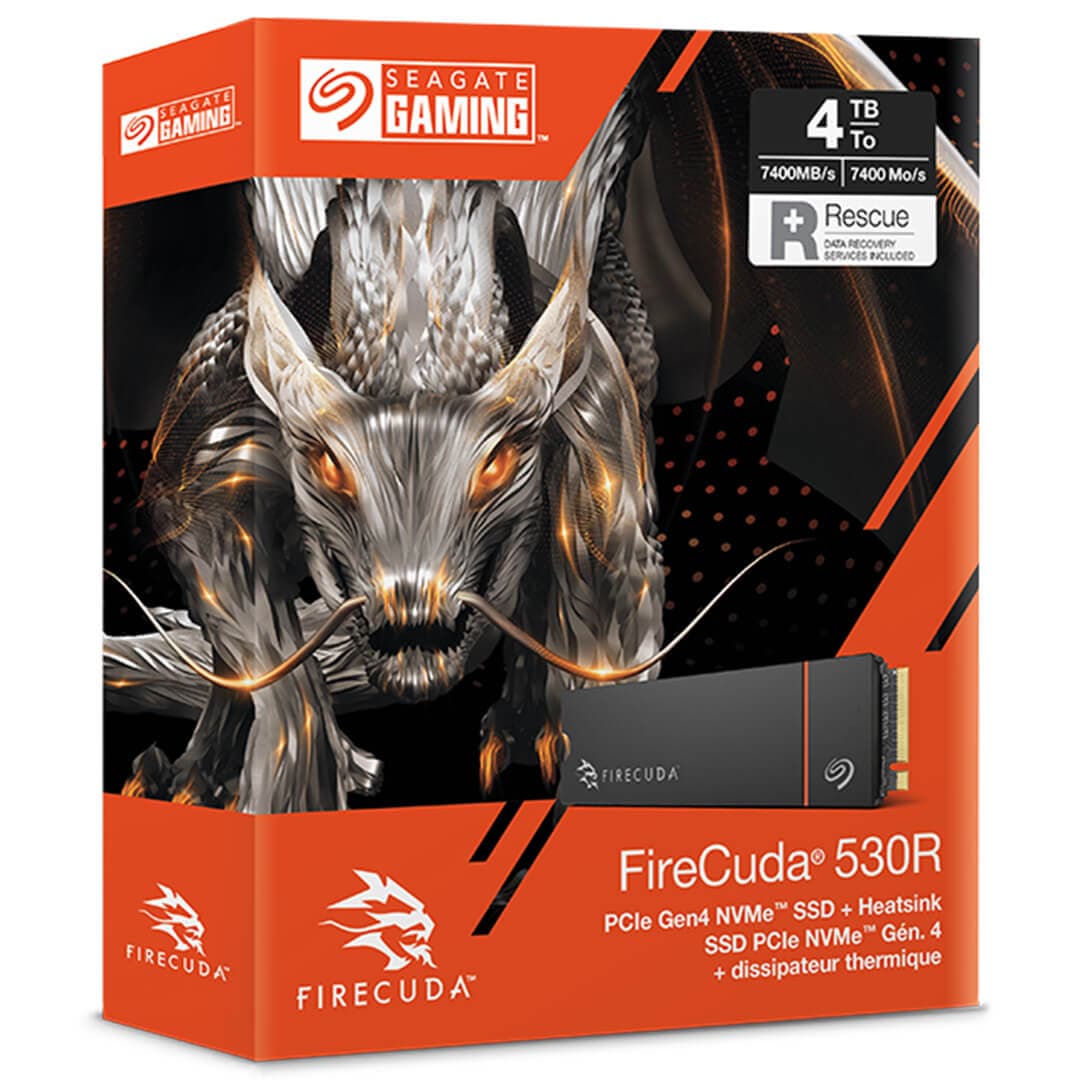
- ✗Trails the FireCuda 530R in performance and endurance[reference:46]
- ✗Mediocre gaming benchmark performance – 53µs latency is closer to budget Gen4 drives[reference:47]
- ✗Expensive for a QLC-based DRAMless drive – the 4TB variant costs $829.99[reference:48]
Use Cases
Technical Specifications
Seagate FireCuda X1070 vs Seagate FireCuda 530R vs Samsung 990 Pro
| Feature | fireCudaX1070 | fireCuda530R | samsung990Pro | |
|---|---|---|---|---|
| Interface | PCIe 4.0 x4 | PCIe 4.0 x4 | PCIe 4.0 x4 | |
| Sequential Read | 7,200 MB/s | 7,400 MB/s | 7,450 MB/s | |
| Sequential Write | 6,500 MB/s | 6,900 MB/s | 6,900 MB/s | |
| NAND Type | 232-Layer QLC | 3D TLC | 3D TLC | |
| DRAM | None (HMB) | Yes | Yes | |
| Endurance (2TB) | 1,200 TBW | 5,050 TBW | 1,200 TBW | |
| Single-Sided (4TB) | ✓ | ✗ | ✗ | |
| Data Recovery | 3-Year Rescue Service | 3-Year Rescue Service | Not Included |
Setup Tips
Install in the Primary M.2 Slot
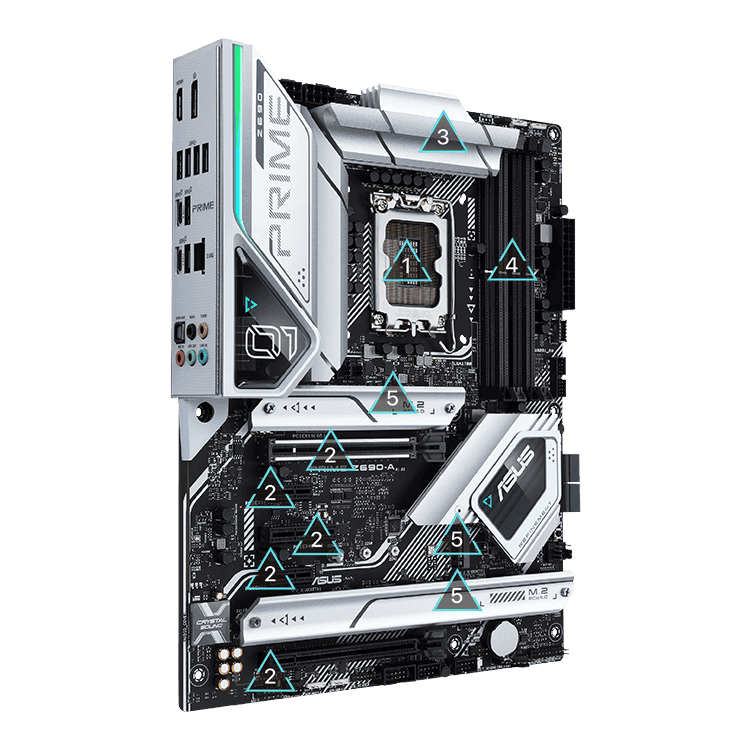
On most motherboards, the slot closest to the CPU offers the best PCIe lane allocation. Consult your motherboard manual to ensure you're using a PCIe 4.0-capable slot.
Enable PCIe 4.0 in BIOS
Some motherboards default M.2 slots to PCIe 3.0. Enter the UEFI BIOS, navigate to Advanced → Onboard Devices Configuration, and set the M.2 link speed to Gen4.
Provide Adequate Cooling
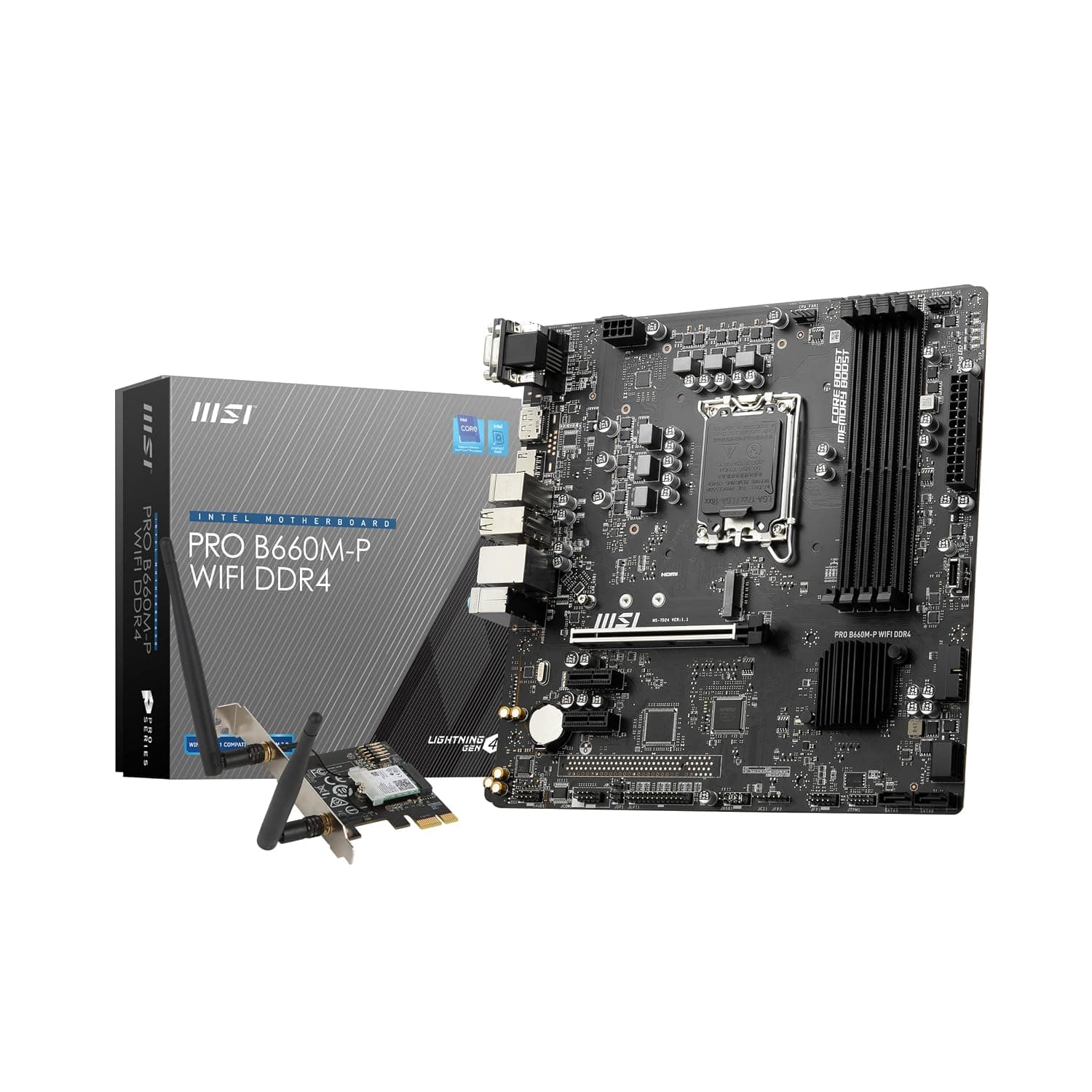
The FireCuda X1070 ships without a heatsink. For desktop use, use your motherboard's M.2 armour. For PS5 installation, an aftermarket heatsink is required.
Update Your SSD Firmware
Download Seagate SeaTools from seagate.com to monitor drive health, manage storage, and check for firmware updates[reference:80].