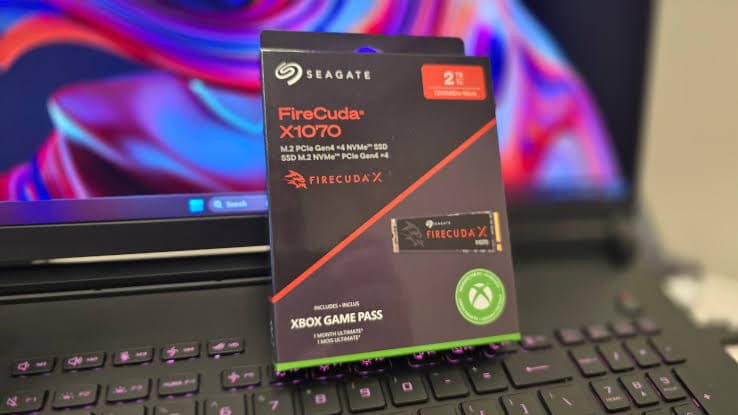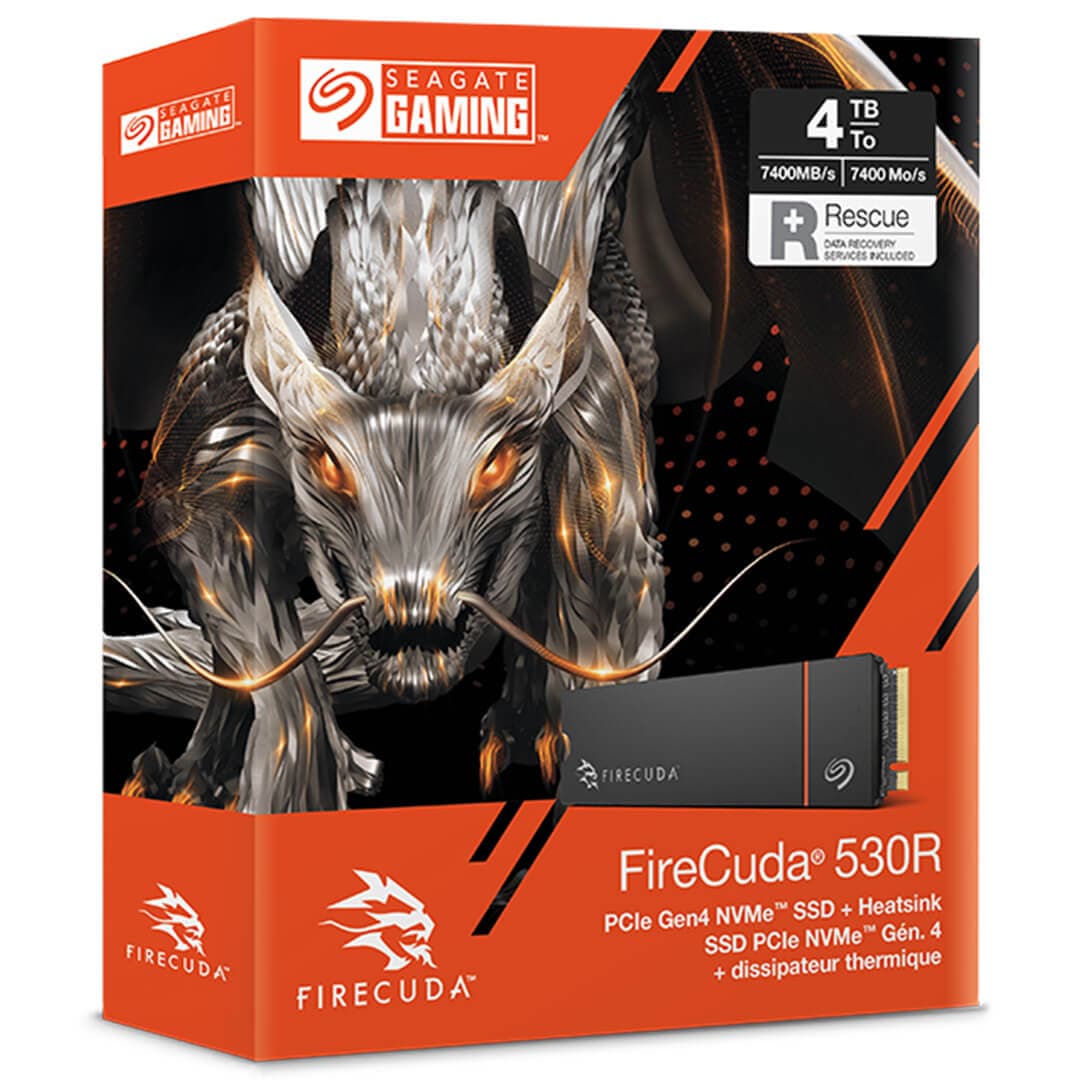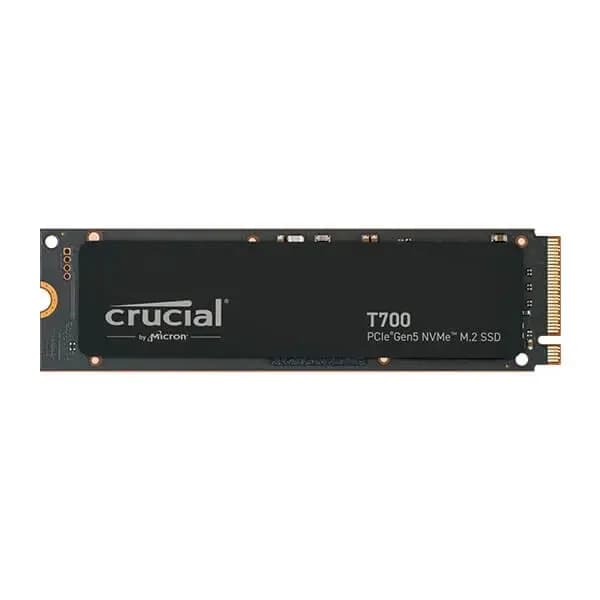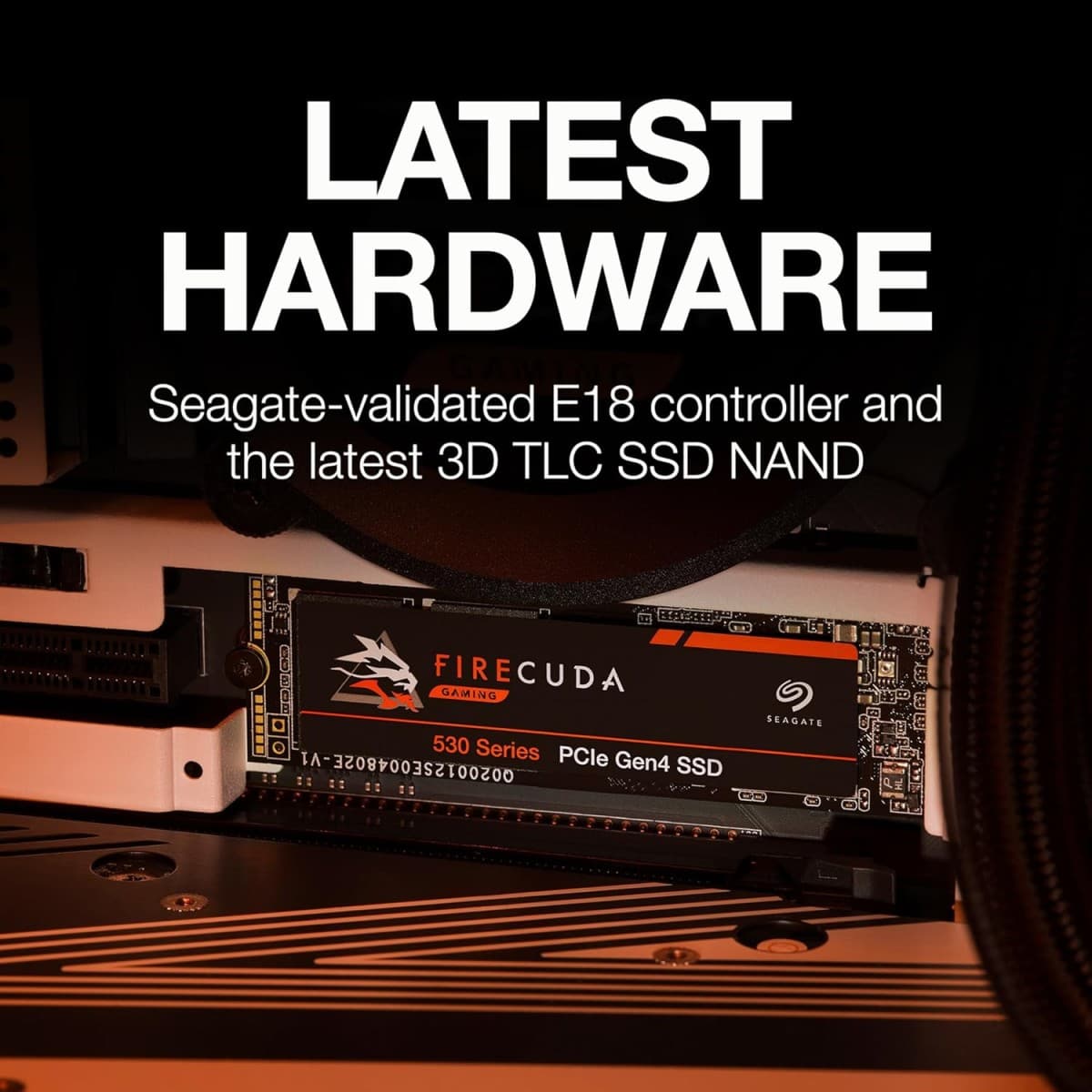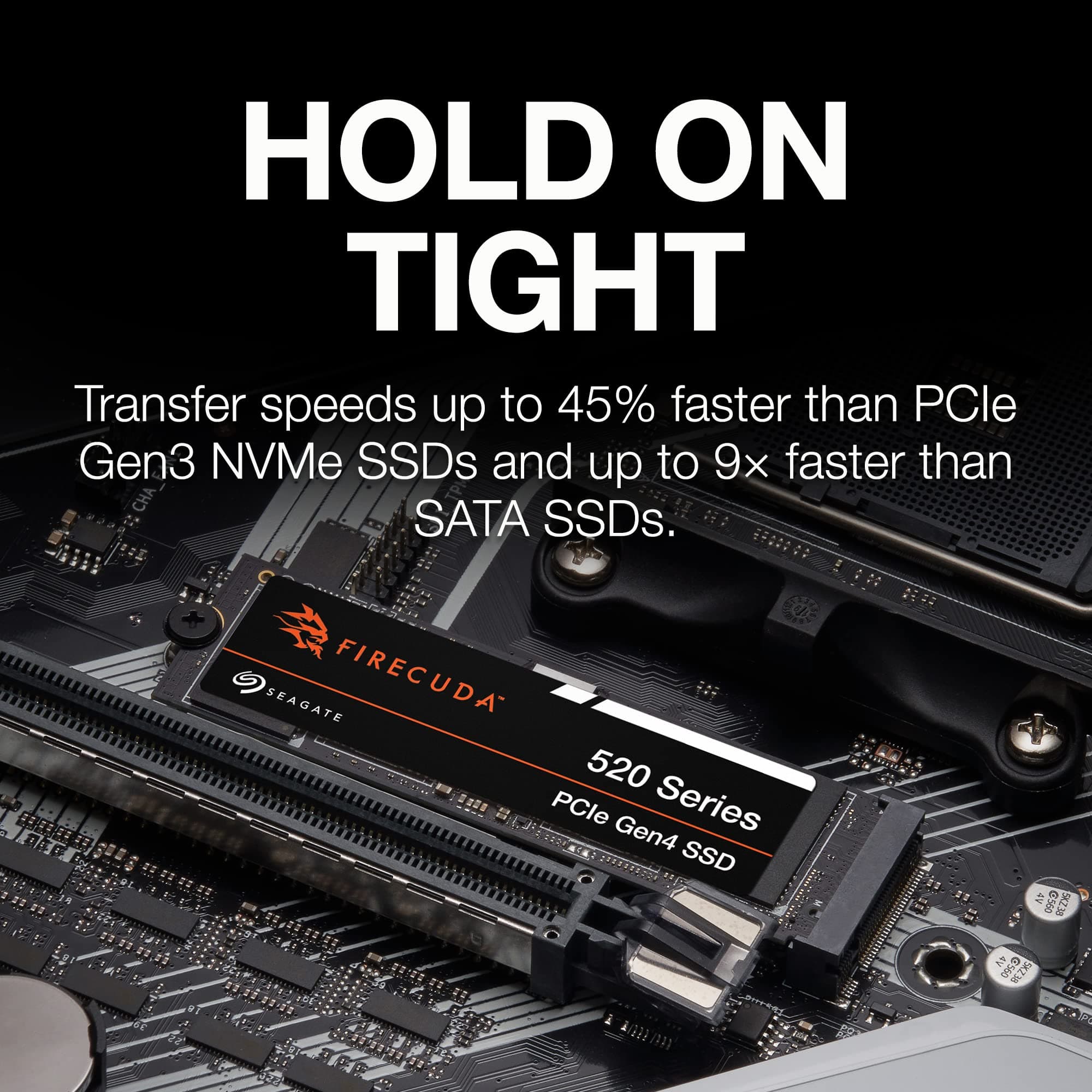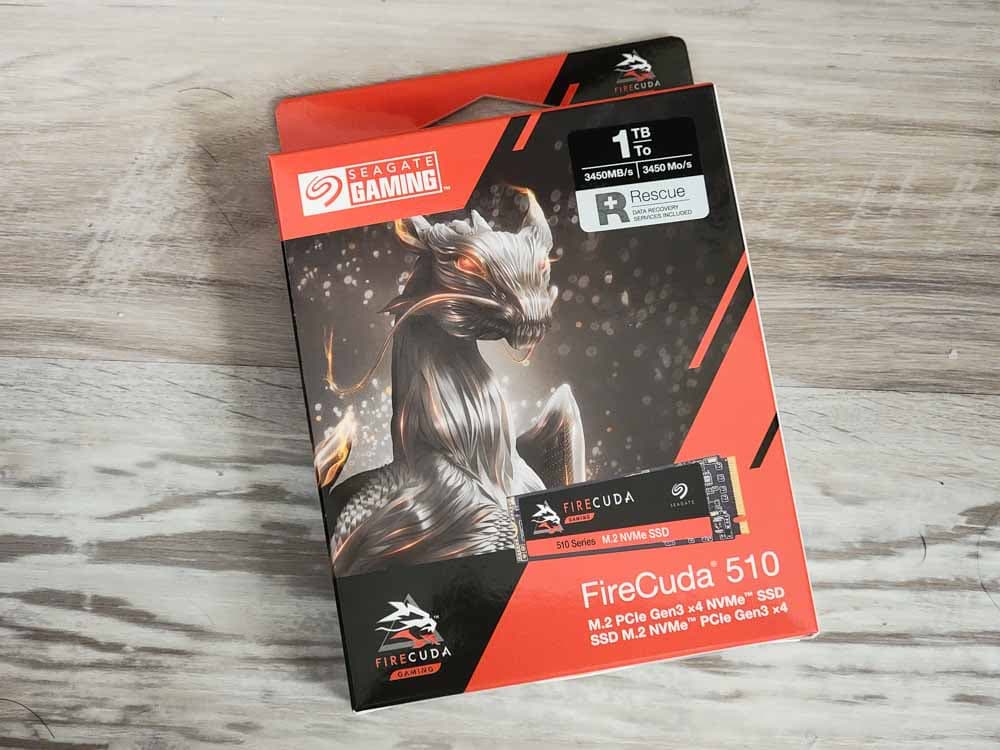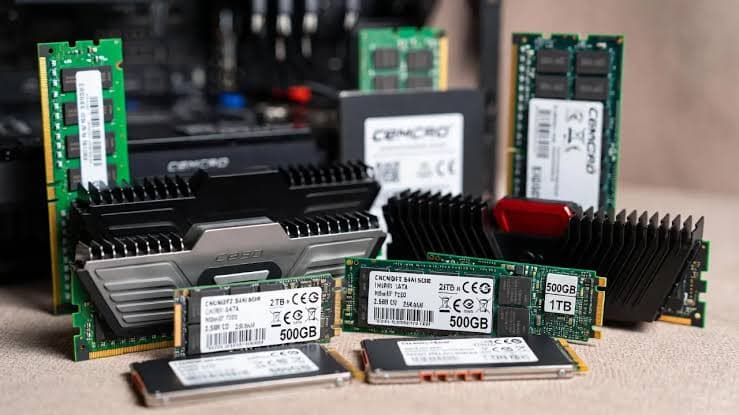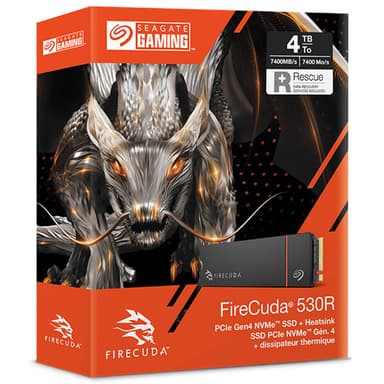
Seagate FireCuda 530R 2TB PCIe Gen4 NVMe M.2 SSD
7,400 MB/s read speeds with extreme 5,050 TBW endurance – a stealthy workstation powerhouse for gaming and creation
Key Highlights
- 7,400 MB/s sequential read – flagship PCIe Gen4 performance
- 2 TB capacity with Seagate 3D TLC NAND (162-layer)
- Extreme 5,050 TBW endurance – highest in its class
- Integrated heatsink option for PS5 compatibility
- DirectStorage support for lightning-fast game loads
- 5-year warranty + 3-year Rescue Data Recovery Services included
Overview
How It Works
The Seagate FireCuda 530R harnesses PCIe 4.0 x4, Seagate's 3D TLC NAND, and a DRAM cache to deliver elite Gen4 performance. Here's what happens under the hood:
PCIe 4.0 x4 Interface
The drive connects via four PCIe 4.0 lanes, providing 8 GB/s of raw bandwidth. This enables sequential reads of up to 7,400 MB/s and writes of up to 6,900 MB/s[reference:21].
3D TLC NAND (162-Layer)
Seagate's 3D TLC NAND with 162 layers stores 3 bits per cell, offering a strong balance of performance, endurance, and cost[reference:22].
pSLC Caching & DRAM Buffer
A large pseudo-SLC cache absorbs burst writes at full speed for over 32 seconds, delivering a 221 GB cache[reference:23]. The DRAM buffer holds the mapping table, reducing access latency[reference:24].
DirectStorage & NVMe 1.4
With Microsoft DirectStorage, the GPU can directly access game assets on the SSD, bypassing the CPU. This slashes load times and enables seamless open-world streaming[reference:25][reference:26].
Thermal Management
The optional heatsink model features an effective heatsink fitted out of the box, keeping the drive cool even under sustained writes[reference:27].
Key Features
7,400 MB/s Reads
Blazing sequential read speeds that fully harness PCIe Gen4 bandwidth. Boot Windows, launch games, and load massive projects in seconds[reference:28][reference:29].
PCIe 4.0 x4 Interface
Full compatibility with AMD and Intel PCIe 4.0 platforms. Backward-compatible with PCIe 3.0 slots (at reduced speed)[reference:30][reference:31].
2 TB Capacity
Ample room for your OS, a massive game library, 4K/8K video projects, and creative workloads. Also available in 1 TB and 4 TB[reference:32][reference:33].
Extreme 5,050 TBW Endurance
Rated for up to 5,050 TBW——the highest endurance in its class. Equivalent to writing 1 TB of data every day for over 13 years[reference:34][reference:35].
Integrated Heatsink Option
Available with an effective heatsink fitted out of the box, making it compatible with PlayStation 5 expansion[reference:36][reference:37].
Microsoft DirectStorage Optimised
Optimised for Microsoft DirectStorage, resulting in faster asset loading and reduced CPU load in supported games[reference:38][reference:39].
✓ Pros
- ✓Exceptional sequential read/write speeds – among the fastest PCIe Gen4 drives
- ✓Industry-leading endurance – 5,050 TBW, the highest in its class
- ✓Available with an effective integrated heatsink for PS5 compatibility
- ✓Supports Microsoft DirectStorage for faster game loading
- ✓Includes 3-year Rescue Data Recovery Services for peace of mind
- ✓5-year warranty from a trusted storage leader
- ✓Available in capacities up to 4 TB
✗ Cons
- ✗Requires a PCIe 4.0 M.2 slot to achieve full 7,400 MB/s speed
- ✗Real-world performance can be less impressive than quoted speeds[reference:40]
- ✗Currently difficult to find in stock at reasonable prices[reference:41][reference:42]
- ✗Price is high compared to alternatives due to ongoing RAM shortage[reference:43]
- ✗Bare drive version has a plain design with a sticker that may peel[reference:44]
Use Cases
Technical Specifications
Seagate FireCuda 530R vs Seagate FireCuda 530 vs Samsung 990 Pro
| Feature | fireCuda530R | fireCuda530 | samsung990Pro | |
|---|---|---|---|---|
| Interface | PCIe 4.0 x4 | PCIe 4.0 x4 | PCIe 4.0 x4 | |
| Sequential Read | 7,400 MB/s | 7,300 MB/s | 7,450 MB/s | |
| Sequential Write | 6,900 MB/s | 6,900 MB/s | 6,900 MB/s | |
| Endurance (2TB) | 5,050 TBW | 2,550 TBW | 1,200 TBW | |
| Heatsink Option | Integrated (PS5 ready) | EKWB Custom | Metal Label | |
| Data Recovery | 3-Year Rescue Service | 3-Year Rescue Service | Not Included |
Setup Tips
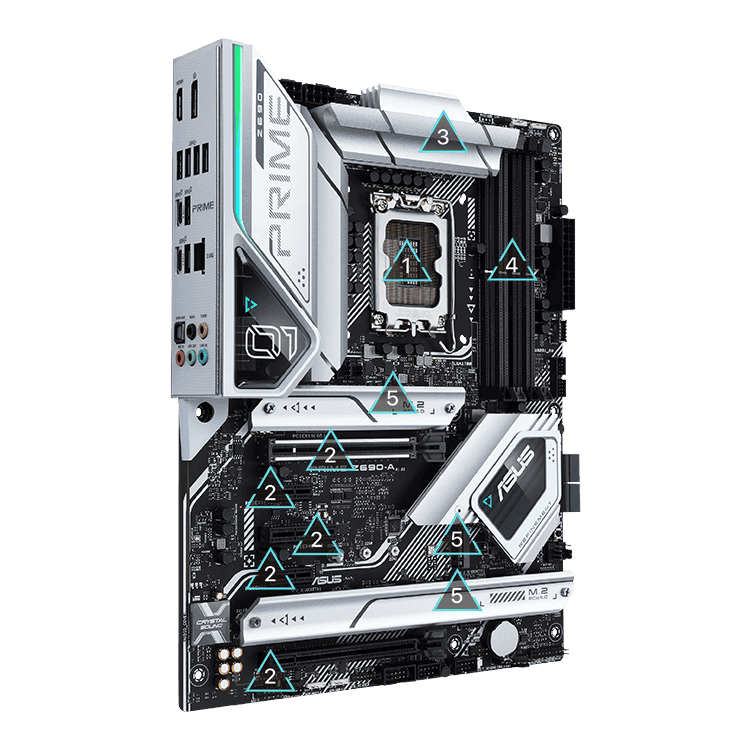
Install in the Primary M.2 Slot
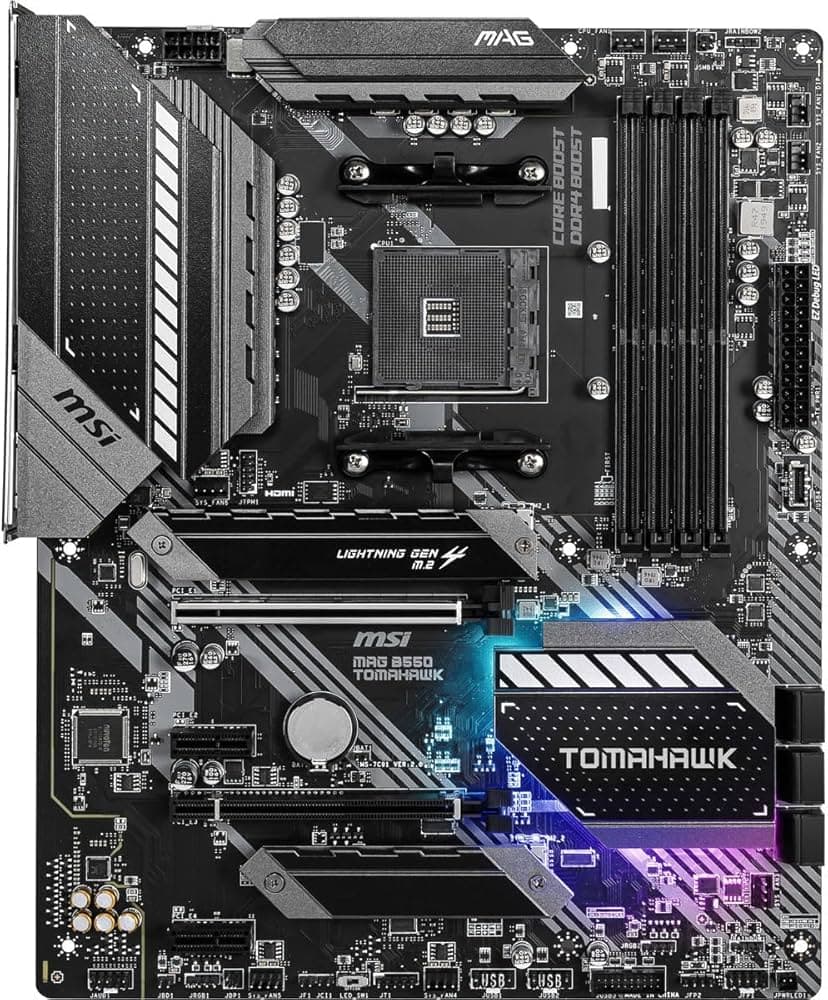
On most motherboards, the slot closest to the CPU offers the best PCIe lane allocation. Consult your motherboard manual to ensure you're using a PCIe 4.0-capable slot.
Enable PCIe 4.0 in BIOS
Some motherboards default M.2 slots to PCIe 3.0. Enter the UEFI BIOS, navigate to Advanced → Onboard Devices Configuration, and set the M.2 link speed to Gen4.
Use the Heatsink Model for PS5
If you're installing in a PS5, ensure you purchase the heatsink model. The heatsink is pre-installed and should not be removed as it can damage the SSD[reference:59].
Update Your SSD Firmware
Download Seagate SeaTools from seagate.com to monitor drive health, manage storage, and check for firmware updates[reference:60][reference:61].