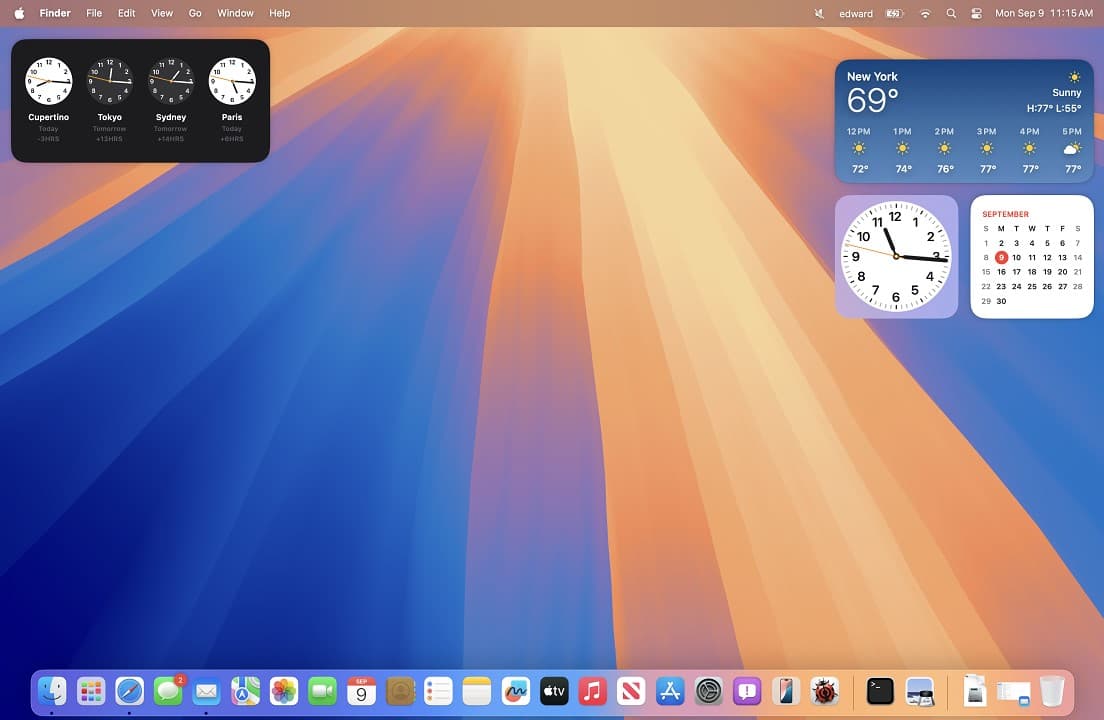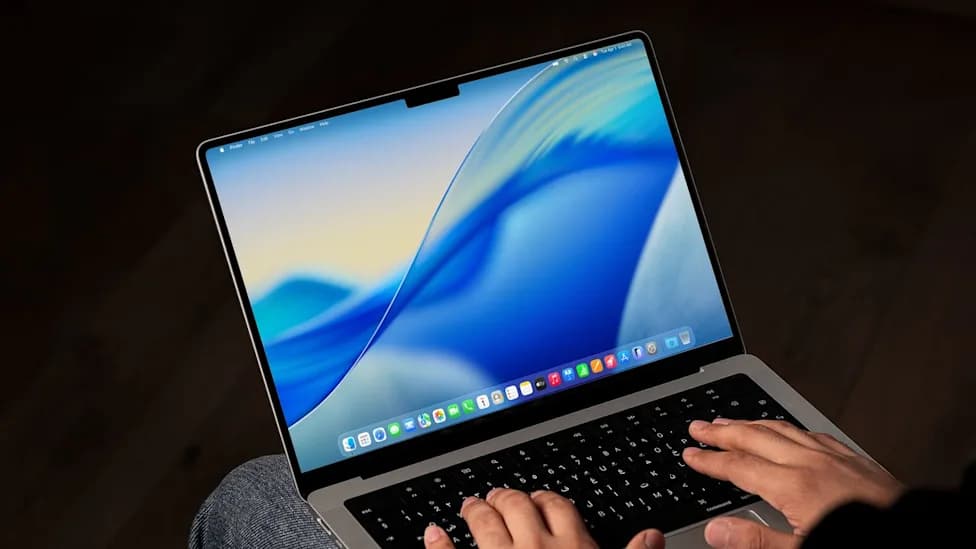

macOS Sequoia
The most advanced desktop operating system. Refined and elevated.
Overview
How It Works
macOS Sequoia is powered by Darwin, the same Unix‑based foundation that drives all of Apple’s operating systems. The new Apple Intelligence engine runs generative models right on your device, using personal context to help you work faster – all while keeping your data private. Here’s how the key pieces fit together:
Darwin & the XNU Kernel
The XNU kernel combines the Mach microkernel with FreeBSD services. It manages memory, processes, and device drivers, providing a stable, secure foundation for everything above it.
AppKit & SwiftUI
Developers build native Mac apps using AppKit (the traditional framework) or SwiftUI (the modern, declarative framework). Both sit on top of the AppKitCore layer that handles window management, event routing, and animation.
Grand Central Dispatch & Metal 3
Grand Central Dispatch schedules work across the CPU and GPU for maximum performance. Metal 3 provides low‑level access to the GPU, enabling stunning graphics, ray tracing, and hardware‑accelerated machine learning.
Apple Intelligence
On‑device generative models understand your personal context – calendar, messages, photos – to answer questions, suggest actions, and generate content. All processing happens locally using the Neural Engine; nothing leaves your device unless you choose to share it.
iPhone Mirroring
Your iPhone screen appears wirelessly on your Mac via a peer‑to‑peer AirPlay connection. You can use iOS apps, drag and drop files, and respond to notifications – all without taking your phone out of your pocket.
Unified Memory Architecture
On Apple Silicon, the CPU, GPU, and Neural Engine share a single pool of high‑bandwidth memory. Data doesn’t need to be copied around, so everything feels instantaneous and incredibly power‑efficient.
Key Features
iPhone Mirroring
Wirelessly view and control your iPhone from your Mac. Use iOS apps, drag and drop files between devices, and get iPhone notifications right on your desktop.
Window Tiling
Drag a window to the edge of the screen and Sequoia suggests a tiled position. New keyboard shortcuts and menu options make organising your workspace fast and intuitive.
Safari Redesign
Safari now includes Highlights, which surfaces key information like addresses and phone numbers on the page. The Reader has been redesigned with a cleaner look and new font options.
Passwords App
A standalone Passwords app centralises all your credentials, passkeys, and two‑factor verification codes. Syncs securely across your Mac, iPhone, and iPad via iCloud Keychain.
Apple Intelligence
Generative AI integrated into every app. Write, rewrite, and summarise text; create images in Image Playground; and let Siri understand deep personal context – all on‑device and private.
Game Mode 2
Improved gaming performance with higher frame rates, reduced audio latency, and support for ray tracing on Apple Silicon. Spatial Audio immerses you in a 3D soundstage.
Continuity Camera & Desk View
Use your iPhone as a wireless webcam with Center Stage. Desk View shows your face and a top‑down view of your desk simultaneously – perfect for demos or tutoring.
Privacy & Security
Every Mac with Apple Silicon includes a Secure Enclave for encrypted storage and biometrics. Mail Privacy Protection, iCloud Private Relay, and on‑device processing keep your data yours.
✓ Pros
- ✓Beautiful, intuitive user interface with seamless integration across Apple devices
- ✓iPhone Mirroring is a game‑changer for multitasking
- ✓Apple Intelligence delivers powerful AI features without sacrificing privacy
- ✓Window Tiling finally brings native window management to macOS
- ✓Standalone Passwords app makes credential management effortless
- ✓Excellent performance on Apple Silicon with long battery life
- ✓Regular, free software updates for many years
- ✓Strong privacy and security protections built into the OS
✗ Cons
- ✗Limited to Apple hardware – cannot be installed on non‑Mac PCs
- ✗Some advanced features require Apple Silicon (older Intel Macs miss out)
- ✗The new Passwords app still lacks some advanced features of dedicated password managers
- ✗Window Tiling is less customisable than third‑party tools like Magnet
- ✗Apple Intelligence features may be released gradually over time, not all at launch
Use Cases
Technical Specifications
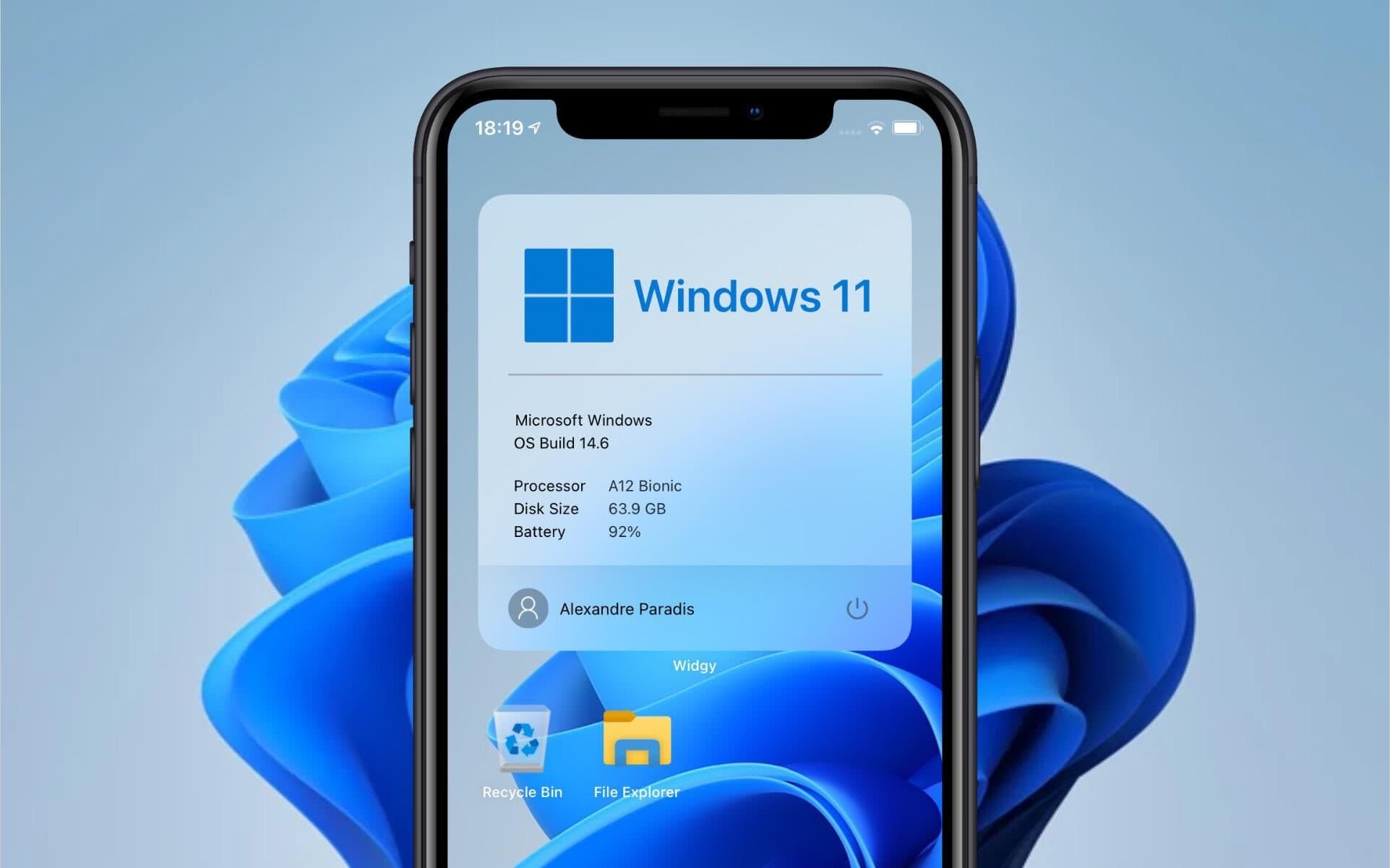
macOS Sequoia vs macOS Sonoma vs Windows 11
| Feature | macOSSequoia | macOSSonoma | windows11 |
|---|---|---|---|
| iPhone Mirroring | Yes | No | No (Phone Link only) |
| Window Tiling | Native | Third‑party | Native (Snap) |
| Standalone Passwords App | Yes | No (in Settings) | No |
| AI Assistant | Apple Intelligence (on‑device) | Siri only | Copilot (cloud) |
| Game Mode | Game Mode 2 | Game Mode | Game Mode |
| Privacy Model | On‑device processing | On‑device processing | Cloud + on‑device |
| Availability | Fall 2024 | Available | Available |