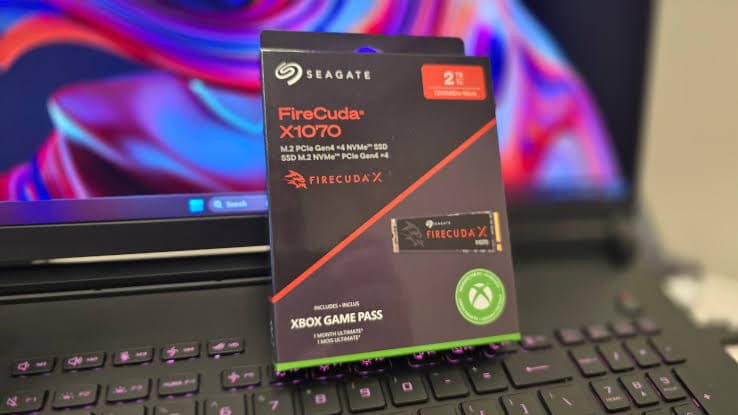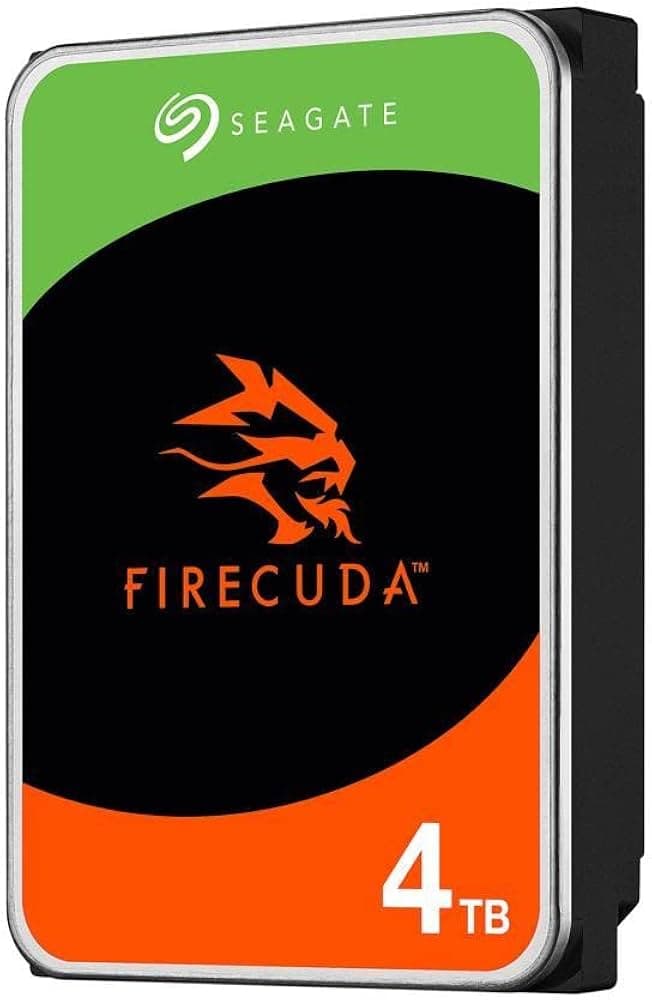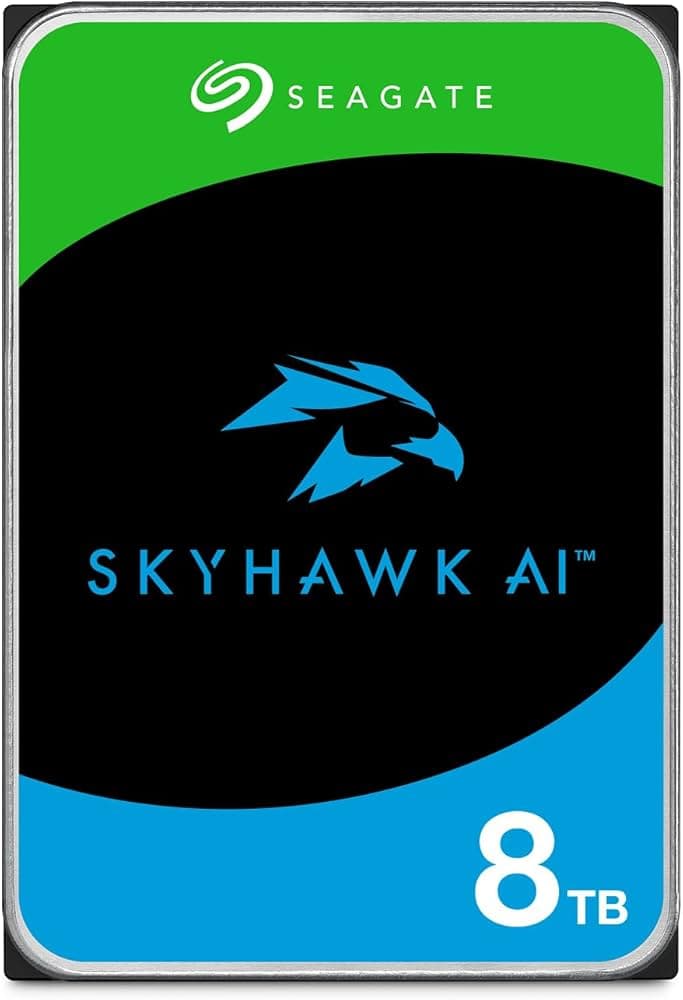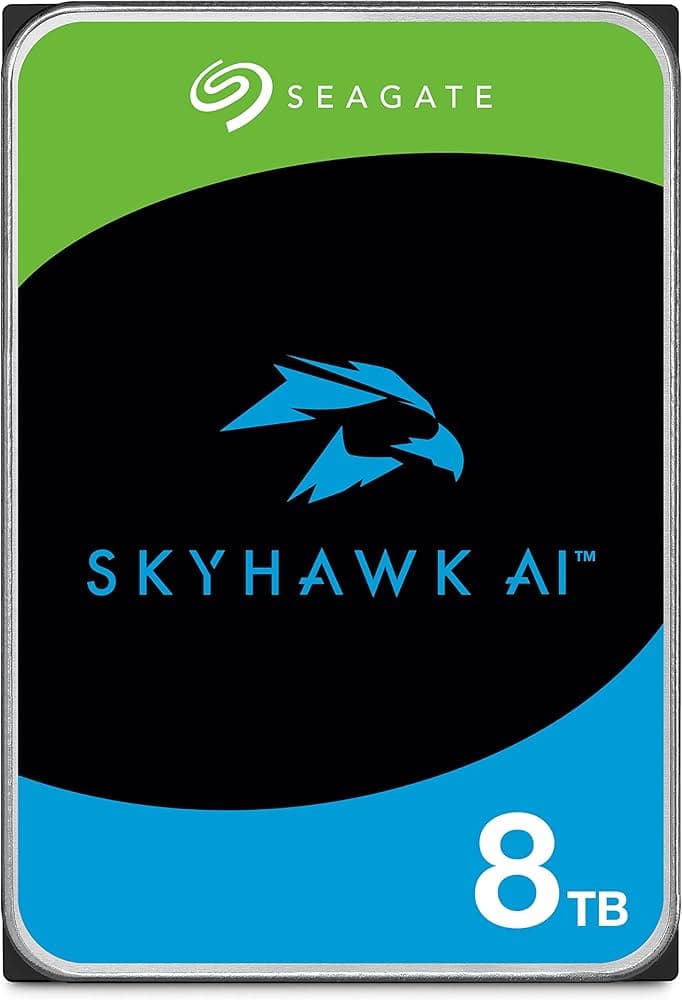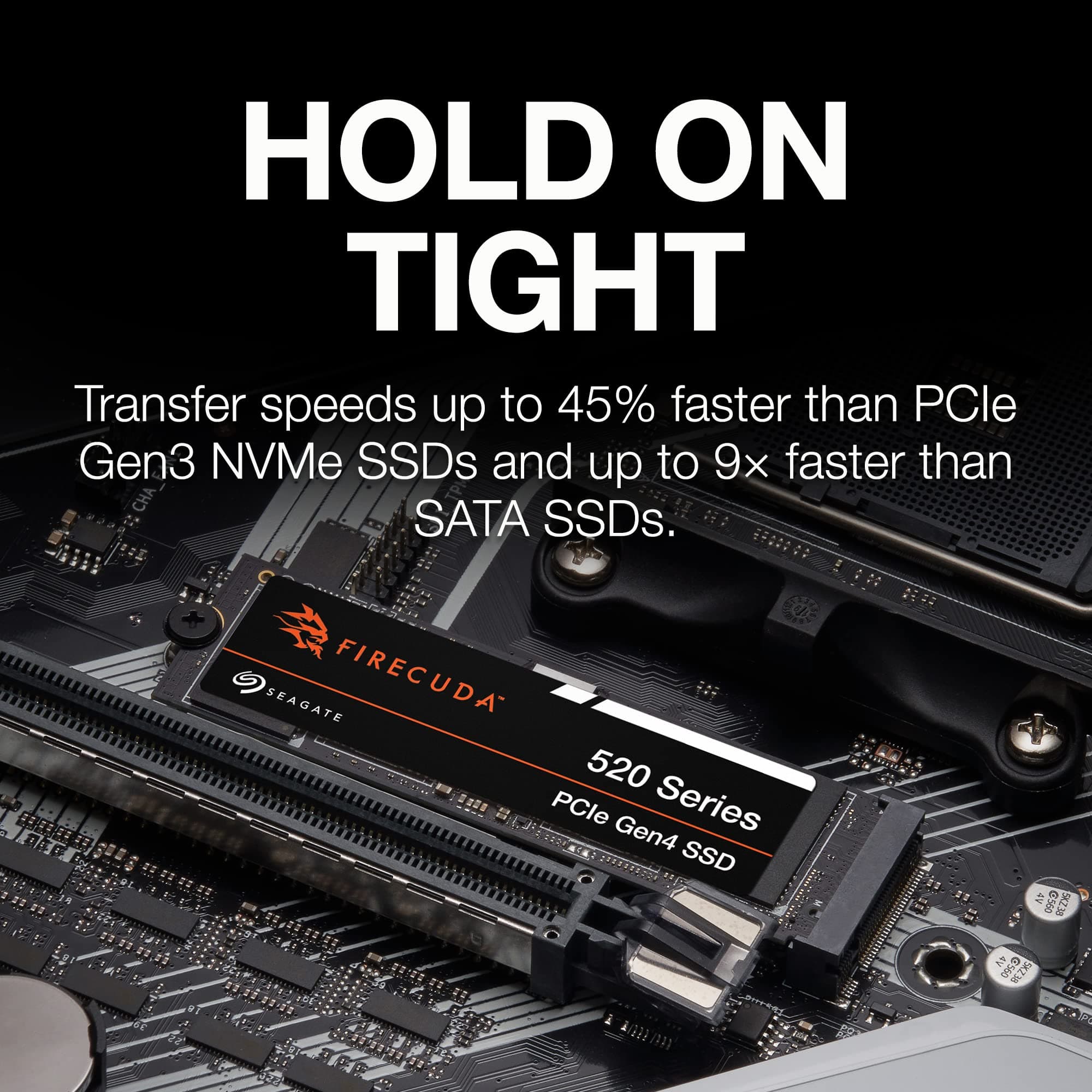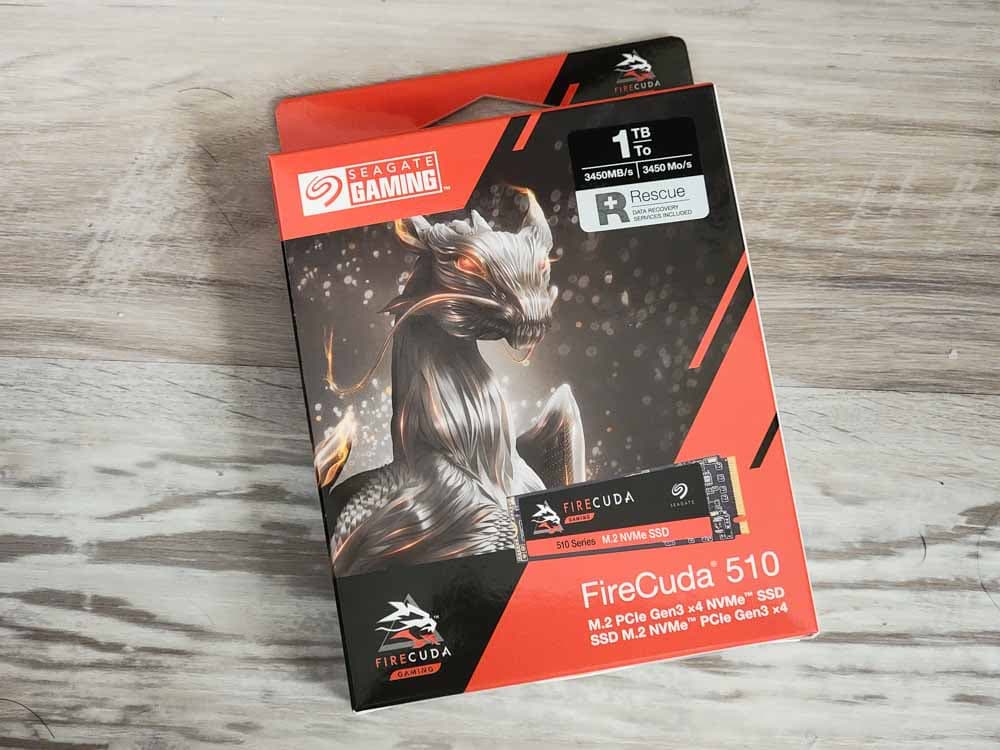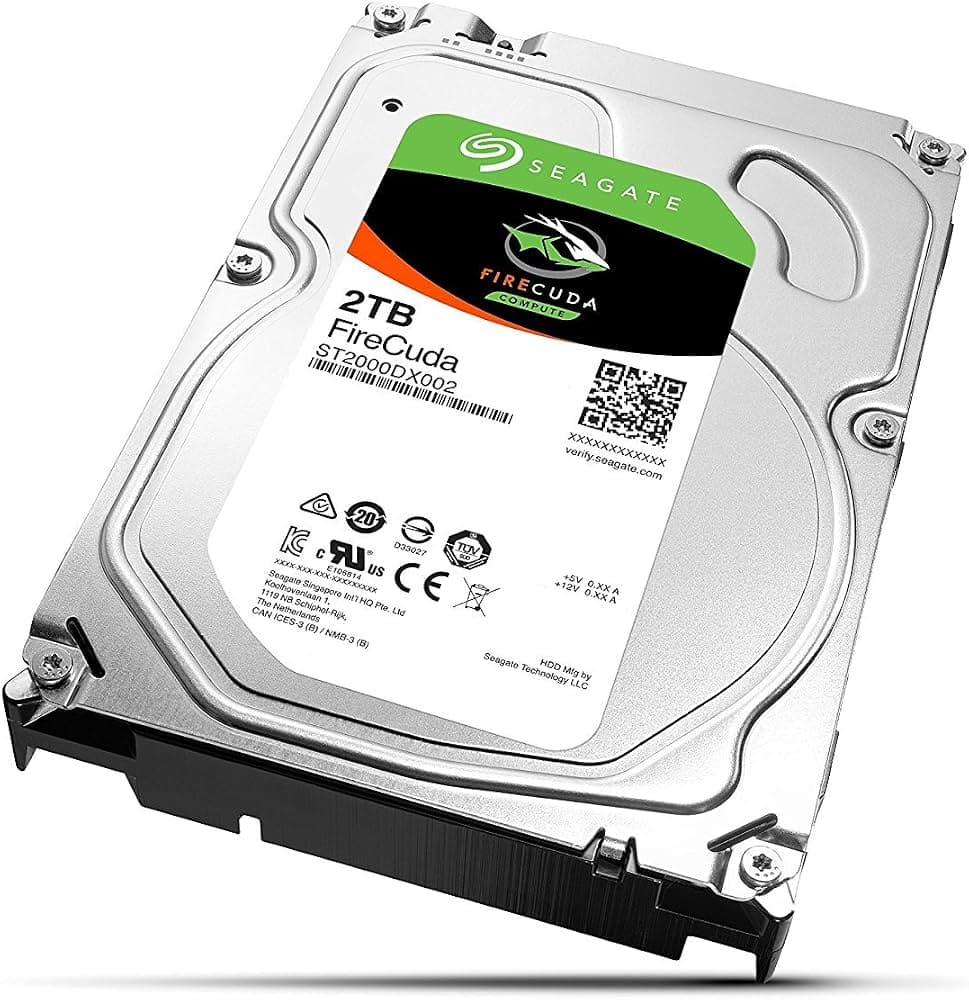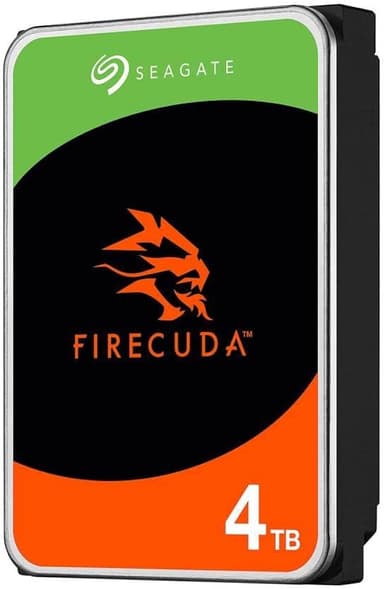
Seagate FireCuda 4TB 3.5-inch Internal Hard Drive
Massive 4TB game vault with 7200 RPM speeds, 256MB cache, and CMR technology – the ultimate storage for gamers and creators
Key Highlights
- 4TB massive capacity – build your ultimate game vault
- 7200 RPM speed with 255 MB/s sustained transfer rates[reference:84]
- CMR technology for consistent performance and higher endurance[reference:85]
- 256MB cache for faster application loading[reference:86]
- 300TB/year workload rating – built for heavy use[reference:87]
- 5-year warranty + 3-year Rescue Data Recovery Services[reference:88]
Overview
How It Works
The Seagate FireCuda HDD harnesses SATA III 6Gb/s, 7200 RPM spindle speed, and CMR technology to deliver exceptional performance for a mechanical hard drive. Here's what happens under the hood:
SATA III 6Gb/s Interface
The drive connects via the SATA III interface, providing 600 MB/s of raw bandwidth and enabling maximum sustained transfer rates of up to 255 MB/s[reference:15][reference:16].
7200 RPM Spindle Speed
High-speed 7200 RPM spindle rotation delivers fast data access and low latency, making it ideal for gaming and creative applications[reference:17][reference:18].
CMR Recording Technology
Conventional Magnetic Recording (CMR) provides consistent performance, higher endurance, and faster reads and writes compared to SMR drives[reference:19][reference:20].
256MB Cache Buffer
A large 256MB cache stores frequently accessed data for quicker retrieval, helping applications run faster and files transfer quicker[reference:21][reference:22].
300TB/Year Workload Rate
Rated for 300TB of data written per year, the FireCuda HDD is built for sustained abuse and heavy gaming workloads[reference:23][reference:24].
SeaTools & DiscWizard Software
Free Seagate SeaTools software monitors drive health and performance[reference:25], while DiscWizard enables easy data migration, backup, and secure erasure[reference:26].
Key Features
4TB Massive Capacity
Build your ultimate game vault with 4TB of storage – room for hundreds of modern games, 4K video projects, and creative assets[reference:27].
7200 RPM Speed
High-speed 7200 RPM spindle delivers fast data access and low latency for gaming and creative applications[reference:28][reference:29].
SATA 6Gb/s Interface
Standardized 3.5-inch form factor with SATA III 6Gb/s interface for easy installation and broad compatibility[reference:30][reference:31].
256MB Cache
Ultra-large 256MB cache buffer accelerates application loading and file transfers[reference:32][reference:33].
CMR Technology
Conventional Magnetic Recording delivers consistent performance, higher endurance, and faster reads and writes than SMR drives[reference:34][reference:35].
5-Year Warranty + 3-Year Data Recovery
Backed by a 5-year limited warranty and 3 years of Seagate Rescue Data Recovery Services for peace of mind[reference:36][reference:37].
✓ Pros
- ✓Massive 4TB capacity – room for hundreds of games and creative projects
- ✓Fast 7200 RPM spindle speed with 255 MB/s sustained transfer rates[reference:38]
- ✓CMR technology for consistent performance and higher endurance[reference:39]
- ✓Large 256MB cache for faster application loading[reference:40]
- ✓300TB/year workload rating for heavy use[reference:41]
- ✓5-year warranty from a trusted storage leader
- ✓3-year Rescue Data Recovery Services included[reference:42]
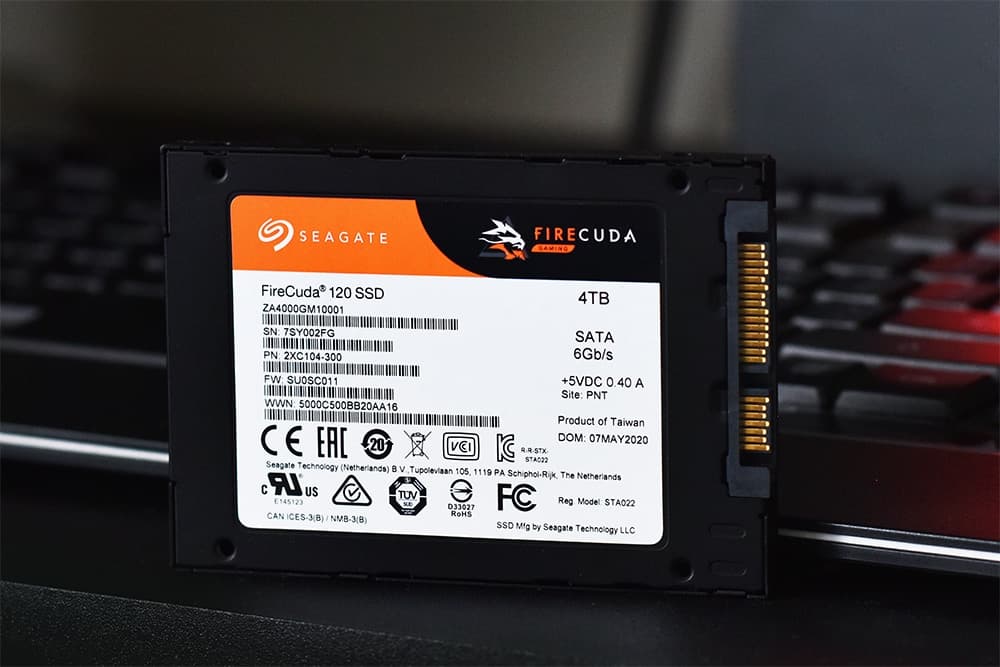
- ✓Excellent companion drive to pair with an SSD[reference:43]
✗ Cons
- ✗Significantly slower than SSDs – limited to 255 MB/s maximum transfer rates[reference:44]
- ✗Mechanical moving parts – susceptible to physical shock and vibration
- ✗Louder than SSDs – produces audible noise during operation (32 dB active)[reference:45]
- ✗Higher power consumption than SSDs – 7.2W active[reference:46]
- ✗Not suitable for portable devices – 3.5-inch form factor is desktop-only
Use Cases
Technical Specifications
Seagate FireCuda HDD vs WD Black vs Seagate BarraCuda
| Feature | fireCuda | wdBlack | barraCuda | |
|---|---|---|---|---|
| Interface | SATA III 6Gb/s | SATA III 6Gb/s | SATA III 6Gb/s | |
| Spindle Speed | 7200 RPM | 7200 RPM | 5400 RPM (or 7200 RPM) | |
| Cache | 256MB | 256MB | 256MB | |
| Recording Technology | CMR | CMR | SMR (most models) | |
| Max Sustained Transfer | 255 MB/s[reference:72] | ~250 MB/s | ~210 MB/s | |
| Workload Rate | 300TB/year[reference:73] | ~180TB/year | ~55TB/year | |
| Warranty | 5 Years | 5 Years | 2 Years | |
| Data Recovery | 3-Year Rescue | None | None | |
| Target Use | Gaming & Creative | Gaming & Performance | General Storage |
Setup Tips
Install in a Desktop PC
The FireCuda HDD uses a standard 3.5-inch form factor. Ensure your desktop case has a 3.5-inch drive bay and available SATA data and power connectors[reference:81].
Enable AHCI Mode in BIOS
Ensure your motherboard's SATA controller is set to AHCI mode (not IDE) in the BIOS to fully leverage the drive's performance.
Initialize with GPT Partition Table
When initializing the drive in Windows, use GPT (GUID Partition Table) for drives larger than 2TB to access the full 4TB capacity.
Pair with an SSD for Optimal Performance
For the best experience, install your operating system and frequently used applications on a FireCuda SSD, and use the FireCuda HDD as your game vault and file storage[reference:82].
Install SeaTools Software
Download Seagate SeaTools from seagate.com to monitor drive health, check performance, and receive firmware updates[reference:83].