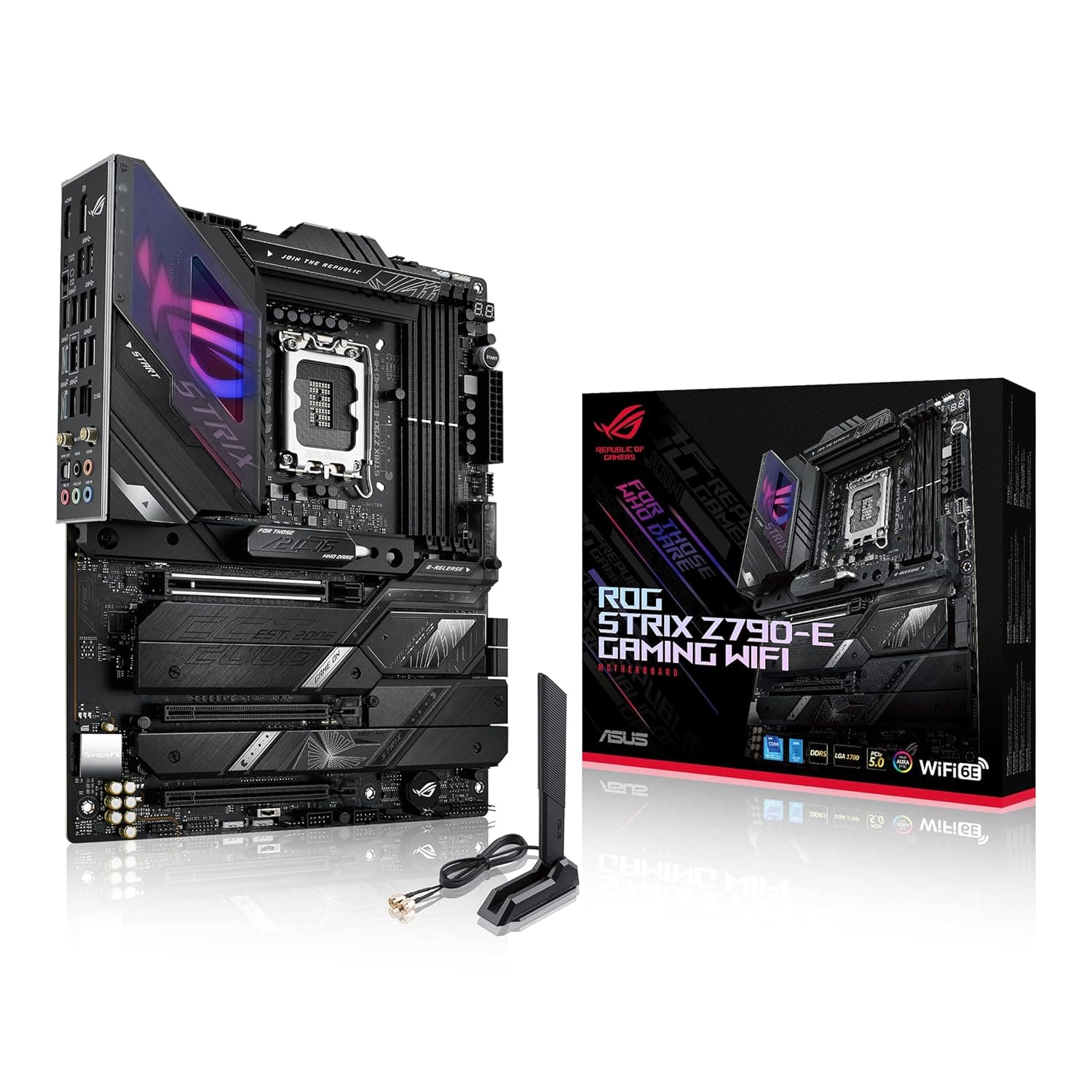
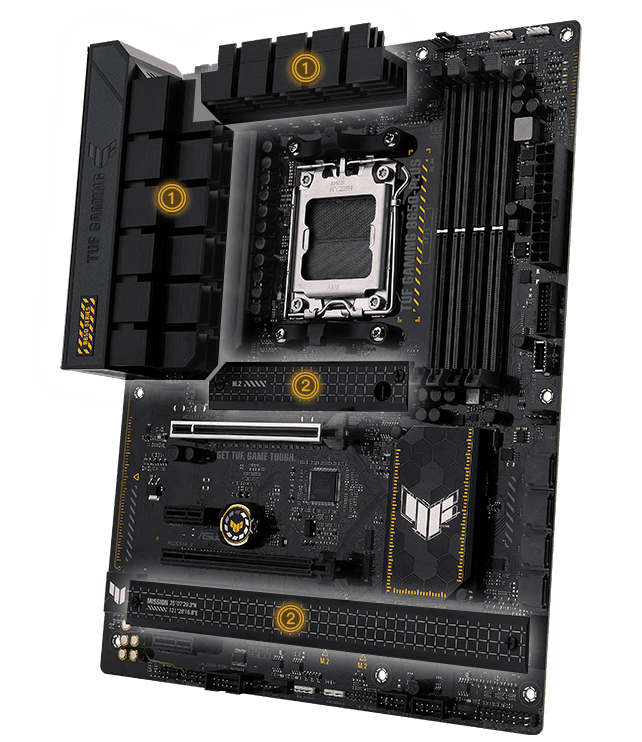
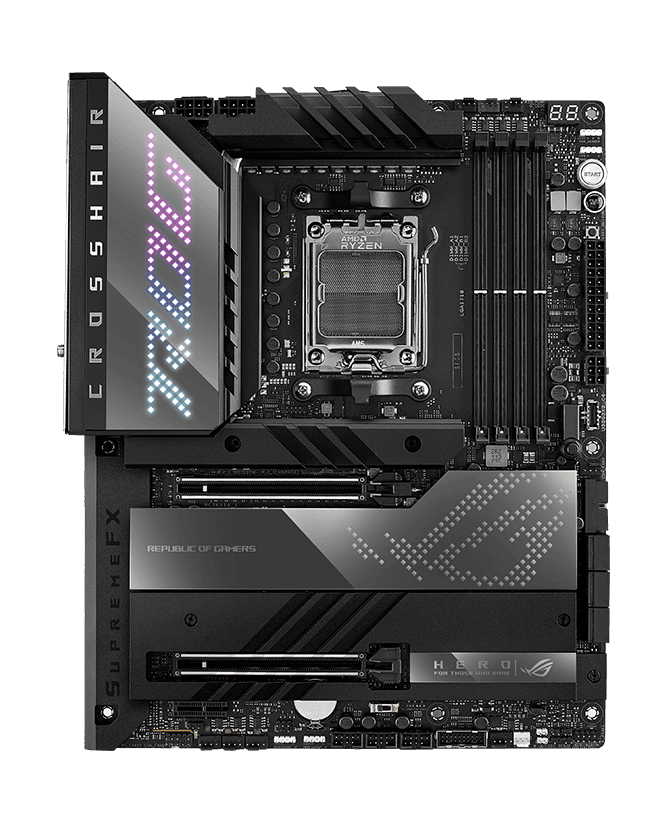
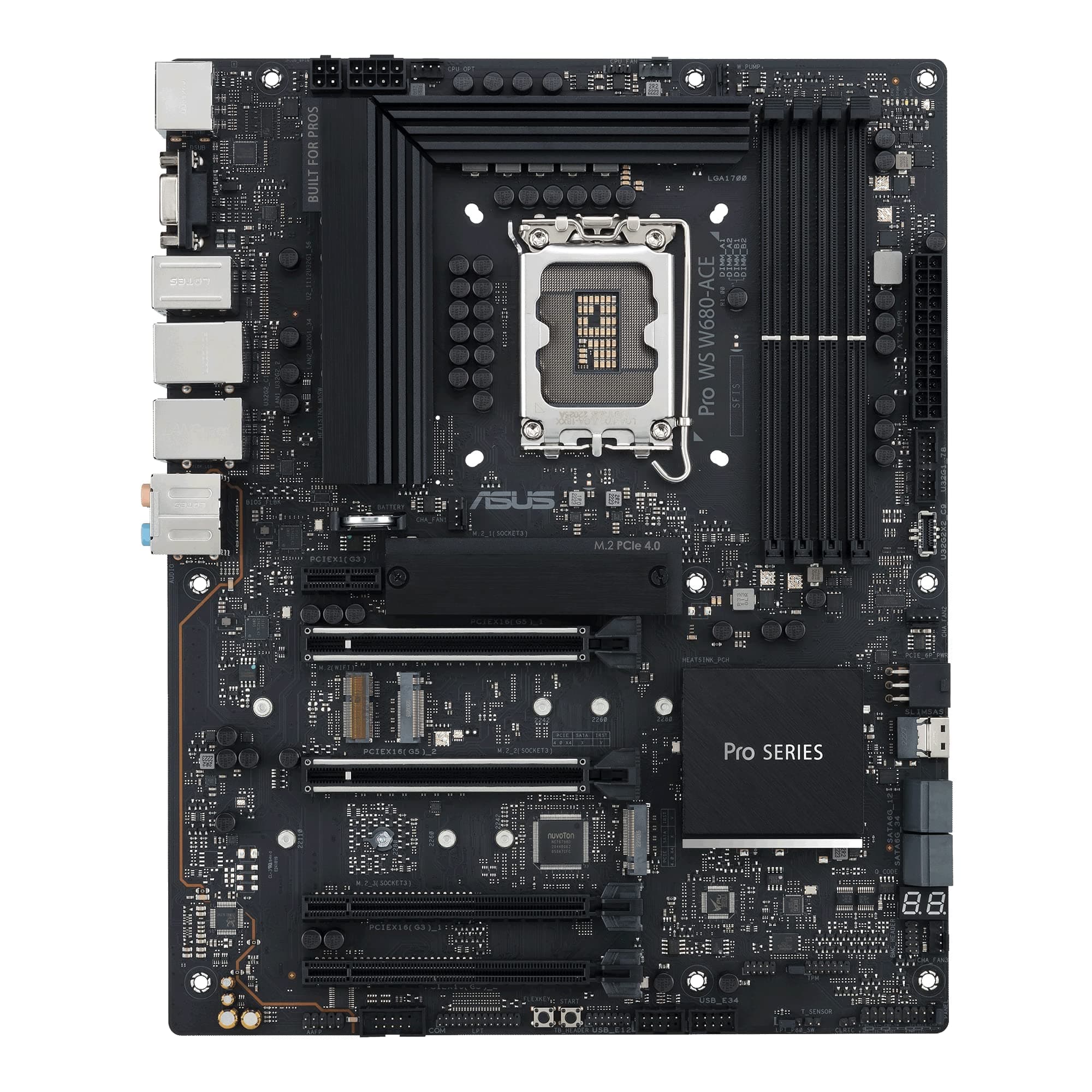
ASUS Prime A620M-A
The essential AM5 foundation combining next-gen DDR5 performance, PCIe 4.0 storage, and ASUS durability in a value-conscious Micro-ATX footprint.
Overview
How It Works
Power Delivery Regulation
The motherboard receives 12V power through the 8-pin ProCool connector and standard 24-pin ATX, stepping down voltages through a 6+1+1 power stage layout directly regulated by the ASP2203 Digi+ VRM controller.
Memory Optimization Routing
Utilizing OptiMem II technology, trace routing is optimized across the PCB layers to minimize signal crosstalk and attenuation, facilitating stable DDR5 memory overclocking up to 6400+ MHz.
Direct CPU Data Transmission
The PCIe 4.0 x16 slot and dual PCIe 4.0 x4 M.2 slots bypass chipset bottlenecks by connecting directly to the AMD Ryzen CPU lanes for ultra-fast, unhindered bandwidth.
Dynamic Thermal Control
System fans are monitored and modulated via Fan Xpert 2+ utility using onboard thermal sensors, keeping VRM, CPU, and chassis zones cool under sustained processing loads.
Key Features
AM5 Socket Ready
Full support for AMD Ryzen 7000, 8000, and 9000 Series desktop processors with reliable, long-term BIOS updates.
Dual-Channel DDR5
Four DIMM slots supporting up to 192GB of DDR5 memory with AMD EXPO profile support for optimized memory overclocking.
Dual M.2 PCIe 4.0 Slots
Equipped with two PCIe 4.0 x4 M.2 slots supporting transfer speeds up to 64 Gbps for lightning-fast OS boots and game loads.
Robust VRM Thermal Design
Features a solid 6+1+1 phase power delivery paired with an integrated VRM heatsink and thermal pads for consistent thermal performance.
ASUS OptiMem II
Careful routing of traces and vias preserves signal integrity, allowing improved memory overclocking headroom and stability.
Comprehensive Connectivity
Includes DisplayPort, HDMI, and VGA outputs, providing extensive video display choices for processors with integrated graphics.
Realtek 1Gb Ethernet
Delivers reliable and fast Gigabit wired networking designed for stable online gaming and smooth productivity workflows.
Aura Sync RGB Headers
Features Addressable Gen 2 headers and standard RGB headers, completely manageable via ASUS Armoury Crate software.
Two-Way AI Noise Cancelation
Saves system resources by using deep-learning databases to eliminate unwanted background noise from microphone input and audio output.
Power Delivery and VRM Architecture
Robust engineering for continuous mainstream AM5 power loads
Digi+ VRM Controller
The onboard ASP2203 controller monitors voltage drops in real-time and switches frequencies to ensure consistent power regulation across diverse workloads.
ProCool 8-pin Connector
Proprietary ProCool connectors featuring solid pins handle higher current and prevent localized hotspot melting, enhancing system durability.
Alloy Chokes & Durable Capacitors
Engineered to withstand extreme temperature spikes and resist degradation, outlasting standard industry components.
VRM Heatsink Integration
An anodized aluminum VRM heatsink covers critical power-delivery phases, utilizing efficient thermal pads to draw heat away quickly.
Multi-Phase Switching
Optimized to distribute load evenly, minimizing stress on individual phases and improving long-term component lifespan.
Next-Gen DDR5 Memory Implementation
Unlocking high frequencies with precision trace layouts
OptiMem II Routing
Re-routes memory signals across different PCB layers, reducing vias and adding shielding zones to dramatically lower crosstalk.
6400+ MHz (OC) Support
Supports extreme DDR5 speed profiles through manual tuning or standard AMD EXPO performance profiles in the UEFI.
192GB Maximum Capacity
Accepts high-density 48GB modules across four DIMM slots, allowing a massive maximum system memory footprint.
On-Die ECC Compatibility
Fully supports DDR5's built-in error correction code layers, correcting memory bit errors directly on the module.
Dedicated Memory PMIC Shielding
Optimizes power distribution to memory modules by insulating the board traces from high-frequency electrical interference.
High-Speed Storage and PCI Express Layout
PCIe Gen 4 bandwidth for modern GPUs and NVMe SSDs
Dual PCIe 4.0 x4 M.2 Slots
Both M.2 interfaces support NVMe storage arrays up to 64 Gbps, utilizing direct CPU lanes for zero performance loss.
SafeSlot Core+
The primary PCIe 4.0 x16 slot features a metal frame secured with extra solder joints to support heavy triple-fan graphics cards.
4x SATA 6Gb/s Ports
Allows connection of legacy SATA HDDs and SSDs with native support for RAID 0, RAID 1, and RAID 10 configurations.
PCIe 3.0 Expansion Slots
Includes two PCIe 3.0 x1 slots managed by the A620 chipset, perfect for sound cards, capture cards, or Wi-Fi expansions.
Flexible Mounting Layout
Accommodates common 2242, 2260, and 2280 form factor M.2 SSDs for both storage slots.
Intelligent Cooling and Fan Controls
Complete thermal oversight via Fan Xpert 2+ software
Multiple Thermal Sources
Monitors three thermal zones (CPU, VRM, System) dynamically via hardware sensors to dictate fan response slopes.
4-pin PWM/DC Fan Headers
Supports automatic detection of PWM or DC fans on all headers, including the dedicated CPU and Chassis fan connections.
Fan Xpert 2+ Suite
ASUS proprietary utility allows users to map custom RPM curves or execute a one-click auto-tuning optimization sweep.
Smart Protection Circuits
Every fan header is outfitted with dedicated protection circuits to safeguard against short-circuits or excess power draw.
Dedicated AIO Pump Support
The CPU fan headers can be adjusted to run at 100% duty cycle, ensuring stable coolant flow for all-in-one liquid coolers.
Connectivity, Audio, and Expansion IO
Versatile back panel ports and high-fidelity onboard audio
Three Video Output Ports
Features DisplayPort 1.4, HDMI 2.1, and legacy D-Sub to drive older monitors or multi-display home setups.
Realtek 7.1-Channel HD Audio
Isolated audio PCB design separates analog/digital signals to minimize EMI hum, utilizing premium Japanese capacitors.
Front-Panel USB Headers
Provides an onboard USB 3.2 Gen 1 header, supporting dual Type-A high-speed ports on the chassis front panel.
BIOS FlashBack Button
Enables firmware updates using only a USB thumb drive and power supply—no CPU or memory needs to be installed.
ASUS LANGuard Protection
Hardware-level networking protection that employs signal-coupling technology and surface-mounted anti-ESD capacitors.
✓ Pros
- ✓Extremely affordable entry point into the AMD AM5 ecosystem and future Ryzen CPU generations.
- ✓Four DDR5 DIMM slots allow for easy memory capacity upgrades up to 192GB.
- ✓Dual M.2 PCIe 4.0 slots bypass standard budget single-slot limitations.
- ✓BIOS FlashBack button makes updating firmware for newer Ryzen CPUs incredibly simple.
- ✓OptiMem II design aids in maintaining DDR5 memory stability at high frequencies.
- ✓Legacy VGA (D-Sub) alongside HDMI and DP offers great flexibility for older displays.
- ✓Metal-reinforced SafeSlot Core+ protects the PCIe slot from heavy modern GPUs.
- ✓Fan Xpert 2+ software provides intuitive, comprehensive control over case thermals.
✗ Cons
- ✗No CPU overclocking support due to AMD A620 chipset hardware limitations.
- ✗Lacks onboard USB-C ports on the rear I/O panel.
- ✗No PCIe 5.0 support for either graphics cards or M.2 NVMe drives.
- ✗VRM is basic (6+1+1 phases) and lacks extensive heatsinks, making it unsuitable for high-TDP CPUs like Ryzen 9 170W models.
- ✗Limited to standard Gigabit LAN (1GbE) rather than the newer 2.5GbE standards.
Use Cases
Technical Specifications
ASUS Prime A620M-A vs. Budget AM5 Competitors
| Feature | primeA620mA | a620mGamingX | proA620mE |
|---|---|---|---|
| DIMM Slots | 4 slots (Up to 192GB) | 4 slots (Up to 192GB) | 2 slots (Up to 96GB) |
| M.2 Slots | 2x PCIe 4.0 x4 | 1x PCIe 4.0 x4 | 1x PCIe 4.0 x4 |
| Display Outputs | DisplayPort, HDMI, VGA | DisplayPort, HDMI | HDMI, VGA |
| BIOS Flashback | Yes (Dedicated button) | Yes (Q-Flash Plus) | No |
| Ethernet Speed | 1 GbE | 1 GbE | 1 GbE |
| VRM Power Design | 6+1+1 Phases | 8+1+1 Phases | 6+2+1 Phases |
| Form Factor Width | Square mATX (24.4cm) | Square mATX (24.4cm) | Narrow mATX (21.1cm) |
Setup Tips
Update BIOS before assembly
Download the latest BIOS from the ASUS support site, rename it using the BIOS renamer tool, copy it to a FAT32 USB drive, and plug it into the marked FlashBack port. Hold the FlashBack button for 3 seconds to update without a CPU installed.
Use optimal memory slot configuration
If you are installing only two DDR5 RAM sticks, make sure to insert them into slots A2 and B2 (the second and fourth slots from the CPU socket) to ensure proper dual-channel routing and system stability.
Enable AMD EXPO in BIOS
To achieve your DDR5 memory's advertised overclocked speeds, enter the BIOS on first boot, navigate to EZ Mode or AI Tweaker, and enable the AMD EXPO profile corresponding to your memory kit.
Confirm NVMe thermal pad installation
When installing PCIe 4.0 NVMe drives, keep in mind this board does not come with integrated M.2 heatsinks. Consider using SSDs with pre-installed heatsinks or purchase aftermarket low-profile heatsinks for high-speed drives.
Configure fan curves in Fan Xpert 2+
Install Armoury Crate in Windows and run the Fan Tuning utility. This will map the exact operational boundaries of your system fans, optimizing thermal performance and minimizing unnecessary noise.
Frequently Asked Questions
Key Takeaway
The ASUS Prime A620M-A is a highly capable and cost-effective Micro-ATX motherboard designed to lower the barrier of entry to AMD's AM5 platform. Equipped with four DDR5 DIMM slots, dual PCIe 4.0 M.2 slots, and a BIOS FlashBack utility, it offers essential modern features without bloated premium costs. It serves as a reliable foundation for budget-conscious gamers and system integrators seeking to build around mainstream Ryzen processors.