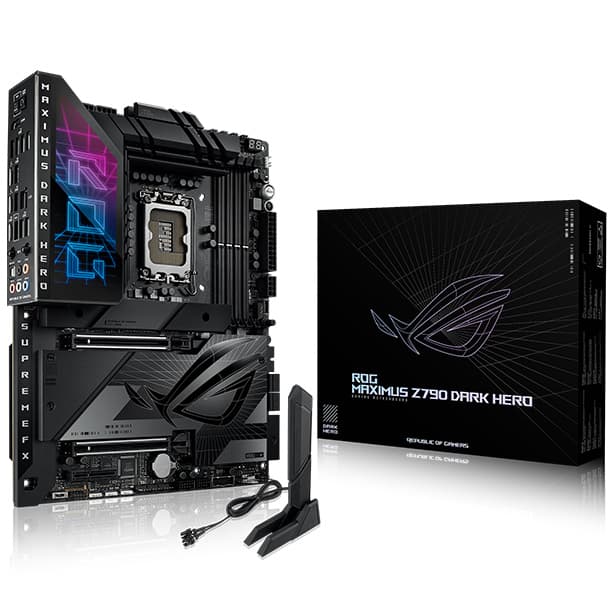
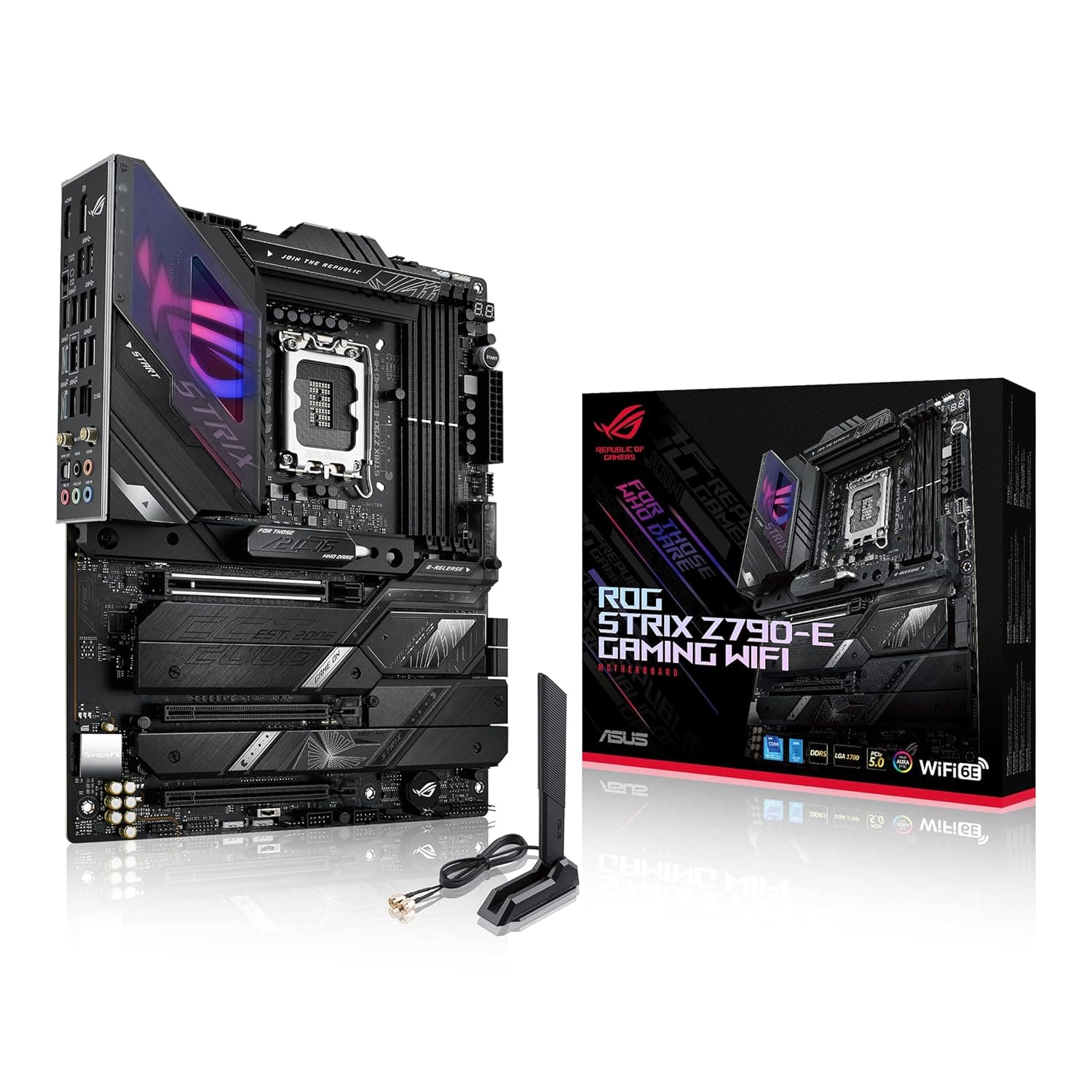
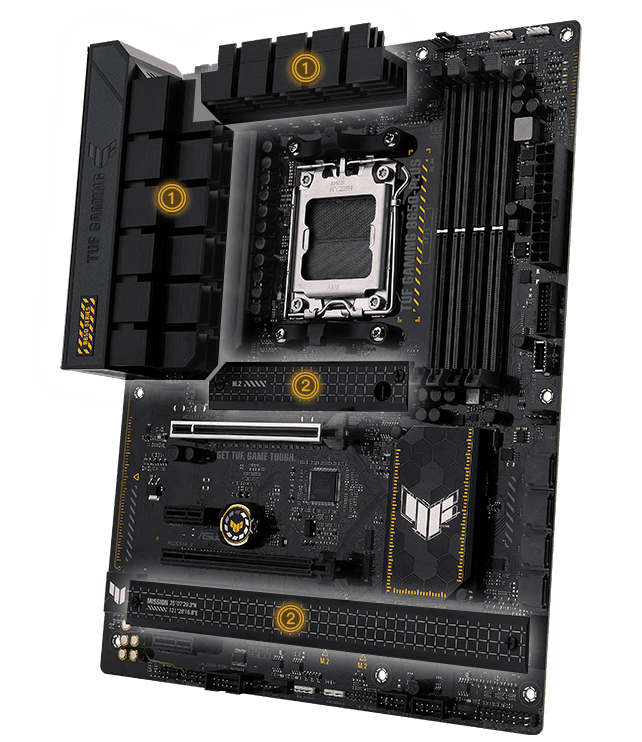
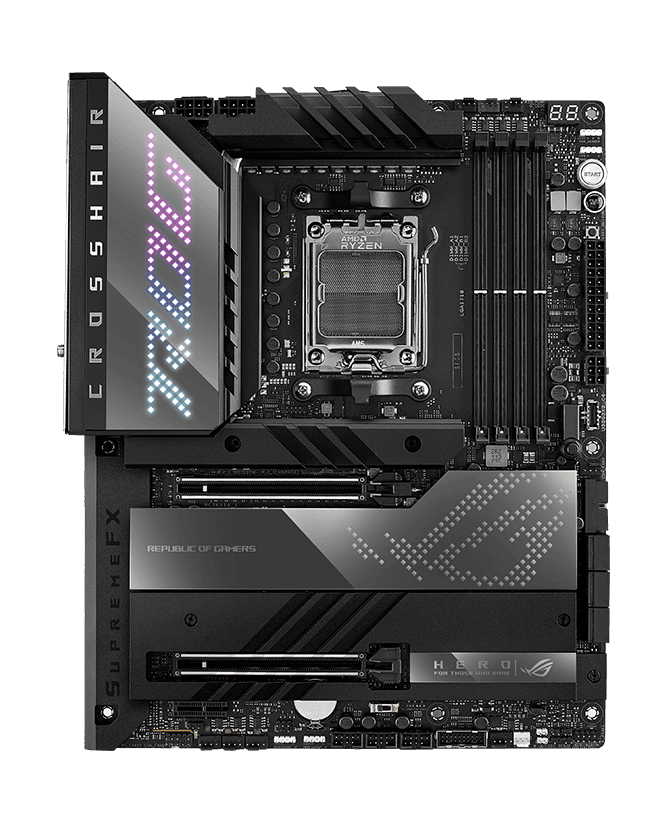
ASUS ROG Strix X670E-F Gaming WiFi
Unleash Zen 4 Dominance with Elite PCIe 5.0 Connectivity and Stealthy Aesthetics
Overview
How It Works
Power Regulation and Delivery
Incoming power from the PSU is routed through an 16+2 power stage topology rated for 90A, filtering raw current to cleanly feed CPU cores and integrated graphics under intense multi-core loads.
PCIe 5.0 Signal Routing
Utilizing advanced PCB trace layouts and surface-mount technology, the board ensures signal integrity across PCIe 5.0 lanes for graphics cards and primary NVMe drives, minimizing latency and electromagnetic interference.
Thermal Management Loop
Strategically placed thermistors feed real-time temperature data to the Fan Xpert 4 utility, dynamically scaling PWM fan and AIO pump headers while massive VRM heatsinks dissipate thermal loads.
Key Features
Robust 16+2 Power Stages
Engineered with 16+2 power stages rated at 90A per stage to provide unyielding stability for overclocked flagship processors.
PCIe 5.0 Ready
Equipped with a primary PCIe 5.0 x16 Safeslot and an onboard PCIe 5.0 M.2 slot to support next-generation graphics cards and blazing-fast storage.
DDR5 Memory Support
Features specialized memory trace layouts and AEMP II profiles to push high-frequency DDR5 RAM kits to maximum stability.
Comprehensive Cooling Design
Includes integrated VRM heatsinks, high-conductivity thermal pads, and dedicated M.2 heatsinks across all four storage slots.
WiFi 6E and Intel 2.5G LAN
Delivers lightning-fast networking via WiFi 6E (802.11ax) with a dedicated 6GHz band and an Intel 2.5Gb Ethernet controller.
ROG SupremeFX 7.3 Audio
Implements an ALC4080 codec combined with a Savitech SV3H712 amplifier for immersive, high-fidelity onboard audio.
PCIe Slot Q-Release
Features a physical button on the primary PCIe slot allowing users to unlock large graphics cards effortlessly with a single press.
M.2 Q-Latch Mechanism
Simplifies M.2 SSD installation and removal using a clever rotating latch design that completely eliminates tiny, easily lost screws.
VRM and Power Delivery Architecture
Engineered for Extreme Multi-Core Loads and Overclocking
16+2 Power Stage Topology
Combines high-side and low-side MOSFETs and drivers into a single package to deliver up to 90A per stage.
ProCool II Power Connectors
Solid-pin connectors crafted to flush-fit with PSU power cables, lowering electrical impedance and preventing hotspots.
Alloy Chokes and Durable Capacitors
Premium metallic chokes and ultra-durable metallic capacitors designed to resist extreme temperature swings and electrical noise.
Extended VRM Heatsinks
Massive finned aluminum heatsinks directly tied to the power stages via high-efficiency thermal pads for rapid heat dissipation.
Digi+ VRM Control
Real-time digital voltage regulation control that minimizes voltage droop (Vdroop) and enhances system responsiveness under load.
Memory Overclocking and DDR5 Optimization
Unlocking Extreme Frequencies with AMD EXPO
OptiMem II Trace Layout
Careful routing of memory traces across optimal PCB layers to preserve signal integrity and reduce cross-talk.
ASUS Enhanced Memory Profile II (AEMP II)
Firmware-level feature that allows users to easily optimize generic or mixed-brand memory kits beyond stock JEDEC speeds.
Robust DIMM Slots
Reinforced memory slots that ensure secure physical connection and stable electrical contact for high-density kits.
Comprehensive Sub-Timing Control
Extensive UEFI BIOS settings that grant granular access to memory timings for advanced overclocking enthusiasts.
On-Die ECC Support
Full native support for DDR5 on-die error correction code, ensuring long-term data stability at high speeds.
Expansion and Next-Gen Connectivity
Blazing Fast PCIe 5.0 and Ample High-Speed Lanes
PCIe 5.0 x16 Safeslot
Metal-reinforced primary graphics slot running at full PCIe 5.0 speeds to support upcoming GPU generations.
Dedicated PCIe 5.0 M.2 Slot
Top storage slot connected directly to the CPU, unleashing read/write speeds exceeding 12,000 MB/s on compatible drives.
Three Additional PCIe 4.0 M.2 Slots
Ample auxiliary storage capacity, all fully shielded with dedicated aluminum heatsinks to prevent thermal throttling.
Robust Rear I/O Panel
Abundant high-speed USB ports including USB 3.2 Gen 2x2 Type-C (20Gbps) and multiple USB 3.2 Gen 2 ports.
Thunderbolt 4 Header
Onboard header enabling support for add-in cards to bring certified Thunderbolt 4 connectivity to your desktop.
Networking and Wireless Performance
Cutting-Edge Wi-Fi 6E and Low-Latency Wired LAN
Intel 2.5Gb Ethernet
High-throughput wired networking that reduces CPU overhead and delivers exceptional packet handling for gaming.
WiFi 6E Module
Access to the interference-free 6GHz spectrum for ultra-low latency wireless gaming and rapid file transfers.
ASUS WiFi Q-Antenna
Directional quick-mount antenna with magnetic base for fast setup and optimal signal reception.
LANGuard Protection
Hardware-level surge and electrostatic discharge (ESD) protection built into the ethernet port.
GameFirst VI
Intelligent network optimization software that prioritizes gaming packets and assigns bandwidth dynamically.
Audio Engineering and SupremeFX
Immersive Acoustic Clarity for Gaming and Media
ROG SupremeFX ALC4080 Codec
High-end audio chipset capable of up to 32-bit/384 kHz playback resolution across all channels.
Savitech SV3H712 Amplifier
Integrated headphone amplifier capable of driving high-impedance studio monitors cleanly.
Audio Shielding Technology
Analog/digital separation block that significantly reduces multi-lateral electromagnetic interference from nearby circuits.
Premium Audio Capacitors
Japanese-made audio capacitors that deliver warm, natural, and immersive sound signatures.
Sonic Studio III & Radar
Software suite offering spatial audio tuning, equalizer presets, and visual directional cues for competitive shooters.
User-Friendly DIY Innovations
Simplifying PC Building with Intelligent Hardware Features
PCIe Slot Q-Release
Mechanical button mechanism that unlatches large graphics cards safely without requiring tools.
M.2 Q-Latch
Tool-less latching mechanism that secures M.2 drives instantly with a simple twist.
Q-LED Diagnostic Array
Four onboard status LEDs (CPU, DRAM, VGA, Boot) that pinpoint hardware faults during the POST sequence.
BIOS FlashBack Button
Allows users to update the motherboard BIOS using a USB flash drive without needing a CPU or RAM installed.
Pre-Mounted I/O Shield
Sturdy, pre-attached I/O shield that simplifies case installation and prevents missing-shield headaches.
✓ Pros
- ✓Powerful 16+2 power stage VRM capable of running flagship Ryzen 9 processors effortlessly
- ✓Future-proofed with native PCIe 5.0 support for both GPU and M.2 storage
- ✓Exceptional Q-design building features including PCIe Q-Release and M.2 Q-Latch
- ✓Robust high-speed connectivity featuring WiFi 6E and Intel 2.5G LAN
- ✓Striking cyberpunk Strix aesthetic with customizable Aura Sync RGB lighting
- ✓Comprehensive cooling ecosystem with pre-mounted heatsinks on all four M.2 slots
- ✓High-fidelity SupremeFX audio codec paired with a dedicated headphone amplifier
- ✓Easy BIOS recovery via dedicated BIOS FlashBack and Clear CMOS buttons
✗ Cons
- ✗Premium price point that represents a significant investment for budget-conscious builders
- ✗X670E chipset platform costs (including DDR5 and AM5 CPUs) remain relatively high
- ✗Only one PCIe 5.0 M.2 slot; remaining three M.2 slots are limited to PCIe 4.0
- ✗Aggressive gamer styling may not appeal to minimalists seeking a clean, professional look
Use Cases
Technical Specifications
X670E Motherboard Head-to-Head Comparison
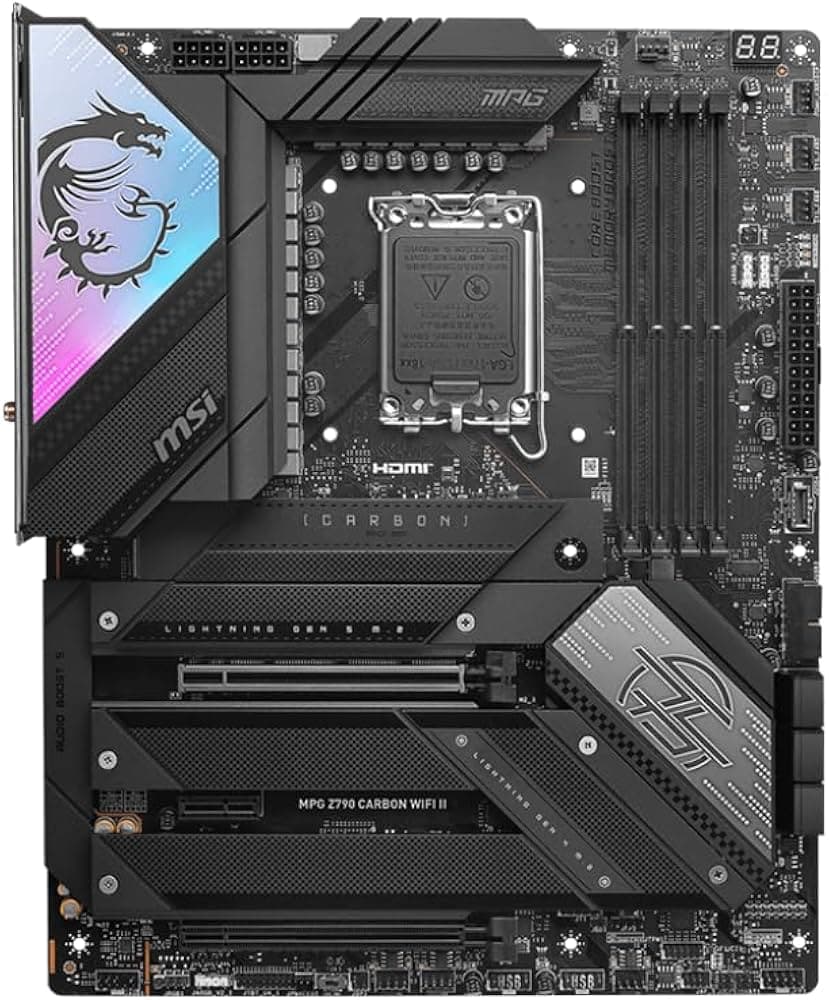
| Feature | rogStrixX670eFGaming | x670eAorusMaster | mpgX670eCarbonWifi |
|---|---|---|---|
| VRM Power Stages | 16+2 (90A) | 16+2+2 (105A) | 18+2 (90A) |
| PCIe 5.0 M.2 Slots | 1 Slot | 2 Slots | 1 Slot |
| Ethernet | Intel 2.5GbE | Intel 2.5GbE | Realtek 2.5GbE |
| Wireless | WiFi 6E | WiFi 6E | WiFi 6E |
| Audio Codec | ROG SupremeFX ALC4080 | Realtek ALC1220-VB | Realtek ALC4080 |
| PCIe Q-Release | Yes (Button) | Yes (Latch) | Yes (Button) |
Setup Tips
Update the BIOS First
Before installing Windows or heavy drivers, use the BIOS FlashBack feature to update your UEFI to the latest stable version for optimal Ryzen processor compatibility and memory stability.
Enable AMD EXPO in BIOS
By default, your DDR5 memory will boot at conservative JEDEC speeds. Enter the UEFI and activate the AMD EXPO or AEMP II profile to run your RAM at its advertised high performance frequency.
Utilize the PCIe Q-Release Button
When installing or swapping your graphics card, make sure to press the PCIe Q-Release button rather than pulling forcefully on the GPU, protecting both the slot and the card's PCB.
Attach M.2 Drives to the Top Slot
For your primary operating system drive, install your NVMe SSD into the top PCIe 5.0 M.2 slot closest to the CPU socket to take full advantage of maximum data transfer speeds.
Connect the WiFi Antenna
Even if you plan to use wired Ethernet, attach the included ROG WiFi Q-Antenna to ensure stable Bluetooth performance and reliable backup wireless connectivity.
Frequently Asked Questions
Key Takeaway
The ASUS ROG Strix X670E-F Gaming WiFi is a feature-packed enthusiast motherboard built for AMD AM5 processors, combining a robust 16+2 power stage design with cutting-edge PCIe 5.0 connectivity and lightning-fast DDR5 support. With thoughtful DIY-friendly innovations like the PCIe Q-Release and M.2 Q-Latches, alongside premium WiFi 6E and SupremeFX audio, it delivers exceptional performance and future-proofing for high-end gaming rigs.