ASUS ProArt Z690-CREATOR WiFi
Architected for creators: featuring dual Thunderbolt 4, 10Gb Ethernet, and PCIe 5.0 capabilities to streamline demanding professional workflows.
Overview
How It Works
Thunderbolt 4 Integration & Video Loop-back
Utilizes the onboard Intel Maple Ridge controller to deliver up to 40 Gbps bi-directional bandwidth across two USB-C ports. By routing your discrete GPU's DisplayPort output into the rear 'DP-In' ports, the motherboard multiplexes the video signal directly into the Thunderbolt stream, allowing single-cable displays and daisy-chaining.
Dual-Tier Wired & Wireless Networking Routing
Splits local and external data pipelines dynamically. The ultra-low latency Marvell Aquantia 10Gb Ethernet controller handles local ultra-fast network storage (NAS) backups, while the secondary Intel 2.5Gb Ethernet and WiFi 6E modules manage internet access, cloud syncs, and collaborative environments.
PCIe 5.0 Signal Integrity Management
Employs high-integrity SMT (Surface Mount Technology) slots to cleanly route PCIe 5.0 signals from the CPU. This enables up to 64 GB/s of bandwidth per direction across the primary expansion slots, maintaining signal safety and reducing electromagnetic interference even during high-load rendering.
On-Demand USB Power Delivery Conditioning
Through an onboard PCIe 6-pin power connector connected adjacent to the 24-pin ATX, the board delivers up to 60W Quick Charge 4+ power to the front-panel USB 3.2 Gen 2x2 Type-C connector, allowing users to fast-charge laptops and drawing tablets directly from the chassis.
Key Features
Dual Thunderbolt 4 Ports
Supports up to 40 Gbps transfer rates, dual 4K or single 8K display configurations, and seamless daisy-chaining of external PCIe accessories.
10Gb & 2.5Gb Dual Ethernet
Combines a Marvell Aquantia 10Gb controller with an Intel 2.5Gb chip to isolate high-throughput local network transfers from standard internet tasks.
PCIe 5.0 Ready Architecture
Features two PCIe 5.0 x16 SafeSlots supporting x16/x0 or x8/x8 configurations, perfect for multi-GPU setups or high-speed hardware accelerator cards.
Next-Gen DDR5 Memory Support
Accelerates creative operations with high-bandwidth DDR5 memory, optimized by ASUS proprietary AEMP profiles for unbuffered system reliability.
Robust 16+1 Power Delivery
Rated for 70 amps per stage, providing stable, ripple-free power delivery to high-power-envelope Intel Core i9 processors.
Four Onboard PCIe 4.0 M.2 Slots
Equipped with substantial aluminum heatsinks and the tool-free Q-Latch installation mechanism for ultra-fast storage scalability.
60W Front Panel USB Quick Charge 4+
Utilizes a dedicated PCIe 6-pin auxiliary power input to deliver fast-charging capabilities right to your desktop chassis front-panel Type-C port.
On-Board WiFi 6E Module
Accesses the newly opened 6GHz wireless band, minimizing local network congestion and providing stable wireless connections to remote servers.
Two-Way AI Noise Cancelation
Deep-learning database filtering removes ambient background noises from both microphone input and incoming audio, optimizing voice calls.
Power Delivery & VRM Architecture
Unshakable power engineering for prolonged 3D rendering and compute-heavy exports
16+1 Co-packaged Power Stages
Combines high-side and low-side MOSFETs into single packages rated for 70 amps each, ensuring high power efficiency.
ProCool II Power Connectors
Metal-shielded, tight-fitting 8+4 pin connectors that improve connection reliability and protect against thermal hotspots.
MicroFine Alloy Chokes
Super-alloy chokes that provide superior magnetic properties, lower core losses, and increased durability under sustained loads.
Black Metallic Capacitors
Premium Japanese solid capacitors engineered to withstand extreme temperatures, ensuring a long operational lifespan.
Professional Connectivity Suite
Uncompromising dual-Thunderbolt architecture for elite external hardware integration
Dual Thunderbolt 4 USB-C
Delivers up to 40 Gbps of bi-directional bandwidth per port, supporting ultra-fast RAID enclosures and external GPUs.
DisplayPort-In Loop-back
Two DP inputs on the rear panel loop video signals from your workstation GPU directly out through the Thunderbolt ports.
USB 3.2 Gen 2x2 Type-C (60W PD)
Front-panel connector delivering 20 Gbps transfer speeds alongside 60W power delivery via a supplementary 6-pin PCIe power cable.
Clean Minimalist I/O Shield
Pre-installed backplate featuring an elegant black-and-gold colorway with labeled ports to make blind-reaching easier.
Mass Storage & PCIe 5.0 Layout
Maximum flexibility for multi-GPU arrays and multi-terabyte SSD storage matrices
Two PCIe 5.0 x16 Slots
Directly linked to the CPU, these slots can operate at x16/x0 or x8/x8 to accommodate dual-GPU rendering setups.
Quad PCIe 4.0 M.2 Modules
All four slots support full NVMe speed configurations, providing ample space for operating systems, scratch disks, and cold assets.
Intelligent M.2 Q-Latch System
Ditches tiny, loose mounting screws in favor of an integrated rotating plastic dial that locks the drive securely in place.
Double-sided M.2 Thermal Backplates
Dual-contact thermal pads and robust metal covers dissipate heat from both sides of high-performance double-sided SSDs.
Industrial-Grade Networking Infrastructure
Double-tier connectivity bridging ultra-fast local servers and wireless remote workflows
Marvell Aquantia 10Gb Ethernet
A high-performance controller that offers up to 10-times the speed of traditional gigabit networks for high-volume local NAS workflows.
Intel 2.5Gb Ethernet Secondary Port
Provides dedicated high-speed internet connectivity, separating cloud syncing and team assets from local NAS traffic.
Integrated WiFi 6E Wireless Network
Leverages the less crowded 6GHz band, offering higher speeds, wider channels, and decreased interference in urban spaces.
ASUS CreationFirst Utility
Intelligent bandwidth prioritization software that dynamically allocates network resources to heavy creative suites.
DDR5 Memory Implementation
Bypassing the memory bottleneck with advanced routing and automated configuration profiles
Enhanced Signal Routing Layout
Optimized memory tracing layers on the PCB minimize signal reflections and maintain stability under full-slot RAM workloads.
ASUS Enhanced Memory Profile (AEMP)
Detects lock-restricted PMIC modules on DDR5 kits, allowing safe manual tuning and automatic overclocking profiles.
High Density Capacity Support
Fully supports up to 128GB of unbuffered system RAM, giving applications like After Effects room to store complex preview frames.
ECC Memory Support Options
Allows on-die ECC integration on DDR5 modules, reducing data-corruption crashes during crucial background rendering tasks.
Acoustic Shielding & Creative Control Center
Studio-ready isolation and comprehensive software ecosystem management
Realtek S1220A Audio Engine
Equipped with a premium codec delivering 120dB SNR playback and 113dB SNR recording capability for pristine tracking.
Integrated De-pop Circuit
A dedicated internal relay that eliminates pops and clicks from the audio output when plugging in headphones or starting up.
ProArt Creator Hub Control Suite
A centralized dashboard monitoring system hardware, calibrating dual monitor color displays, and managing complex macro keys.
Two-Way AI Noise-Cancelation Software
Utilizes CPU power to filter voice communication, ensuring client calls are crystal-clear and free of keyboard or mouse noise.
✓ Pros
- ✓Native dual-Thunderbolt 4 ports integrated directly on the rear I/O.
- ✓Dual Ethernet with a 10Gb Marvell port ideal for fast NAS workflows.
- ✓Support for PCIe 5.0 graphics cards in x16 or x8/x8 configurations.
- ✓Understated black-and-gold design without obtrusive RGB elements.
- ✓Support for 60W USB Power Delivery on the front-panel Type-C port.
- ✓Generous storage capacity with four PCIe 4.0 M.2 slots.
- ✓Convenient tool-free M.2 Q-Latch installation mechanism.
- ✓Robust 16+1 power stage VRM designed to handle sustained i9 CPU loads.
✗ Cons
- ✗Premium pricing makes it more expensive than typical Z690 boards.
- ✗Lacks physical onboard Power and Reset buttons for open test benches.
- ✗Does not include an alphanumeric diagnostic Q-Code LED display.
- ✗Lacks native onboard PCIe 5.0 M.2 slots.
Use Cases
Technical Specifications
High-End Creator Motherboard Comparison
| Feature | proartZ690CreatorWifi | z690AeroD | megZ690Ace |
|---|---|---|---|
| Onboard Thunderbolt 4 Ports | Dual Ports (Intel Maple Ridge) | Dual Ports (Intel Maple Ridge) | Dual Ports (Intel Maple Ridge) |
| Wired Network Controller Speed | 10Gb Marvell + 2.5Gb Intel | 10Gb Marvell + 2.5Gb Intel | Dual 2.5Gb Intel |
| DDR Memory Compatibility | DDR5 | DDR5 | DDR5 |
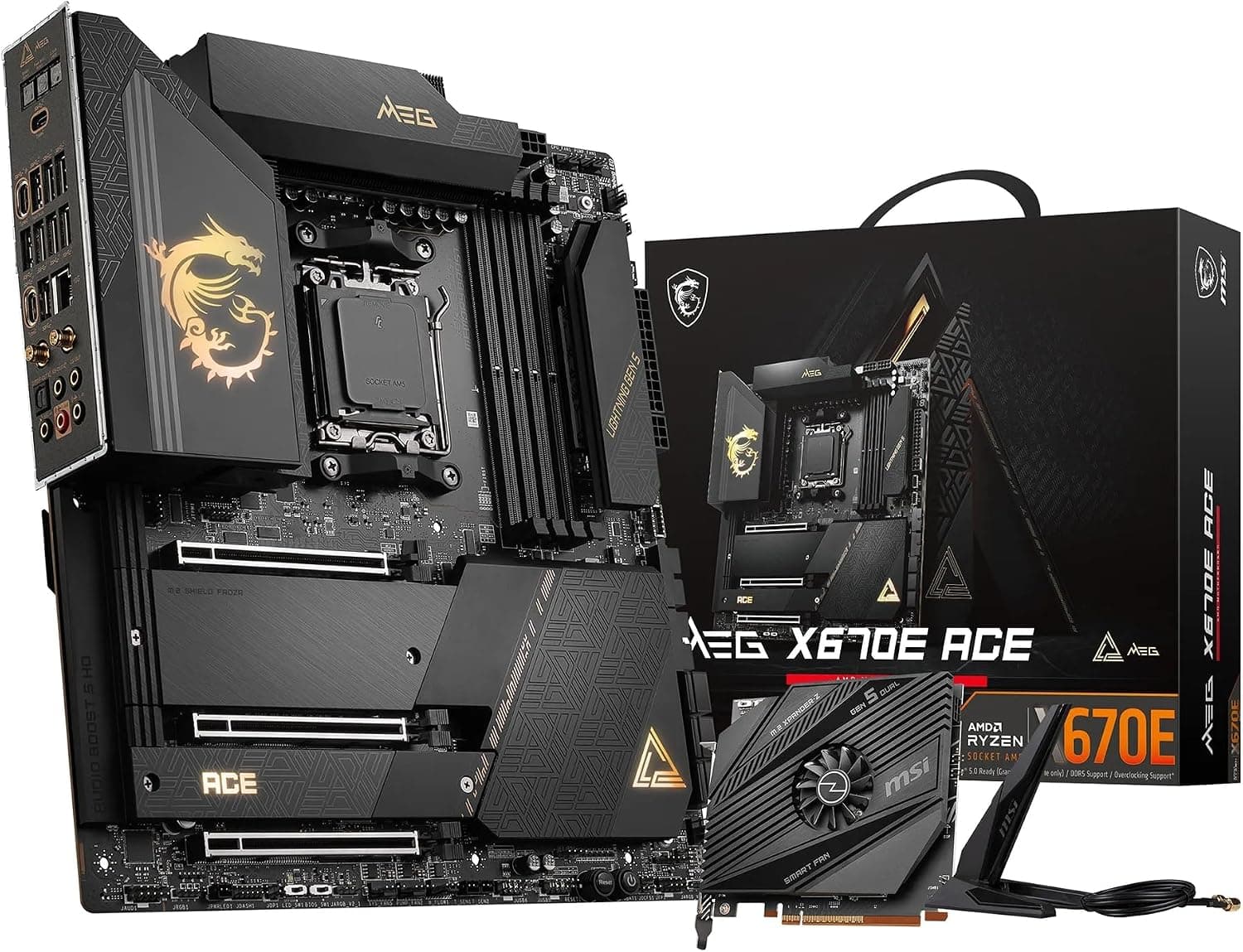
| VRM Power Stages | 16+1 Stages (70A) | 16+1+2 Stages (60A) | 19+1+2 Stages (105A) |
| Onboard M.2 Capacity | 4x PCIe 4.0 M.2 | 4x PCIe 4.0 M.2, 1x PCIe 3.0 M.2 | 4x PCIe 4.0 M.2, 1x PCIe 3.0 M.2 |
| Front-Panel USB-C Power Delivery | Up to 60W (Requires 6-pin cable) | Up to 60W (Requires 6-pin cable) | Up to 60W (Requires 6-pin cable) |
| Board Aesthetics | Minimalist black & gold, no RGB | Minimalist silver & white, minimal RGB | Premium dark gray & gold accents, RGB branding |
Setup Tips
Enable AEMP / XMP in BIOS
Enter the UEFI BIOS on your first boot and navigate to the EZ Mode or Advanced Mode to enable XMP or ASUS Enhanced Memory Profile (AEMP). This ensures your high-speed DDR5 modules run at their rated speeds and latency.
Plug in the 6-Pin Auxiliary Power Cable
If your workstation chassis has a front panel USB-C port, connect a standard 6-pin PCIe power cable from your power supply into the motherboard's dedicated auxiliary port to enable high-current 60W Quick Charge 4+.
Prepare a BIOS FlashBack USB Drive
If you are assembling the PC with an Intel 13th or 14th Gen processor, download the latest BIOS version from the ASUS support site, rename the file using the BIOSRenamer tool, place it on a FAT32 USB drive, and update using the rear FlashBack button before turning the computer on.
Install Dedicated Marvell Drivers for 10GbE
To unlock the full potential of your 10Gb network port, download the latest drivers directly from the ASUS or Marvell support page. Windows default drivers may sometimes limit the adapter to lower speeds or cause latency spikes.
Route DisplayPort Cabling for Thunderbolt Monitors
If you plan to use a Thunderbolt-equipped screen, connect a short DisplayPort-to-DisplayPort cable from the DP outputs of your graphics card into the DP-In ports on the motherboard rear I/O before powering up the display.
Frequently Asked Questions
Key Takeaway
The ASUS ProArt Z690-CREATOR WiFi is a highly specialized ATX motherboard built to meet the rigorous connectivity and performance standards of high-level digital creators. With native dual Thunderbolt 4 ports, 10Gb and 2.5Gb dual Ethernet, and PCIe 5.0 readiness, this motherboard provides unmatched data-routing speeds for external storage arrays and high-resolution monitors. Engineered with a robust 16+1 power stage delivery system, it offers rock-solid platform stability for demanding Intel LGA1700 multi-threaded workloads.