ASUS PRIME B560M-K
An efficient, reliable foundation for 11th and 10th Gen Intel Core processors in a highly compact, performance-tuned Micro-ATX form factor.
Overview
How It Works
Hardware Installation and CPU Mounting
Install your LGA1200 Intel Core processor into the socket, secure it, mount your cooling solution, and place the dual-channel DDR4 RAM modules into the designated slots to establish the basic compute foundation.
Power Connection and System Initialization
Connect the 24-pin main motherboard power and 8-pin 12V CPU power cables. Upon powering on, the ASUS Digi+ VRM steps down voltage dynamically to match the CPU's precise power demands, stabilizing the startup current.
POST and UEFI BIOS Optimization
The system runs its Power-On Self-Test (POST). Enter the ASUS UEFI BIOS to enable Intel Extreme Memory Profile (XMP) for optimized RAM frequencies, and configure custom fan curves using the intuitive Fan Xpert utility.
OS Loading and Driver Integration
The system boots into the operating system via the PCIe Gen 4 storage bus. Installing the Armoury Crate software completes the driver setup, ensuring Intel LAN, Realtek Audio, and chipset components run at peak efficiency.
Key Features
Intel LGA1200 Socket Compatibility
Ready for 11th Gen Intel Core processors and backwards compatible with 10th Gen Intel Core, Pentium Gold, and Celeron processors.
PCIe 4.0 Ready Architecture
Enables double the bandwidth for graphics cards and primary NVMe SSDs when running an 11th Gen Intel CPU.
ASUS OptiMem Trace Routing
Careful routing of traces and vias to preserve memory signal integrity, allowing for higher memory overclocking stability.
Comprehensive Cooling Management
Equipped with multiple hybrid fan headers and dynamic thermal sensors configurable through the Fan Xpert software or UEFI.
Digi+ VRM Control
Real-time voltage-drop management that automatically switches frequency and power-efficiency settings to deliver stable CPU power.
Dual M.2 Storage Slots
Accommodates two high-speed M.2 NVMe solid-state drives, with the main slot running at PCIe 4.0 x4 speeds on compatible processors.
SafeSlot Core Construction
An ASUS-exclusive PCIe slot design fortified with a strengthening metal anchor hook to prevent damage from heavy graphics cards.
Aura Sync RGB Support
Includes an onboard 4-pin RGB header to easily connect, power, and synchronize standard 12V RGB LED lighting strips and accessories.
Intel B560 Memory Overclocking
Bypasses previous generation chipset lockouts to allow RAM overclocking beyond standard JEDEC specs up to DDR4-5000 (OC).
Power Delivery and VRM Architecture
Providing stable power to Intel Rocket Lake architecture
Digi+ VRM ASP1900B PWM Controller
Ensures precise digital power control and real-time voltage monitoring for the CPU cores.
6+1 Phase Power Stage Design
Splits power handling efficiently to cope with transient power spikes of standard 65W TDP processors.
Premium Alloy Chokes
Engineered to withstand high temperatures and ensure smoother current transition to the processor.
Durable Solid Capacitors
Rated for long lifespans to guarantee overall system reliability and prevent early board degradation.
8-pin 12V CPU Power Connector
Ensures reliable power delivery to the EPS circuit, avoiding pins overheating during heavy processor loads.
Memory Layout and OptiMem Technology
Unlocking high-speed DDR4 performance
Dual-Channel 2-DIMM Architecture
Optimized trace paths directly to the CPU, reducing latency compared to more complex 4-slot boards.
Support for up to DDR4-5000 (OC)
Allows enthusiasts to extract peak performance from performance-binned DDR4 memory kits.
ASUS OptiMem Integration
Carefully routes memory signals through specialized PCB layers to maintain clean trace routing and signal isolation.
Intel Extreme Memory Profile (XMP)
Provides one-click configuration profiles to easily stabilize and run memory at its rated performance speeds.
64GB Maximum Capacity
Supports high-density 32GB non-ECC unbuffered modules in each slot, ideal for multitasking and entry-level content creation.
Storage Interfaces and PCIe 4.0 Support
Unleashing next-generation SSD bandwidth
M.2_1 Slot (PCIe 4.0 x4 Mode)
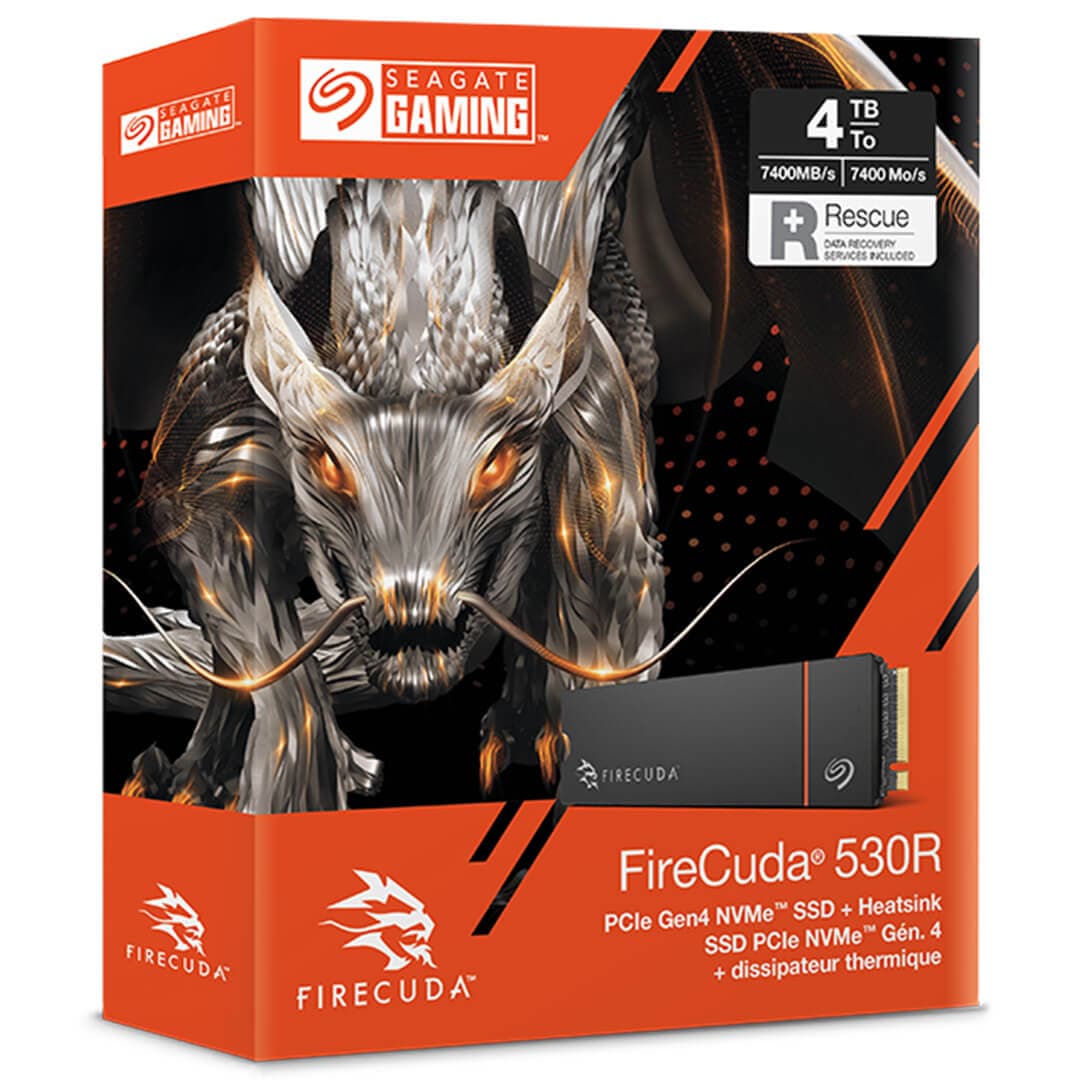
Achieves bandwidth speeds up to 64 Gbps when paired with an 11th Gen Intel Core processor.
M.2_2 Slot (PCIe 3.0 x4 & SATA Mode)
Offers versatile compatibility for standard NVMe SSDs or legacy M.2 SATA solid-state drives.
Four SATA 6Gb/s Ports
Allows for the addition of high-capacity traditional hard drives and 2.5-inch SATA SSD storage arrays.
SafeSlot Core Reinforcement
Features a strengthened metal anchor on the primary PCIe 4.0 x16 slot to prevent GPU sag and slot fatigue.
Intel Rapid Storage Technology
Enables efficient hybrid storage management and acceleration features on compatible operating systems.
I/O Panel and Expansion Capabilities
Essential connectivity for modern workspaces
Four USB 3.2 Gen 1 Type-A Ports
Provides up to 5Gbps transfer speeds for external storage enclosures and high-speed peripherals.
HDMI 2.0 and D-Sub Display Outputs
Supports dual-display outputs with resolutions up to 4K @ 60Hz over HDMI when running an 11th Gen CPU.
Legacy PS/2 Keyboard/Mouse Port
Maintains backwards compatibility for older, reliable peripherals or low-level diagnostic inputs.
Two PCIe 3.0 x1 Expansion Slots
Allows the installation of dedicated sound cards, internal capture cards, or wireless network adapters.
Onboard Expansion Headers
Provides front-panel headers for up to two additional USB 3.2 Gen 1 and four USB 2.0 ports.
Onboard Audio and Networking
Reliable connection and immersive sound separation
Realtek 1Gb Ethernet Controller
Delivers highly reliable, low-latency wired network speeds suitable for online gaming and file transfers.
ASUS LANGuard Protection
Employs advanced signal-coupling technology and surface-mounted capacitors to protect the board from static discharge.
Realtek ALC897 7.1 HD Audio Codec
Provides high-definition audio with premium spatial routing and multi-channel home theater output.
Physical Audio Shielding Layers
Separates analog and digital domains, significantly reducing interference and system-wide background hiss.
Premium Japanese Audio Capacitors
Produces a warmer, highly immersive sound signature with exceptional resolution and clarity.
UEFI BIOS and Advanced Customization
Intuitive firmware options for advanced control
ASUS EZ Mode Layout
Displays critical system stats, RAM speed profiles, boot priority, and fan settings in a single clean screen.
ASUS Advanced Mode Layout
Unlocks granular adjustments for voltages, RAM sub-timings, power states, and security keys.
Q-Fan Control and Fan Xpert
Allows manual mapping of custom step-up temperature curves for PWM and DC-regulated chassis fans.
CrashFree BIOS 3 Recovery
Restores corrupted BIOS files from an external USB drive or optical media, mitigating update failures.
ASUS EZ Flash 3
Allows updating the system BIOS directly from a USB drive without needing to boot into the operating system.
✓ Pros
- ✓Native PCIe 4.0 support on primary slot and M.2 storage (with 11th Gen CPU)
- ✓Unlocks high-frequency DDR4 memory overclocking on a budget platform
- ✓Compact Micro-ATX design is highly versatile for space-saving cases
- ✓ASUS OptiMem design improves high-speed RAM trace signal integrity
- ✓Onboard 4-pin 12V Aura RGB header for essential system illumination customization
- ✓Intuitive ASUS UEFI BIOS interface remains industry-leading for usability
- ✓Highly power-efficient operation with active Digi+ VRM voltage step-down
- ✓Dual M.2 slot support provides excellent NVMe storage configuration options
✗ Cons
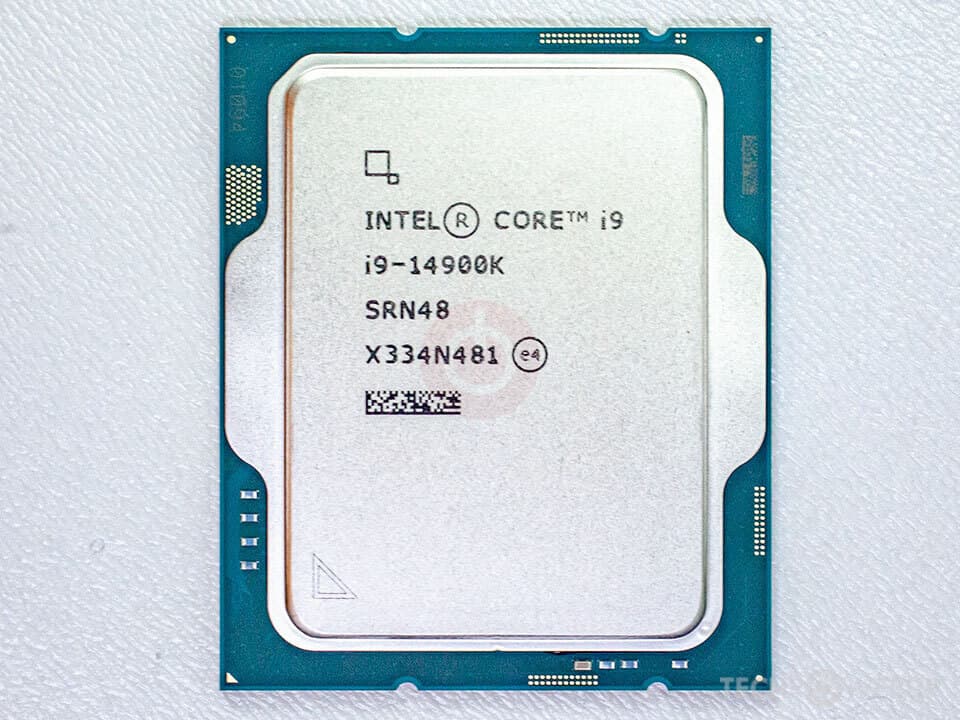
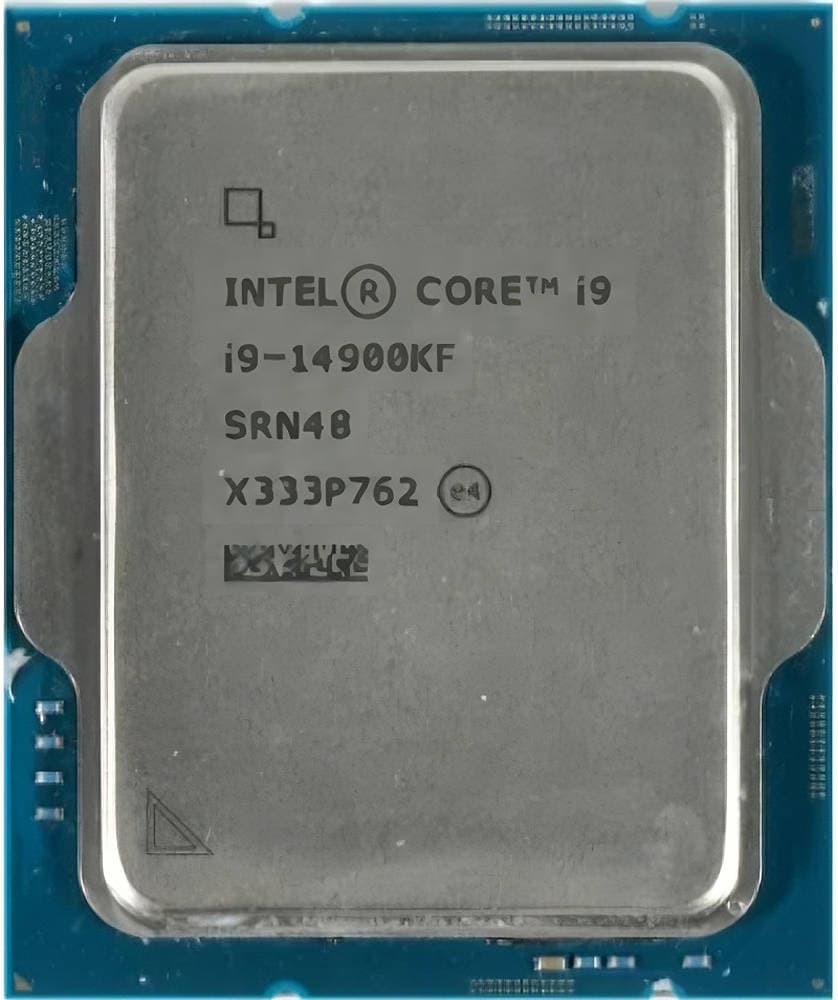
- ✗Lacks VRM heatsinks, limiting thermal performance with high-end, unlocked i7/i9 CPUs
- ✗Only equipped with 2 DIMM slots, limiting future RAM expansion capacity to 2 modules
- ✗PCIe 4.0 functionality is entirely disabled when paired with 10th Gen Intel CPUs
- ✗No built-in Wi-Fi or Bluetooth module (requires external USB or PCIe adapter)
- ✗Does not support modern USB 3.2 Gen 2x2 Type-C ports on the rear panel
Use Cases
Technical Specifications
ASUS PRIME B560M-K vs. Entry-Level B560 Micro-ATX Competitors
| Feature | primeB560mK | b560mH | b560mAPro |
|---|---|---|---|
| Memory DIMM Slots | 2 x DDR4 DIMM slots | 2 x DDR4 DIMM slots | 2 x DDR4 DIMM slots |
| PCIe 4.0 M.2 Support | Yes (Requires 11th Gen CPU) | Yes (Requires 11th Gen CPU) | Yes (Requires 11th Gen CPU) |
| Ethernet Chipset | Realtek 1Gb Ethernet | Realtek 1Gb Ethernet | Intel 2.5Gb Ethernet |
| Video Connectivity | HDMI 2.0 & D-Sub | HDMI 2.0 & D-Sub | HDMI 2.0 & DisplayPort 1.4 |
| SATA Ports | 4 x SATA III | 4 x SATA III | 6 x SATA III |
| VRM Power Design | 6+1 Phase Design | 6+2 Phase Design | 6+1+1 Phase Design |
| RGB Header Config | 1 x 4-pin 12V RGB | 1 x 4-pin 12V RGB, 1 x 3-pin ARGB | No RGB headers |
Setup Tips
Use 11th Gen for Full Bandwidth
Ensure you pair this board with an 11th Generation Intel processor to activate PCIe 4.0 speeds on both the graphics card slot and the primary M.2 slot.
Configure Fan Xpert Correctly
Since this board lacks large VRM heatsinks, configure your system case fans using Fan Xpert to maintain a steady airflow across the CPU socket area during gaming or heavy workloads.
Enable XMP in ASUS UEFI
After installing your RAM, boot into the BIOS and press F7 to enter Advanced Mode, locate the AI Tweaker section, and switch AI Overclock Tuner to 'XMP I' or 'XMP II' to enable your RAM's rated high-frequency speed.
Avoid High-TDP K-Series Processors
Stick to non-K, standard 65W Intel processors (like the Core i5-11400) to keep power requirements and VRM operating temperatures well within safe limits.
Frequently Asked Questions
Key Takeaway
The ASUS PRIME B560M-K is a highly focused and budget-friendly micro-ATX motherboard that provides a stable foundation for 11th and 10th Gen Intel processors. Unlocking PCIe 4.0 support and DDR4 memory overclocking, it enables great system performance without unnecessary cosmetic markups. This makes it an ideal, cost-effective choice for clean productivity systems and entry-level gaming setups alike.